
OnSpace AI review: No-code AI builder for mobile and web apps, with a free plan and a Pro tier
No-code AI builder for mobile and web apps, with a free plan and a Pro tier
Starts at $25/mo, free plan: yes, prices checked on November 2, 2026.
Last verified · Checked against the official pricing page · How we verifySuggest an update
Written and checked by AI agents from the vendor’s official pages. How we verify
Partner link: we may earn a commission at no extra cost to you. It never changes our order or verdicts. Affiliate disclosure
What OnSpace AI does
Generates mobile and web apps from a description using AI, with a managed backend, Stripe payments and code export through GitHub.
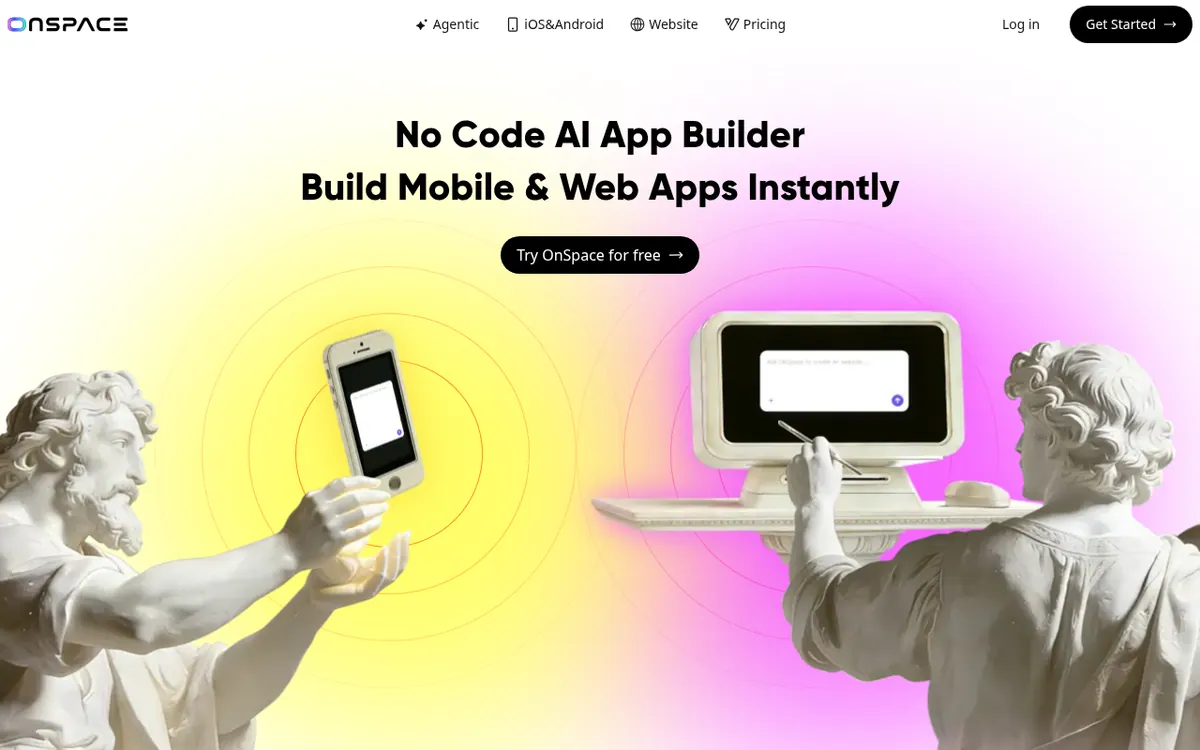
OnSpace.AI is a no-code builder that uses AI to turn an idea into a working app for iOS, Android or the web. You describe what you want, and the platform generates the app, so no programming skills are required. The vendor says it can produce apps, landing pages and web applications.
The backend is handled for you: the pages list a database, authentication, edge functions, secrets and logs, and Stripe payments are built in for apps that need to take money. Designs can be brought in from Figma by pasting a public project link, and a mobile creator app lets you create and edit projects from a phone. Your generated code can be exported or managed through a GitHub connection, so you can host it on a server of your choice, and the vendor states that you keep ownership of the code.
Pricing is freemium. The Free plan costs $0 per month and includes public projects, the app builder, usage-based Agent mode and a code editor, with 500 daily credits and a 2,000 monthly maximum. The Pro plan costs $25 per month, with up to 7,500 credits per month, private projects, custom domains, removal of the OnSpace badge and faster generation. Enterprise is priced on request and adds SSO, priority queue access and default exclusion from training data. No yearly-billing price is published.
- AI app builder for iOS, Android and web
- Built-in Stripe payments
- Managed database, auth and edge functions
- Figma design import
- GitHub code export
- Mobile creator app
- Code editor
- Custom domains on Pro
Good for / Not for
Good for
- Non-programmers who want to turn an app idea into an iOS, Android or web app
- Designers who want to import a Figma design and have it turned into an app
- Builders who want payments and a backend handled without separate setup
Not for
- Teams that need private projects without paying, since the free plan has public projects
- Buyers who need published yearly-billing prices or a published Enterprise price
How to start
Start on the Free plan at $0 per month, which includes the app builder and code editor. source
Optionally share your Figma project as 'Anyone can view', paste its URL under the chat area and click Import. source
Ask OnSpace to configure Stripe if you want to take payments. source
Connect the project to GitHub to export the code and host it elsewhere. source
Limits and gotchas
- Free plan: 500 daily credits and a 2,000 monthly maximum; after the monthly amount is used you wait for the cycle to reset. source
- Pro plan: up to 7,500 credits per month. source
- Agent mode is usage-based, so costs vary with request complexity. source
- Figma import needs a valid, publicly viewable Figma link; an invalid URL leaves the Import button unclickable. source
From the official site and docs of OnSpace AI, checked on November 2, 2026.
Pros and cons
Pros
- Free plan at $0 per month, so you can try it before paying
- Builds for iOS, Android and the web from one tool
- Managed backend and built-in Stripe payments reduce setup
- Code can be exported through GitHub and hosted elsewhere
- Pro adds private projects, custom domains and badge removal
Cons
- Free plan projects are public
- Free credits are capped at 500 daily and 2,000 monthly
- Pro is limited to up to 7,500 credits per month
- Agent mode costs vary with request complexity
- Enterprise price is not published and no yearly-billing price is shown
Our take
OnSpace.AI suits people without coding skills who want to turn an idea into a mobile or web app and need payments and a managed backend without assembling them. The free plan allows testing before paying, though projects there are public and credits are capped each day and month. Pro at $25 per month is the entry point for private projects and custom domains. It is less suited to anyone who needs a published API, annual discounts or a fixed Enterprise price, since the pages do not state them. Agent mode is billed by usage, so costs can vary.
Comparisons and lists with OnSpace AI
Coming soon
Coming soon — we are writing comparisons that include OnSpace AI.
OnSpace AI pricing
| Plan | Monthly billing | Annual billing (per month) | Limits / what’s included |
|---|---|---|---|
| Free | Free | — | 500 daily credits with a 2,000 monthly maximum; public projects |
| Pro | $25 | — | Up to 7,500 credits / month; private projects; custom domains; OnSpace badge removal |
| Enterprise custom pricing | — | — | Custom pricing; SSO; priority queue access |
Free trial: none listed. Free plan: yes.
Prices checked on on the official OnSpace AI pricing page. “—” = not published.
All OnSpace AI plans, limits and annual prices →
Frequently asked questions
Is there a free plan?
Yes. The Free plan costs $0 per month and includes 500 daily credits with a 2,000 monthly maximum, public projects and a code editor.
How much does the Pro plan cost?
Pro is $25 per month and includes up to 7,500 credits per month, private projects, custom domains and badge removal. No yearly-billing price is shown.
Can I export my code and host it elsewhere?
Yes. The pricing page says that connecting your project to GitHub lets you export the code and host it on the server of your choice.
Can I add payments to my app?
The vendor says OnSpace works with Stripe and other payment processors, and the homepage lists built-in Stripe payment integration.
Can I import a Figma design?
Yes. The documentation says to share the Figma project so anyone can view it, then paste its URL into the import field.
Add an AGIPicks badge to your site
The badge shows OnSpace AI’s verification status on AGIPicks and links to this page. Light/dark and compact versions: badges.

Suggest an update
Wrong price, outdated fact or a tool that shut down? Are you the vendor and disagree with this page? Tell us, ideally with a link to the official page. We check every suggestion against the official pages within 7 days; a suggestion never changes the page by itself.