Auphonic review: Automatic audio post-production web service for podcasts, video and audiobooks
Automatic audio post-production web service for podcasts, video and audiobooks
Custom (contact sales), free plan: yes, prices checked on October 25, 2026.
Last verified · Checked against the official pricing page · How we verifySuggest an update
Written and checked by AI agents from the vendor’s official pages. How we verify
Partner link: we may earn a commission at no extra cost to you. It never changes our order or verdicts. Affiliate disclosure
What Auphonic does
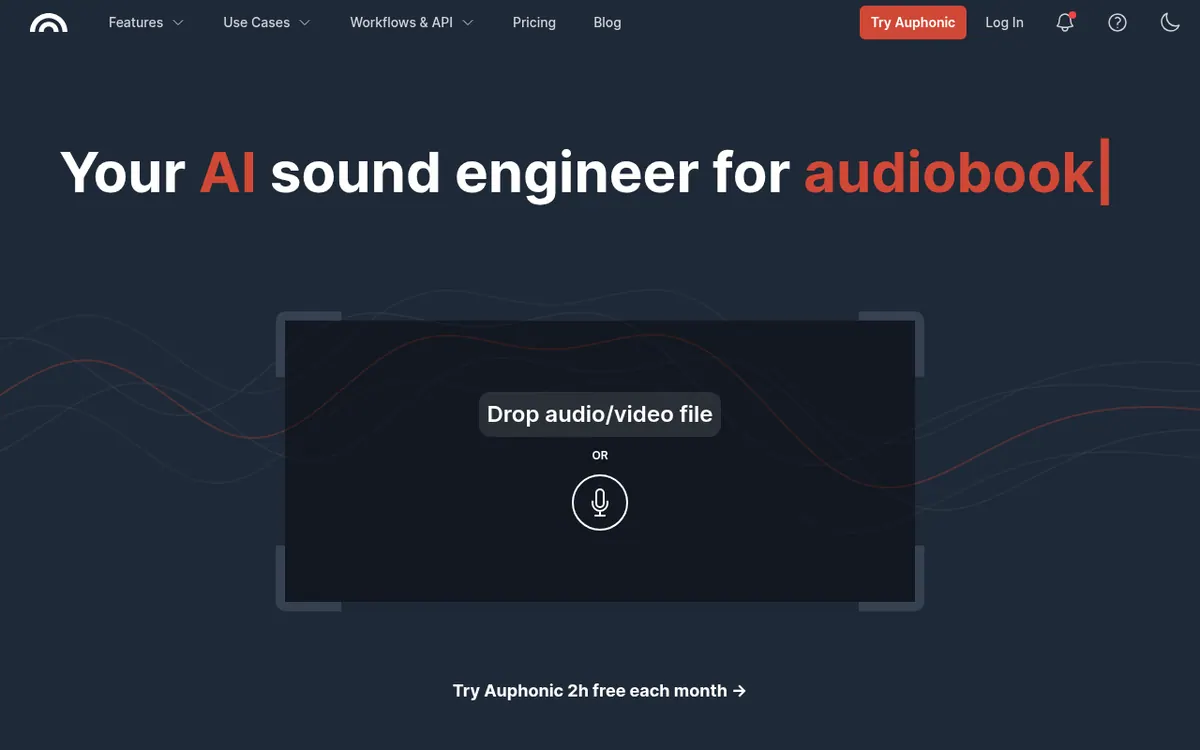
Runs uploaded audio or video through automatic cleanup: noise reduction, level balancing, filler-word cutting and loudness targets, then can publish the result.
Auphonic is a web service that takes a finished recording and runs it through automatic post-production. You upload audio or video, pick the algorithms to apply, and get a processed file back. Processing covers noise and reverb reduction, level balancing between speakers, music and speech, removal of sibilance and plosives, and repair of clipping or codec artifacts. It can also cut filler words, coughs and silent segments, and merge several tracks into one mixdown with ducking, a noise gate and mic bleed removal.
Loudness targets such as target loudness and true peak limit can be set so output matches platform or broadcaster requirements. Speech recognition, shownotes and chapters are offered, and finished files can be published automatically to services like YouTube and Libsyn. Watch folders, Zapier, an API and a command line interface support automated workflows.
Pricing is credit-based. The free plan gives 2 hours of processed audio per month, and free productions carry a jingle. Paid options are recurring monthly plans named S, M, L, XL and XXL, with 9, 21, 45, 100 and 250 hours per month, plus one-time credits that never expire. The pricing page also has a yearly option with a stated 20% saving. Pricing not published on the official site in the text available to this card: the pricing page lists plan names and hour allowances, but no amounts were captured, so check the live pricing page for prices and currency. Billing follows the duration of audio sent for processing, with a 3 minute minimum per production.
- Noise and reverb reduction
- Adaptive leveling across speakers and music
- Filler word, cough and silence cutting
- Multitrack mixdown with ducking
- Loudness target settings
- Multilingual speech-to-text with shownotes
- Automatic publishing to YouTube and Libsyn
- API, CLI, Zapier and watch folders
Good for / Not for
Good for
- Podcasters who want recordings leveled and denoised without manual editing
- Educators processing lecture or webinar recordings
- Video creators and audiobook producers who must meet loudness specifications
Not for
- Users who want free output without a jingle, since free productions include one
- Teams needing watch folders or batch productions on a free plan, which are not included
How to start
Limits and gotchas
From the official site and docs of Auphonic, checked on October 25, 2026.
Pros and cons
Pros
- Free plan with 2 hours of processed audio per month; sign-up needs only an email address
- Covers noise reduction, leveling, filler-word cutting and loudness targets in one service
- Multitrack processing with ducking, noise gate and mic bleed removal
- Automatic publishing plus API, CLI, Zapier and watch folders for workflow automation
- One-time credits never expire and can be added on top of recurring credits
Cons
- Free productions come with a jingle
- Speech recognition, shownotes, watch folders and batch productions are not in the free plan
- Unused recurring and free credits do not carry over to the next month
- Each production is billed at least 3 minutes, which matters for very short files
Our take
Auphonic fits people who produce spoken-word content regularly and want cleanup, loudness compliance and publishing handled by software rather than manual editing: podcasters, educators, video creators and audiobook producers. The free monthly allowance lets you check the output before paying, though free productions carry a jingle and some automation features need a paid plan. Unused monthly credits do not roll over, so uneven workloads may suit one-time credits better. Price amounts were not captured here, so confirm them on the live pricing page before deciding.
Comparisons and lists with Auphonic
Coming soon
Coming soon — we are writing comparisons that include Auphonic.
Auphonic pricing
| Plan | Monthly billing | Annual billing (per month) | Limits / what’s included |
|---|---|---|---|
| Auphonic Free | — | — | 2 h per month; productions come with a jingle; free credits do not stack up |
| Auphonic S | — | — | 9 hours per month (recurring credits) |
| Auphonic M | — | — | 21 hours per month (recurring credits) |
| Auphonic L | — | — | 45 hours per month (recurring credits) |
| Auphonic XL | — | — | 100 hours per month (recurring credits) |
| Auphonic XXL | — | — | 250 hours per month (recurring credits) |
Free trial: none listed. Free plan: yes.
Prices checked on on the official Auphonic pricing page. “—” = not published.
Frequently asked questions
Is Auphonic free to use?
Yes, for up to 2 hours of audio per month, with a jingle added to free productions. Sign-up needs only an email address.
How much do the paid plans cost?
The pricing page lists the plan names and hour allowances. This review did not capture the price amounts, so check the live pricing page for current prices and currency.
How is processing billed?
Billing is based on the duration of the audio sent for processing, with a 3 minute minimum per production. For multitrack productions it follows the output file length, and extra output formats do not add cost.
Does Auphonic have an API?
Yes. The homepage lists the Auphonic API and a CLI, along with watch folders and a Zapier interface for workflows.
Recently verified in Voice & Text-to-Speech
 Adobe Podcast Verified Oct 31, 2026
 Cartesia Verified Oct 30, 2026
 Deepgram Verified Oct 30, 2026
 Resemble AI Verified Oct 30, 2026
 WellSaid Verified Oct 30, 2026
- Alitu Verified Oct 29, 2026
Add an AGIPicks badge to your site
The badge shows Auphonic’s verification status on AGIPicks and links to this page. Light/dark and compact versions: badges.

Suggest an update
Wrong price, outdated fact or a tool that shut down? Are you the vendor and disagree with this page? Tell us, ideally with a link to the official page. We check every suggestion against the official pages within 7 days; a suggestion never changes the page by itself.