
Fly.io review: Usage-billed cloud for apps, AI agents and sandboxes on hardware-isolated VMs
Usage-billed cloud for apps, AI agents and sandboxes on hardware-isolated VMs
Starts at $2.19, free plan: no, prices checked on October 30, 2026.
Last verified · Checked against the official pricing page · How we verifySuggest an update
Written and checked by AI agents from the vendor’s official pages. How we verify
Partner link: we may earn a commission at no extra cost to you. It never changes our order or verdicts. Affiliate disclosure
What Fly.io does
Runs apps, databases and isolated sandboxes for AI-generated code on hardware-isolated VMs, billed by usage.
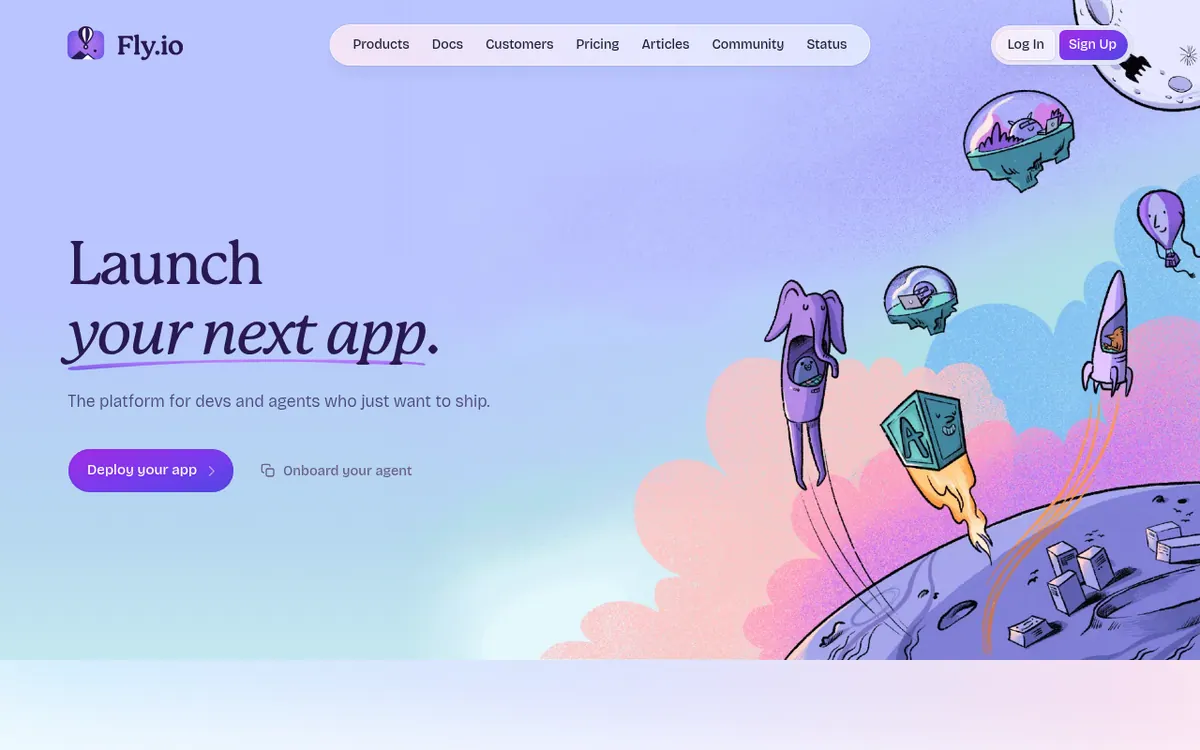
Fly.io is a cloud platform for running apps, AI agents and databases on hardware-isolated virtual machines. Its core building block is the Fly Machine, a hardware-virtualized container that starts when it is needed and is billed by the second while it runs. A second product, Sprites, offers self-contained sandboxes for running untrusted or AI-generated code, with checkpoint and restore for the whole environment.
Apps can be deployed from GitHub or the CLI with fly launch, and the platform generates a Dockerfile for most popular frameworks when you do not have one. Storage options include Volumes on local NVMe drives, Tigris object storage and Managed Postgres, while Redis is provided through Upstash. The vendor also says its CLIs and MCP servers are built so that agents can deploy, scale and debug on their own. The homepage lists SOC2 Type 2 attestation and 18+ regions.
A shared-cpu-1x Machine with 256MB is $2.19 per month, and additional RAM is priced at $6.00 per GB per month. Sprites are metered per hour of active use. Managed Postgres plans begin with Basic at $38 per month. Paid support comes in three tiers: Standard at $29 / mo, Premium at $199 / mo and Enterprise from $2,500 / mo. Community support is described as free.
- Hardware-virtualized Machines billed by the second
- Sprites sandboxes with checkpoint and restore
- Deploy from GitHub or CLI with fly launch
- Automatic Dockerfile generation for popular frameworks
- Managed Postgres with backups and failover
- Local NVMe Volumes
- CLIs and MCP servers for AI agents
Good for / Not for
Good for
- Teams deploying framework-based apps from GitHub or the CLI
- Builders of AI agents who need sandboxes for untrusted or generated code
- Developers who want managed Postgres alongside their compute
Not for
- Buyers who need a flat, predictable monthly price
- Apps needing network-shared storage, since volumes are tied to one server and one Machine
How to start
Sign up using the Start for Free option on the homepage. source
Deploy an app from GitHub or the CLI with fly launch; a Dockerfile is generated for most popular frameworks. source
Estimate monthly cost with the pricing calculator across Machines, Sprites, Postgres, storage and bandwidth. source
Add Managed Postgres or Volumes if the app needs a database or persistent storage. source
Limits and gotchas
- Maximum volume size is 500GB, and volumes cannot be shrunk. source
- Each volume attaches to one Machine and is not replicated automatically. source
- First 10GB of snapshots are free each month; storage and egress are billed separately from compute. source
- Managed Postgres has a maximum of 1,000 GB per cluster. source
From the official site and docs of Fly.io, checked on October 30, 2026.
Pros and cons
Pros
- Machines are billed by the second while they run
- Sprites sandboxes isolate untrusted or AI-generated code and support checkpoint and restore
- Managed Postgres includes high availability, automated backups and connection pooling
- Deploys from GitHub or the CLI, with generated Dockerfiles for popular frameworks
- CLIs and MCP servers are designed for AI agents to operate
Cons
- Costs vary with presets, storage and egress, so there is no single flat price
- No free plan or trial terms are stated on the pricing page
- Volumes are tied to one server and one Machine, with no automatic replication between them
- Paid support tiers cost extra, from $29 / mo, with Enterprise from $2,500 / mo
- Maximum volume size is 500GB
Our take
Fly.io suits developers and teams who want to run containers close to users and pay only for what runs, including agent builders who need isolated sandboxes for generated code. It is less suited to anyone wanting a flat monthly price, because the bill depends on presets, storage and egress. Volumes are tied to one server and one Machine, and the docs say replication is up to you, so stateful apps need extra planning or Managed Postgres. The pages do not describe a free plan or a trial, so check current sign-up terms.
Comparisons and lists with Fly.io
Coming soon
Coming soon — we are writing comparisons that include Fly.io.
Fly.io pricing
| Plan | Monthly billing | Annual billing (per month) | Limits / what’s included |
|---|---|---|---|
| Machines shared-cpu-1x · 256MB per Machine, usage-billed by the second | $2.19 | — | Billed by the second while a Machine runs; storage and egress priced separately |
| Managed Postgres Basic per cluster | $38 | — | shared-2x · 1GB; includes high availability, automated backups and connection pooling |
| Support Standard | $29 | — | 36-hour first response time |
| Support Premium | $199 | — | 24-hour first response time; 1-hour for urgent issues |
| Support Enterprise from | $2,500 | — | 4-hour first response time, 24x7 |
Free trial: none listed. Free plan: no.
Prices checked on on the official Fly.io pricing page. “—” = not published.
All Fly.io plans, limits and annual prices →
Frequently asked questions
How does Fly.io charge for compute?
Machines are billed by the second while they run. For example, a shared-cpu-1x Machine with 256MB is listed at $2.19 per month. Storage and egress are priced separately.
Does Fly.io have a free plan?
The pages say to start for free, but they do not describe a free plan or trial terms. Check the sign-up flow for details.
What support plans are offered?
Community support is described as free. Paid tiers are Standard at $29 / mo, Premium at $199 / mo and Enterprise from $2,500 / mo.
Can I attach one volume to several Machines?
No. A volume attaches to only one Machine, and a Machine mounts only one volume at a time. Replication between volumes is left to your app.
What is the maximum Volume size?
The Fly docs state a maximum volume size of 500GB.
Recently verified in Dev Infrastructure & Observability
 QA Wolf
 Datadog
 Elastic
 Great Expectations
 New Relic
 Spacelift
Add an AGIPicks badge to your site
The badge shows Fly.io’s verification status on AGIPicks and links to this page. Light/dark and compact versions: badges.

Suggest an update
Wrong price, outdated fact or a tool that shut down? Are you the vendor and disagree with this page? Tell us, ideally with a link to the official page. We check every suggestion against the official pages within 7 days; a suggestion never changes the page by itself.