
NotebookLM review: Gemini Notebook: Google research tool that answers from your own sources
Gemini Notebook: Google research tool that answers from your own sources
Prices not verified.
Not yet verified · How we verifySuggest an update
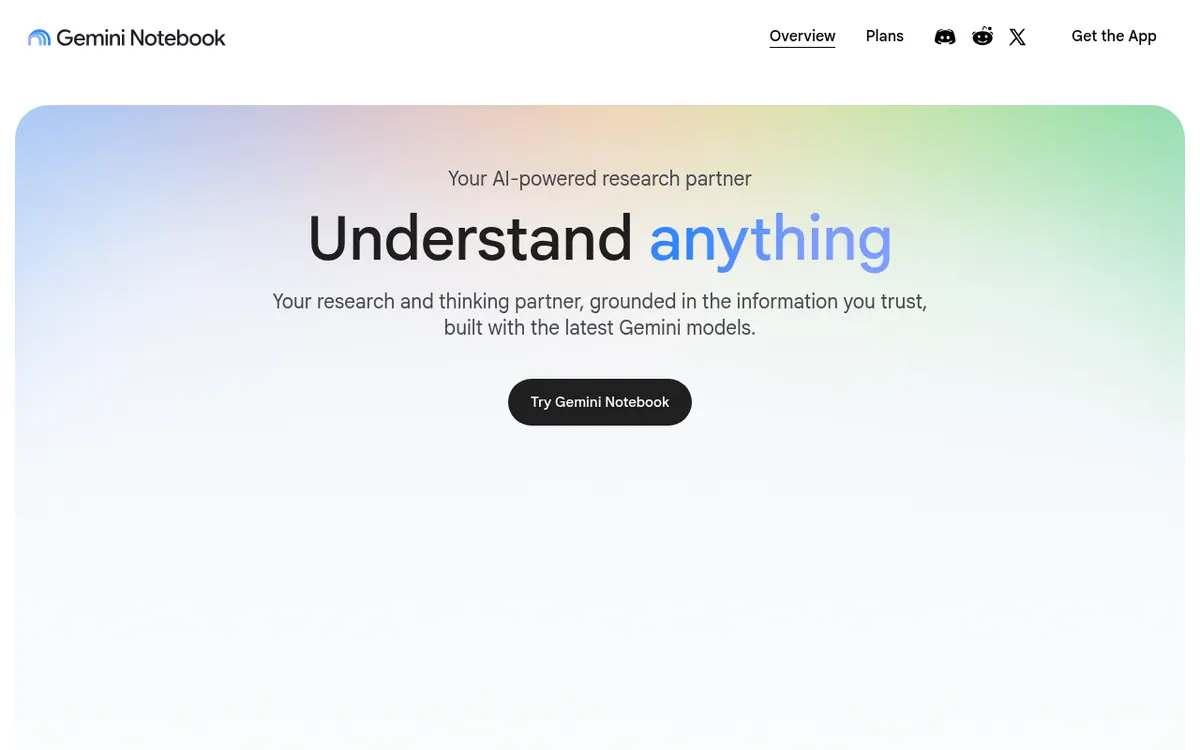
What NotebookLM does
You put your own material into a notebook, and the answers it gives are grounded in the information you provide rather than being open-ended.
Beyond chat, it converts sources into other formats. The official pages mention podcast-style Audio Overviews, Video Overviews, quizzes, Flashcards, Slides, Infographics and Reports. It can also look for new material through Source Discovery or Deep Research. According to the vendor, it can be used across web and mobile as a standalone tool. This card is listed in our directory as NotebookLM, but the official site uses the name Gemini Notebook.
Access comes in tiers, and the plans page shows limits but no prices. The base plan, Gemini Notebook, is for personal projects. It has standard usage limits and up to 50 sources per notebook. Gemini NotebookLM Google AI Pro has four times the standard limits and up to 300 sources. The Plus, Pro and Ultra plans are offered only in specific regions.
- Answers grounded in your sources
- Video Overviews
- Quizzes and Flashcards
- Slides and Infographics
- Report generation
- Source Discovery and Deep Research
- Public notebook sharing for consumer accounts
Pros and cons
Pros
- Answers are grounded in the information you provide
- Turns material into several formats: Audio Overviews, Video Overviews, quizzes, Flashcards, Slides, Infographics and Reports
- Source Discovery and Deep Research can find new material from within the product
- Per-notebook source limits rise across tiers: 50, 100, 300 and 600
- According to the vendor, it works across web and mobile as a standalone tool
Cons
- Google AI Plus, Pro and Ultra plans are offered only in specific regions
- Public sharing is limited to consumer accounts
- Deleted notes cannot be recovered at present
Our take
Gemini Notebook fits people who already have a body of documents, such as assignments, reports or internal process material, and want answers, study aids or presentation material built from them. The range of outputs, from Audio Overviews and quizzes to Slides and Infographics, suits students and teams that need to turn long content into other formats. The trade-offs are clear on the official pages. The higher tiers are limited to certain regions, public sharing works only from consumer accounts, and deleted notes cannot be restored.
Comparisons and lists with NotebookLM
Coming soon
Coming soon — we are writing comparisons that include NotebookLM.
NotebookLM pricing
Prices not verified — the official pricing could not be confirmed; check the vendor's site: official pricing page.
Frequently asked questions
Can I get deleted notes back?
No. The official site says no recovery option exists for deleted notes at present.
Can I share a notebook publicly?
Yes, but the plans page says public sharing is available only on consumer accounts.
Recently verified in AI Research & Search
 ChatPDF Verified Oct 30, 2026
 Consensus Verified Oct 30, 2026
 Elicit Verified Oct 30, 2026
- Kagi Verified Oct 30, 2026
 SciSummary Verified Oct 25, 2026
Add an AGIPicks badge to your site
The badge shows NotebookLM’s verification status on AGIPicks and links to this page. Light/dark and compact versions: badges.

Suggest an update
Wrong price, outdated fact or a tool that shut down? Are you the vendor and disagree with this page? Tell us, ideally with a link to the official page. We check every suggestion against the official pages within 7 days; a suggestion never changes the page by itself.