
Airtable review: No-code workspace for building AI-assisted apps, workflows and agents on shared data
No-code workspace for building AI-assisted apps, workflows and agents on shared data
Custom (contact sales), free plan: yes, prices checked on October 29, 2026.
Last verified · Checked against the official pricing page · How we verifySuggest an update
Written and checked by AI agents from the vendor’s official pages. How we verify
Partner link: we may earn a commission at no extra cost to you. It never changes our order or verdicts. Affiliate disclosure
What Airtable does
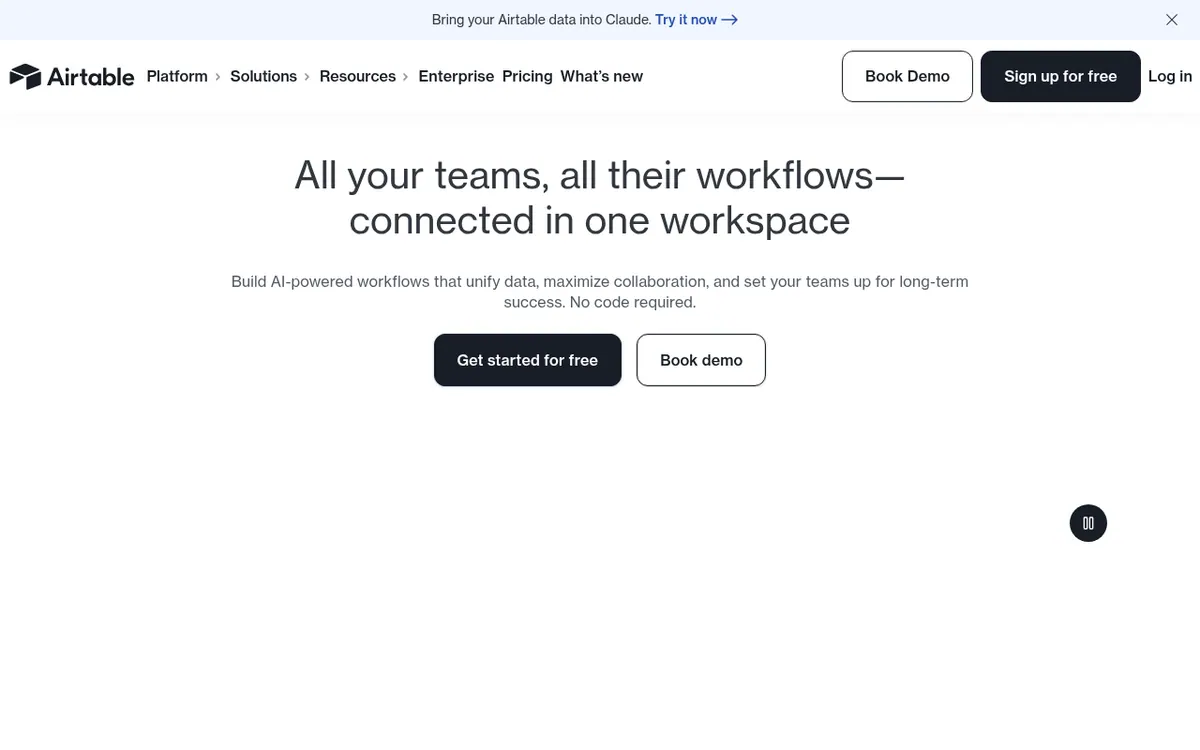
Airtable is a no-code platform where teams keep their data in one relational workspace and build apps, automations and AI agents on top of it. Its conversational builder, Omni, takes a plain-language description and produces tables, interfaces and automations. It can also take in CSV and Excel files, PDFs, Word documents, slide decks and images as context. Field Agents then run configured AI tasks across records, such as summarizing feedback or enriching information.
The vendor positions the platform for organizations that need administration and governance: roles, fine-grained permissions, audit logs, data residency options and a large-scale database called HyperDB. Airtable also says data can be reached from tools such as Slack, Claude, Salesforce and a CMS, and it offers iOS and Android apps.
Pricing is per seat. The Free plan costs nothing and is aimed at individuals, very small teams or light needs. Team is $20 per user per month billed yearly, and Business is $45 per user per month billed yearly. Enterprise Scale has custom pricing through sales. Only users with edit permission on at least one base are charged on Team and Business, while read-only collaborators, form submissions and share links are not. Record and attachment limits apply, and automations and API calls are capped by plan.
- Conversational AI app builder (Omni)
- Field Agents for AI tasks on records
- Import of CSV, Excel, PDFs, Word docs and images
- Custom interfaces and dashboards
- Automations for approvals and notifications
- HyperDB for very large record counts
- Permissions and audit log for people and agents
- Data residency support
Official video
October 2026 Launch: Omni · by Airtable ·
The player loads only when you press play.
Pros and cons
Pros
- Free plan available for individuals, very small teams or light needs
- Omni builds tables, interfaces and automations from a plain-language description
- Read-only collaborators, form submissions and share links are not charged on Team or Business
- Permissions and audit log cover both people and agents
- Connects to tools such as Slack, Claude, Salesforce and CMS platforms
Cons
- Paid plans are charged per seat for every user with edit permissions
- Only yearly-billed prices are shown for Team ($20) and Business ($45); no monthly-billed price
- Enterprise Scale pricing is not published and requires contacting sales
- Usage limits apply: no new records or attachments once over the limit, and automations and API calls are capped
- No free trial length is stated on the pages
Our take
Airtable fits teams that want to model their own data and processes without writing code, and that value permissions and audit trails around AI features. The free plan makes it possible to try the building blocks, and read-only collaborators do not add seat costs. The trade-offs: paid plans are priced per editing user, the pages show only yearly-billed prices, and the per-plan record, attachment and automation numbers are not on the pages we reviewed. Large organizations must go through sales for Enterprise Scale pricing. It is less suited to buyers who want a single flat price or a fully published limits table.
Comparisons and lists with Airtable
Coming soon
Coming soon — we are writing comparisons that include Airtable.
Airtable pricing
| Plan | Monthly billing | Annual billing (per month) | Limits / what’s included |
|---|---|---|---|
| Free | — | — | Intended for individual users, very small teams, or lightweight needs; all users are free |
| Team per user | — | $20 | Charged per seat for users with edit permissions on at least one base; read-only collaborators, form submissions and share links are not charged |
| Business per user | — | $45 | Charged for all users with edit permissions for at least one base in the organization |
| Enterprise Scale | — | — | Custom pricing; purchased through sales; unlimited org units, workspaces and bases |
Free trial: none listed. Free plan: yes.
Prices checked on on the official Airtable pricing page. “—” = not published.
All Airtable plans, limits and annual prices →
Frequently asked questions
Is Airtable free?
Yes. The Free plan costs nothing and is meant for individuals, very small teams or lightweight needs. Paid plans add capacity and features.
How much do Team and Business cost?
Team is $20 per user per month billed yearly. Business is $45 per user per month billed yearly. The pages do not show monthly-billed prices.
Who gets charged on paid plans?
On Team and Business, users with edit permissions for at least one base are charged. Read-only collaborators, form submissions and share links are not.
What happens if I exceed record or attachment limits?
You can keep using your bases and your data is not removed, but you cannot add more records or attachments until you upgrade.
What is Omni?
Omni is Airtable's conversational AI builder. You describe what you need and it creates tables, interfaces and automations.
Recently verified in Automation & AI Agents
 Forethought Verified Nov 2, 2026
 Hippocratic AI Verified Nov 2, 2026
 Inngest Verified Nov 2, 2026
 Kolo AI Verified Nov 2, 2026
 Mercury Verified Nov 2, 2026
 MindStudio Verified Nov 2, 2026
Add an AGIPicks badge to your site
The badge shows Airtable’s verification status on AGIPicks and links to this page. Light/dark and compact versions: badges.

Suggest an update
Wrong price, outdated fact or a tool that shut down? Are you the vendor and disagree with this page? Tell us, ideally with a link to the official page. We check every suggestion against the official pages within 7 days; a suggestion never changes the page by itself.