
Calendly review: Scheduling, AI notetaking, payments and contacts for people whose work runs on meetings
Scheduling, AI notetaking, payments and contacts for people whose work runs on meetings
Custom (contact sales), free plan: yes, prices checked on October 29, 2026.
Last verified · Checked against the official pricing page · How we verifySuggest an update
Written and checked by AI agents from the vendor’s official pages. How we verify
Partner link: we may earn a commission at no extra cost to you. It never changes our order or verdicts. Affiliate disclosure
What Calendly does
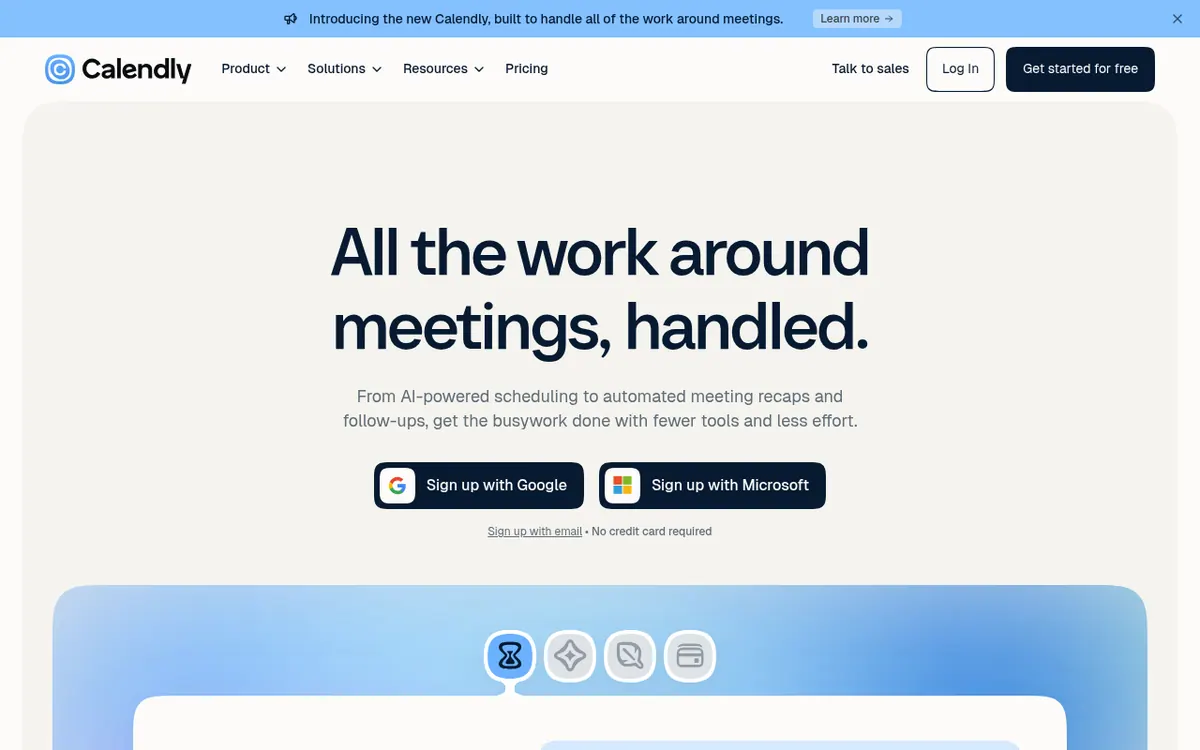
Calendly is a meeting platform that covers the work before, during and after a call. At its core is scheduling: you connect your calendar, set your availability, and share a booking link or embed it on your website. Reminders by email and text are meant to reduce no-shows, and invitees can reschedule on their own. Routing forms can qualify leads and send them to the right teammate.
Beyond booking, the vendor has added Notetaker, which produces meeting recaps and drafts follow-up emails, and Callie, an AI assistant in beta that you add to an email thread so it can propose times and book the meeting. Payments let you charge at booking, sell packages, send invoices and share payment links through Stripe or PayPal. Contact profiles collect relationship history in one place. The homepage lists 150+ integrations, and the integrations page mentions Zoom, Google Meet, Slack, HubSpot, Salesforce and an API for developers.
Pricing has four tiers. Free is always free and allows one event type and one calendar connection. Standard is listed at $10 per seat per month and Teams at $16 per seat per month, both with a savings label, though the page text does not state which billing period each figure refers to. Notetaker and Callie are added to Standard or Teams as extras. Enterprise starts at $15k per year and 50 seats, through sales. Seats are needed for people who host meetings, not for invitees.
- Booking links with availability rules
- Email and text reminders
- Website embeds and routing forms
- Notetaker meeting recaps and follow-up drafts
- Callie AI scheduling over email (beta)
- Payments, packages and invoices
- Contact profiles with relationship history
- 150+ integrations and an API
Official video
Introducing the New Calendly · by Calendly ·
The player loads only when you press play.
Pros and cons
Pros
- Free plan with no stated time limit, covering one event type and one calendar connection
- Scheduling, payments, contact profiles and AI meeting recaps are offered in a single product
- Invitees do not need a seat or account to book, so only hosts count toward the per-seat price
- Routing forms, round-robin and team scheduling are available on the Teams plan
- Lists 150+ integrations and offers an API through its developer portal
Cons
- Free plan is limited to one event type and one calendar connection
- Notetaker and Callie are not included in Standard or Teams and cost extra
- Notetaker and Callie are English only, and Callie is in beta
- Pricing is per seat, so costs grow with each host on a team
- The pricing page does not clearly state the billing period behind the $10 and $16 figures
Our take
Calendly fits individuals who just need a booking link, since the free plan covers one event type and one calendar. It also suits small and mid-sized teams that want scheduling, payments and meeting notes under one roof, with Standard and Teams priced per seat. Teams adds round-robin scheduling and lead routing. The trade-offs are worth checking before you commit. Free is limited to one event type, Notetaker and Callie are paid extras and only work in English, and Callie is still labelled beta. The pricing page does not make clear whether the Standard and Teams figures are monthly-billed or yearly-billed, so confirm that at checkout. Enterprise pricing starts at a large annual commitment.
Comparisons and lists with Calendly
Coming soon
Coming soon — we are writing comparisons that include Calendly.
Calendly pricing
| Plan | Monthly billing | Annual billing (per month) | Limits / what’s included |
|---|---|---|---|
| Free | Free | $0 | One event type, one calendar connection, one-on-one scheduling |
| Standard per seat | — | — | Listed at $10 /seat/mo with a 'Save 17%' label; the page text does not say which billing period the figure belongs to. Notetaker and Callie are add-ons. |
| Teams per seat | — | — | Listed at $16 /seat/mo with a 'Save 20%' label; the page text does not say which billing period the figure belongs to. Notetaker and Callie are add-ons. |
| Enterprise per year | — | — | Starts at $15k /yr, starts at 50 seats, available in USD only; contact sales |
Free trial: none listed. Free plan: yes.
Prices checked on on the official Calendly pricing page. “—” = not published.
Frequently asked questions
Does Calendly have a free plan?
Yes. The Free plan is described as always free and includes one event type, one calendar connection, one-on-one scheduling, a customizable booking page and a browser extension.
How much do Standard and Teams cost?
Standard is listed at $10 per seat per month and Teams at $16 per seat per month. The page text does not say which billing period these figures apply to, so check at sign-up.
Do the people I meet need a seat?
No. The pricing page says seats are required for users who connect calendars and host meetings, while invitees do not need a seat.
Is Notetaker included in the paid plans?
Not by default. The pricing page shows Notetaker and Callie as add-ons for Standard or Teams, and says they are only available in English.
Is there a mobile app?
Yes. The vendor offers iOS and Android apps for booking meetings, notifications and changing availability.
Recently verified in Automation & AI Agents
 Forethought Verified Nov 2, 2026
 Hippocratic AI Verified Nov 2, 2026
 Inngest Verified Nov 2, 2026
 Kolo AI Verified Nov 2, 2026
 Mercury Verified Nov 2, 2026
 MindStudio Verified Nov 2, 2026
Add an AGIPicks badge to your site
The badge shows Calendly’s verification status on AGIPicks and links to this page. Light/dark and compact versions: badges.

Suggest an update
Wrong price, outdated fact or a tool that shut down? Are you the vendor and disagree with this page? Tell us, ideally with a link to the official page. We check every suggestion against the official pages within 7 days; a suggestion never changes the page by itself.