
Kaseya review: IT management suite for MSPs and IT teams: RMM, PSA, backup, security
IT management suite for MSPs and IT teams: RMM, PSA, backup, security
Not published, free plan: no, prices checked on October 30, 2026.
Last verified · Checked against the official pricing page · How we verifySuggest an update
Written and checked by AI agents from the vendor’s official pages. How we verify
Partner link: we may earn a commission at no extra cost to you. It never changes our order or verdicts. Affiliate disclosure
What Kaseya does
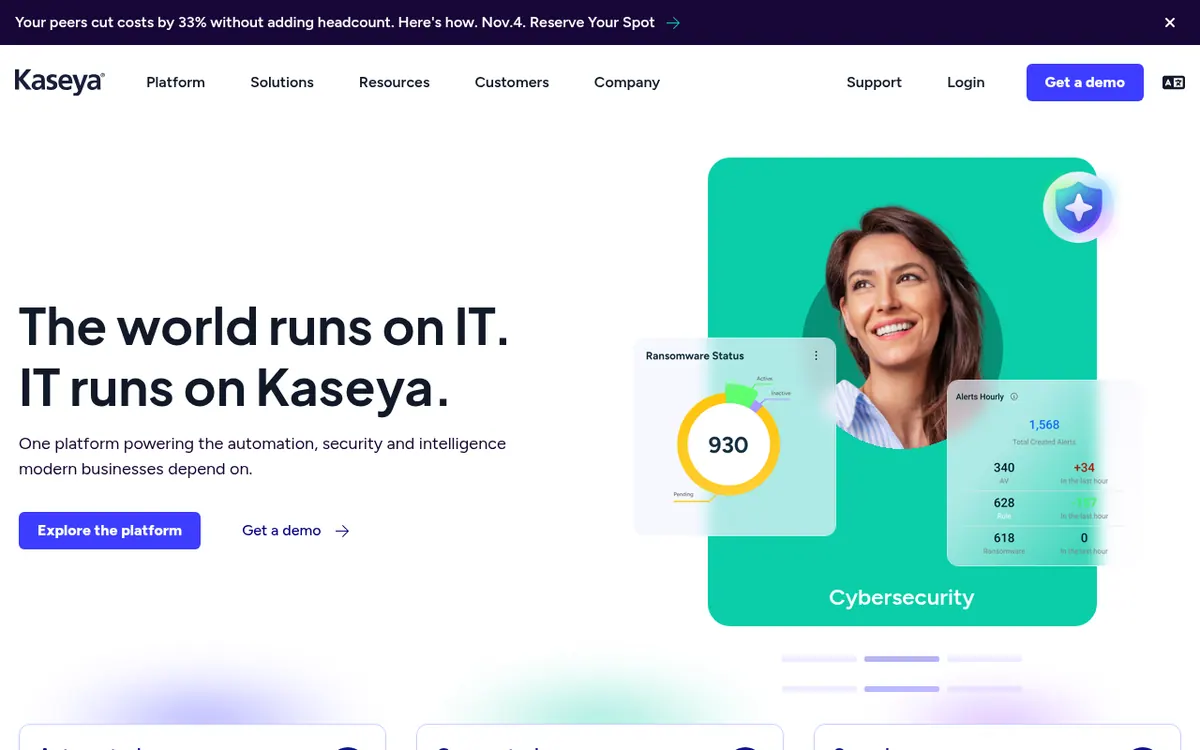
Kaseya is a vendor of IT management software aimed at managed service providers (MSPs) and in-house IT teams. Its catalog covers several areas: endpoint management, backup and recovery, security, IT risk management, networking and IT operations. These are sold as separate products and also as bundled Kaseya 365 subscriptions (Endpoint, User and Ops).
Two products are described in detail on the official pages. Datto RMM is a cloud-based tool for remote monitoring and management. It automates patching on Windows, macOS and Linux, offers more than 500 pre-built components for scripts and installs, includes browser-based remote control for supported Windows and macOS devices, and manages Microsoft 365 users and Intune-enrolled devices. Integrations, webhooks and a REST API connect it to other systems. Autotask is the PSA product: it puts tickets, time and projects in one workspace and uses AI for ticket prioritization, assignment and summaries, along with dashboards and workforce planning.
Kaseya Intelligence is the AI layer that supports features such as natural-language questions about device data.
Pricing is not published on the official site. The pricing page only invites visitors to request customized pricing, and the product pages point to a demo or a price quote. No free plan or free trial is mentioned. Some capabilities carry extra conditions; for example, ransomware detection needs its own license.
- Remote monitoring and management of endpoints
- Automated patching for Windows, macOS, Linux
- 500+ pre-built automation components
- Browser-based remote control
- Natural-language device insights
- Microsoft 365 and Intune management
- PSA ticketing, time and projects
- AI ticket triage and summaries
Official video
What Is Business Email Compromise (BEC)? The $17 Billion Scam · by Kaseya ·
The player loads only when you press play.
Pros and cons
Pros
- Covers RMM, PSA, backup, security, risk management and networking from one vendor
- Datto RMM automates patching for Windows, macOS and Linux
- More than 500 pre-built components for scripts and installs in Datto RMM
- REST API and webhooks are mentioned for Datto RMM integrations
- Autotask uses AI for ticket prioritization, assignment and summaries
Cons
- Pricing not published on the official site; pricing must be requested
- No free plan or free trial is mentioned on the official pages
- Ransomware detection needs a separate license
- Web Remote works only on supported Windows and macOS devices
Our take
Kaseya fits MSPs and internal IT departments that want to run endpoint management, service desk and related functions from one vendor and are comfortable with a sales-led buying process. The breadth of the catalog, from RMM and PSA to backup and security, suits teams that want fewer separate tools. It is a weaker fit for anyone who wants to compare prices up front, try a free plan or sign up on their own: the official pages show no prices, no free plan and no trial. Some features also have stated conditions, such as a separate license for ransomware detection and remote control limited to supported Windows and macOS devices. Expect to book a demo and request a quote before you can judge cost.
Comparisons and lists with Kaseya
Coming soon
Coming soon — we are writing comparisons that include Kaseya.
Kaseya pricing
Pricing not published on the official site. Check Kaseya’s website.
Free trial: none listed. Free plan: no.
Prices checked on on the official Kaseya pricing page. “—” = not published.
Frequently asked questions
How much does Kaseya cost?
Pricing not published on the official site. The pricing page asks visitors to request customized pricing.
Is there a free plan or trial?
The official pages do not mention a free plan or a free trial. They offer a demo and a pricing request.
Does Kaseya have an API?
Datto RMM's page mentions integrations, webhooks and a REST API for connecting endpoint data with other systems.
What does Datto RMM do?
It is a cloud-based tool for MSPs and IT teams that monitors endpoints, automates patching and remediation, and provides remote support.
Recently verified in Automation & AI Agents
 Forethought Verified Nov 2, 2026
 Hippocratic AI Verified Nov 2, 2026
 Inngest Verified Nov 2, 2026
 Kolo AI Verified Nov 2, 2026
 Mercury Verified Nov 2, 2026
 MindStudio Verified Nov 2, 2026
Add an AGIPicks badge to your site
The badge shows Kaseya’s verification status on AGIPicks and links to this page. Light/dark and compact versions: badges.

Suggest an update
Wrong price, outdated fact or a tool that shut down? Are you the vendor and disagree with this page? Tell us, ideally with a link to the official page. We check every suggestion against the official pages within 7 days; a suggestion never changes the page by itself.