
OptimizePress review: WordPress plugin suite for landing pages, funnels, checkouts and courses
WordPress plugin suite for landing pages, funnels, checkouts and courses
Custom (contact sales), free plan: no, free trial: free for 30 days, prices checked on October 30, 2026.
Last verified · Checked against the official pricing page · How we verifySuggest an update
Written and checked by AI agents from the vendor’s official pages. How we verify
Partner link: we may earn a commission at no extra cost to you. It never changes our order or verdicts. Affiliate disclosure
What OptimizePress does
Adds landing pages, funnels, checkouts and course or membership sites to a self-hosted WordPress website.
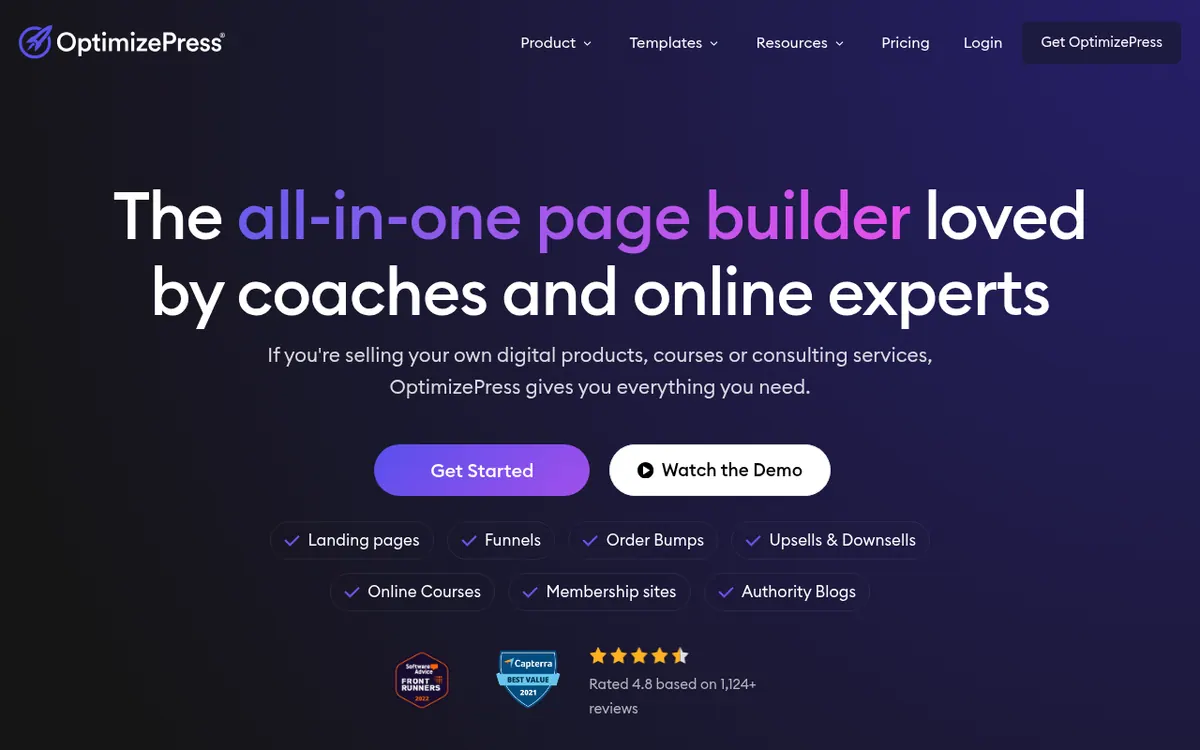
OptimizePress is a set of WordPress plugins for people who sell their own digital products, courses or consulting services. It lets you build landing pages, sales pages, funnels, checkout pages and membership or course sites on a WordPress site you host yourself, with a drag-and-drop editor.
The suite is split into parts. The Builder handles pages, Funnels adds upsell and downsell flows, Checkouts accepts Stripe and PayPal payments on your own website, and Mentor covers online courses, membership sites and protecting pages. ThemeBuilder is for designing a blog, and Flow automates WordPress processes without third-party tools. The vendor also describes funnel stats and split testing for tracking conversions, and native connections to email marketing services plus a Zapier option for opt-in forms.
Pricing is paid and billed per year. The pricing page lists Launch at $129 per year for 1 site, Scale at $199 per year for 5 sites and Elevate at $249 per year for 25 sites, all excluding tax and renewing annually at the same price. Launch focuses on building pages, while Scale is described as including all of the plugins. Elevate adds client-site use and agency allowances. The pages show no free plan and no free trial, but they do state a 30-day money back guarantee. Because the suite runs on WordPress, you need your own hosting. Monthly billing is not shown.
- Drag-and-drop landing page builder
- Funnels with upsells and downsells
- Checkouts with Stripe and PayPal
- Online courses and membership sites
- ThemeBuilder for blog design
- Flow for WordPress automation
- Funnel stats and split testing
- Email marketing and Zapier integrations
Good for / Not for
Good for
- Coaches and consultants selling services or courses on WordPress
- Creators wanting funnels with upsells and downsells on their own site
- Agencies needing client-site use on the Elevate plan
Not for
- Buyers wanting a free plan or free trial
- Anyone who needs monthly billing
- People without WordPress hosting
How to start
Pick a plan: Launch for 1 site, Scale for 5 sites or Elevate for 25 sites. source
Set up your own WordPress hosting, since the suite runs on WordPress. source
Connect your email marketing service so leads from opt-in forms go to your list. source
If it is not a fit, ask for a refund within 30 days of purchase. source
Limits and gotchas
From the official site and docs of OptimizePress, checked on October 30, 2026.
Pros and cons
Pros
- Combines page building, funnels, checkouts and courses in one suite
- Runs on your own WordPress site, so you control hosting
- Checkouts accept Stripe and PayPal payments on your own site
- Yearly pricing starts at $129 for the Launch plan
- 30-day money back guarantee
Cons
- No free plan or free trial is listed on the pricing page
- Prices are shown only as yearly totals, with no monthly billing option
- Requires your own WordPress hosting
- Launch covers 1 site; 5 and 25 sites need Scale or Elevate
- Pages disagree on template and integration counts, so check before buying
Our take
OptimizePress suits coaches, consultants and online sellers who already use WordPress, or are willing to host a WordPress site, and want pages, funnels, checkouts and courses in one plugin suite with a yearly fee instead of several separate tools. The vendor's pages describe the suite in these terms. It fits less well if you want a hosted tool with no WordPress setup, a free plan, or monthly billing, since none of these are shown on the official pages. Plans are limited by the number of sites you can install on, so agencies and multi-site owners should compare Scale and Elevate. The 30-day money back guarantee reduces the risk of testing it yourself.
Comparisons and lists with OptimizePress
Coming soon
Coming soon — we are writing comparisons that include OptimizePress.
OptimizePress pricing
| Plan | Monthly billing | Annual billing (per month) | Limits / what’s included |
|---|---|---|---|
| Launch per year (yearly total only) | — | — | Install on 1 Site; 30 Day Money Back Guarantee; yearly price $129 |
| Scale per year (yearly total only) | — | — | Install on 5 Sites; yearly price $199 |
| Elevate per year (yearly total only) | — | — | Install on 25 Sites; yearly price $249 |
Free trial: free for 30 days. Free plan: no.
Prices checked on on the official OptimizePress pricing page. “—” = not published.
Frequently asked questions
How much does OptimizePress cost?
The pricing page lists Launch at $129 per year, Scale at $199 per year and Elevate at $249 per year, excluding tax. Renewal is charged annually.
Is there a free plan or trial?
No free plan or trial is shown on the official pages. A 30-day money back guarantee is stated.
How many sites can I use it on?
Launch allows 1 site, Scale 5 sites and Elevate 25 sites.
Do I need my own hosting?
Yes. The vendor says the suite runs on WordPress, so you need your own website hosting.
Can it take payments?
Yes. The pricing page says Checkouts accept Stripe and PayPal payments on your own website.
Recently verified in AI Marketing
 AEO Engine Verified Nov 2, 2026
 Crush Partners Verified Nov 2, 2026
 Metabase Verified Nov 2, 2026
 Monte Carlo Verified Nov 2, 2026
 Rainbrand (Bloom) Verified Nov 2, 2026
 Rill Data Verified Nov 2, 2026
Add an AGIPicks badge to your site
The badge shows OptimizePress’s verification status on AGIPicks and links to this page. Light/dark and compact versions: badges.

Suggest an update
Wrong price, outdated fact or a tool that shut down? Are you the vendor and disagree with this page? Tell us, ideally with a link to the official page. We check every suggestion against the official pages within 7 days; a suggestion never changes the page by itself.