
Paragraph AI review: AI writing assistant that fixes, replies, creates and edits text on mobile and in Chrome
AI writing assistant that fixes, replies, creates and edits text on mobile and in Chrome
Starts at $24.99/mo, free plan: yes, prices checked on November 2, 2026.
Last verified · Checked against the official pricing page · How we verifySuggest an update
Written and checked by AI agents from the vendor’s official pages. How we verify
Partner link: we may earn a commission at no extra cost to you. It never changes our order or verdicts. Affiliate disclosure
What Paragraph AI does
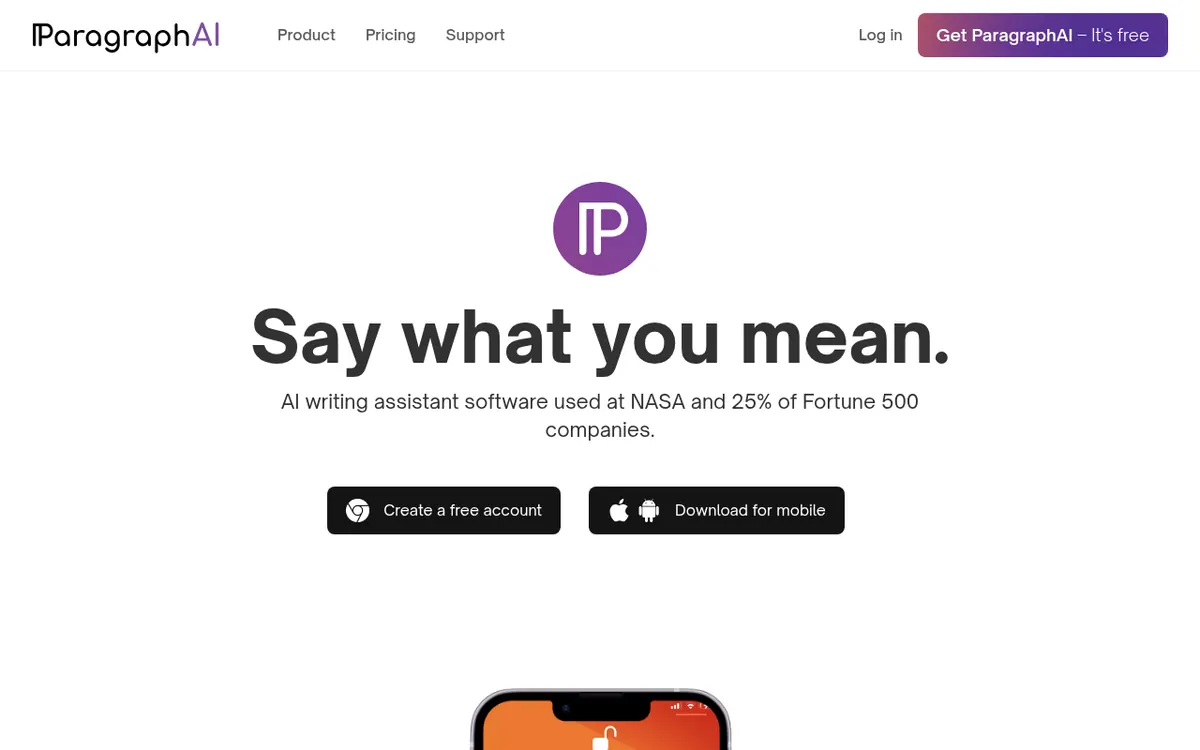
Fixes grammar, drafts replies, creates and edits text, and summarizes pages, from a mobile keyboard, app or Chrome extension.
ParagraphAI is an AI writing assistant built around a few one-tap actions: Fix corrects grammar, Reply drafts an answer to an email or message, Create produces new text such as emails, reports and articles, and Edit adjusts the style of what you already wrote. It also summarizes web pages and PDFs, supports reusable templates where you write your own instructions, and keeps a history of saved texts across devices.
According to its official pages, it is available as an iOS and Android app with a keyboard, as a web app, and as a Chrome extension. One account is used across all devices. Language settings let you work in 40+ languages by changing the input and output options.
Pricing is freemium and quoted in USD. The Free plan costs $0 and allows 5 uses per day of Create, Fix, Reply and Edit, with basic editing, a basic keyboard and 1000 characters of input. The Pro plan is $24.99 per user per month billed monthly, or $12.49 per user per month on yearly billing. It adds unlimited Fix, Reply and Edit, advanced editing such as length, rephrase and emoji, an advanced keyboard with edit and create, input of 10,000 characters, and history. No free trial is mentioned on the pages reviewed.
- One-tap grammar fix
- Email and message reply drafting
- Text creation
- Style editing
- 40+ languages
- Summaries of web pages and PDFs
- Reusable templates
- Saved history across devices
Good for / Not for
Good for
- People who want one-tap grammar fixes and email replies on their phone
- Writers who work in several of the 40+ languages offered
- Users who want one account and saved history across devices
Not for
- Anyone needing heavy daily use on the Free plan, which has a cap of 5 uses per day
- Buyers who need a published Enterprise price or a stated API
How to start
Install the iOS or Android app, or add the Chrome extension. source
Start on the Free plan at $0, with 5 uses per day of Create, Fix, Reply and Edit. source
Log in with the same email on other devices to reach your history cross-platform. source
Upgrade to Pro for unlimited Fix, Reply and Edit and 10,000 characters of input. source
Limits and gotchas
From the official site and docs of Paragraph AI, checked on November 2, 2026.
Pros and cons
Pros
- Free plan at $0 lets you try the core actions
- Available on iOS, Android, the web and Chrome with one account
- Supports 40+ languages through input and output settings
- Pro lifts input to 10,000 characters and removes use limits on Fix, Reply and Edit
- Templates and saved history help with repeated writing
Cons
- Free plan is capped at 5 uses per day and 1000 characters of input
- Pro is priced per user at $24.99 per month on monthly billing
- No free trial is mentioned on the official pages
- No API or desktop apps are mentioned
- Enterprise pricing is not published on the official site
Our take
ParagraphAI fits people who want quick fixes, replies and rewrites inside the apps where they already type, especially on a phone keyboard or in Chrome. The Free plan lets you try the main actions before paying, but its daily cap of 5 uses and 1000 characters of input are tight for regular work. Pro removes the use limit on Fix, Reply and Edit and raises input to 10,000 characters, at a per-user price. The pages do not mention an API, desktop apps or a trial, so teams needing those should ask the vendor. Enterprise pricing is not published, so budget questions need a direct contact. We did not test the product; this is based on the official pages.
Comparisons and lists with Paragraph AI
Coming soon
Coming soon — we are writing comparisons that include Paragraph AI.
Paragraph AI pricing
| Plan | Monthly billing | Annual billing (per month) | Limits / what’s included |
|---|---|---|---|
| Free | Free | — | 5 uses of Create, Fix, Reply and Edit per day; 1000 characters of input |
| Pro per user | $24.99 | $12.49 | Unlimited uses of Fix, Reply and Edit per day; 10,000 characters of input |
| Enterprise | — | — | Custom pricing, contact the vendor |
Free trial: none listed. Free plan: yes.
Prices checked on on the official Paragraph AI pricing page. “—” = not published.
All Paragraph AI plans, limits and annual prices →
Frequently asked questions
Is there a free plan?
Yes. The Free plan costs $0 and includes 5 uses per day of Create, Fix, Reply and Edit, plus 1000 characters of input.
How much does Pro cost?
Pro is $24.99 per user per month billed monthly, or $12.49 per user per month with yearly billing.
Which platforms does it run on?
The official pages list iOS, Android, a web app and a Chrome extension, all under one account.
How many languages are supported?
The site says it works in 40+ languages, set through input and output language settings.
Is Enterprise pricing published?
No. Enterprise is listed as Custom with a contact option, so there is no public price.
Recently verified in AI Writing
 Writer Verified Nov 2, 2026
 HyperWrite Verified Oct 30, 2026
 Lex Verified Oct 30, 2026
 ProWritingAid Verified Oct 30, 2026
- QuillBot Verified Oct 30, 2026
 Wordtune Verified Oct 30, 2026
Add an AGIPicks badge to your site
The badge shows Paragraph AI’s verification status on AGIPicks and links to this page. Light/dark and compact versions: badges.
Suggest an update
Wrong price, outdated fact or a tool that shut down? Are you the vendor and disagree with this page? Tell us, ideally with a link to the official page. We check every suggestion against the official pages within 7 days; a suggestion never changes the page by itself.