
HyperWrite review: AI writing assistant with autocomplete, citations and research tools, free tier available
AI writing assistant with autocomplete, citations and research tools, free tier available
Starts at $19.99/mo, free plan: yes, prices checked on October 30, 2026.
Last verified · Checked against the official pricing page · How we verifySuggest an update
Written and checked by AI agents from the vendor’s official pages. How we verify
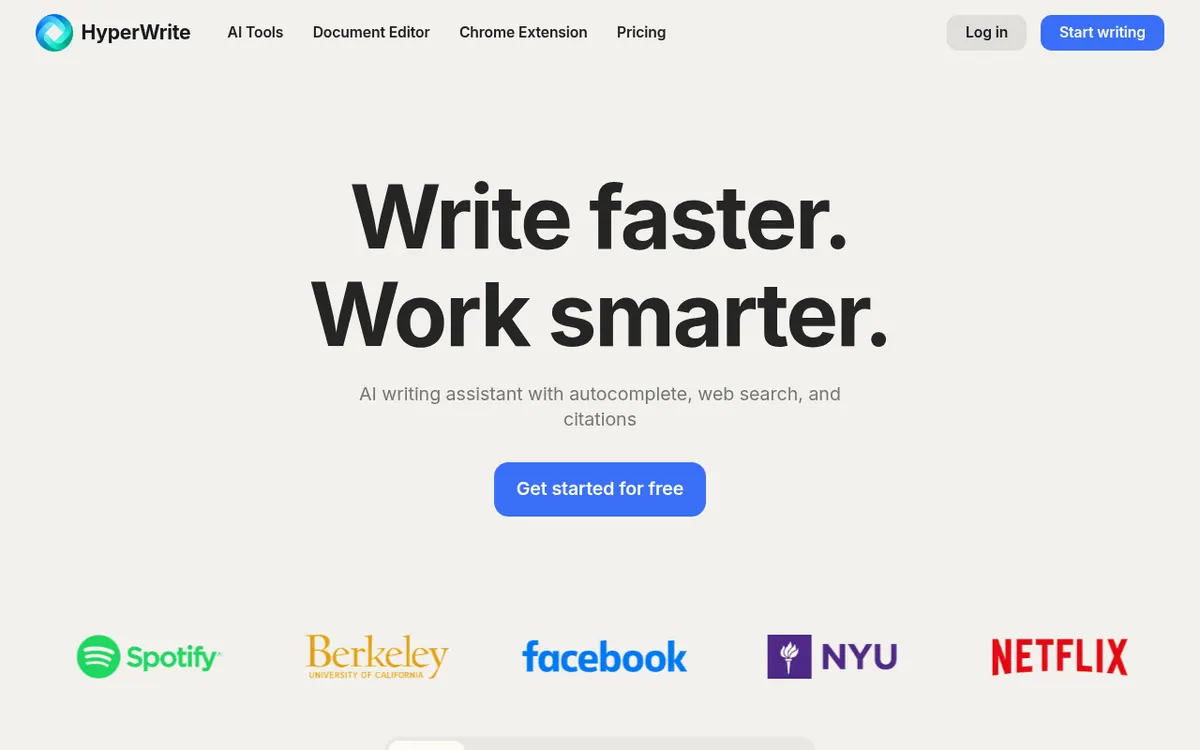
What HyperWrite does
Suggests sentence completions as you type, drafts and rewrites text, replies to emails, and runs research with citations.
HyperWrite is an AI writing assistant from OthersideAI. It helps with drafting, rewriting, email replies, speeches and research, and it offers a document editor as well as a Chrome extension. In the extension, it suggests sentence completions as you type and can answer emails from a few words.
The product lists hundreds of ready-made AI tools, such as an AI Writer, a rewriter, a speech writer and an email responder. You can also create custom AI tools tailored to your own workflows. For research, the vendor says it searches through millions of scholarly articles and papers and returns citation-backed results, using web search alongside the writing tools.
Pricing is freemium. A Free account gets limited monthly credits on a basic AI, but the pages do not give the amount. Premium costs $19.99 per month billed monthly, or $16 per month billed yearly. It includes 250 AI Messages per Month, 3 Custom Personas, citations with real-time info, hundreds of AI tools and Unlimited TypeAheads. Ultra costs $44.99 per month billed monthly, or $29 per month billed yearly. It includes Unlimited AI Messages, 10 Custom Personas, first access to experimental features and Unlimited TypeAheads. The vendor also says generated text should be fact-checked and edited before it is published.
- Predictive autocomplete (TypeAhead)
- Web search with citations
- Scholarly article research
- Automatic email replies
- Custom AI tools
- Hundreds of pre-made AI tools
- Text rewriting
- Custom personas
Official video
HyperWrite AI Writing Demo · by HyperWrite ·
The player loads only when you press play.
Good for / Not for
Good for
- Writers who want autocomplete and rewriting inside the browser
- Students and researchers who need citation-backed scholarly search
- People who answer many repetitive emails and want drafted replies
Not for
- Teams needing a documented API, since none is stated on the pages
- Anyone who needs to know the Free plan credit amount before signing up, since it is not published
How to start
Limits and gotchas
From the official site and docs of HyperWrite, checked on October 30, 2026.
Pros and cons
Pros
- Free account available, so you can try it before paying
- Autocomplete suggestions and email replies are offered through the Chrome extension
- Research tool searches scholarly articles and papers with citations
- Hundreds of pre-made tools plus the option to build custom AI tools
- Ultra plan has unlimited AI messages and 10 custom personas
Cons
- Free plan credit amount is not stated on the pages
- Premium is capped at 250 AI Messages per Month
- No API availability is stated on the official pages
- Only the Chrome extension is clearly named as a platform
- Vendor says output must be fact-checked and edited before publishing
Our take
HyperWrite suits people who write a lot inside the browser, such as students, email-heavy workers and content writers, and who want autocomplete, rewriting and cited research in one place. The free tier lets you try it before paying, though its credit amount is not published. Premium caps usage at 250 AI Messages per Month, so heavy users would look at Ultra, which has unlimited messages at $44.99 per month billed monthly. The official pages mention no API and no trial length, and only the Chrome extension is clearly described as a platform. If you need those, or want to confirm the Free plan limits first, check with the vendor. The vendor itself advises checking generated text before publishing.
Comparisons and lists with HyperWrite
Coming soon
Coming soon — we are writing comparisons that include HyperWrite.
HyperWrite pricing
| Plan | Monthly billing | Annual billing (per month) | Limits / what’s included |
|---|---|---|---|
| Premium per month | $19.99 | $16 | 250 AI Messages per Month; 3 Custom Personas; Unlimited TypeAheads |
| Ultra per month | $44.99 | $29 | Unlimited AI Messages; 10 Custom Personas; Unlimited TypeAheads |
Free trial: none listed. Free plan: yes.
Prices checked on on the official HyperWrite pricing page. “—” = not published.
All HyperWrite plans, limits and annual prices →
Frequently asked questions
Does HyperWrite have a free plan?
Yes. A Free account gets limited monthly credits on a basic AI. The pages do not state the exact amount.
How much does HyperWrite cost?
Premium is $19.99 per month billed monthly or $16 per month billed yearly. Ultra is $44.99 per month billed monthly or $29 per month billed yearly.
What is the difference between Premium and Ultra?
Premium includes 250 AI Messages per Month and 3 Custom Personas. Ultra includes Unlimited AI Messages, 10 Custom Personas and first access to experimental features.
Who makes HyperWrite?
HyperWrite is a product of OthersideAI.
Should I check the text it writes?
Yes. The vendor says to fact check and edit your work before publishing or sharing it.
Recently verified in AI Writing
 Makebook Verified Nov 3, 2026
 Paragraph AI Verified Nov 2, 2026
 Writer Verified Nov 2, 2026
 Lex Verified Oct 30, 2026
 ProWritingAid Verified Oct 30, 2026
- QuillBot Verified Oct 30, 2026
Add an AGIPicks badge to your site
The badge shows HyperWrite’s verification status on AGIPicks and links to this page. Light/dark and compact versions: badges.

Suggest an update
Wrong price, outdated fact or a tool that shut down? Are you the vendor and disagree with this page? Tell us, ideally with a link to the official page. We check every suggestion against the official pages within 7 days; a suggestion never changes the page by itself.