ReviewReply AI review: Google review sync and AI reply drafts for small and local businesses
Google review sync and AI reply drafts for small and local businesses
Prices not verified.
Not yet verified · How we verifySuggest an update
Partner link: we may earn a commission at no extra cost to you. It never changes our order or verdicts. Affiliate disclosure
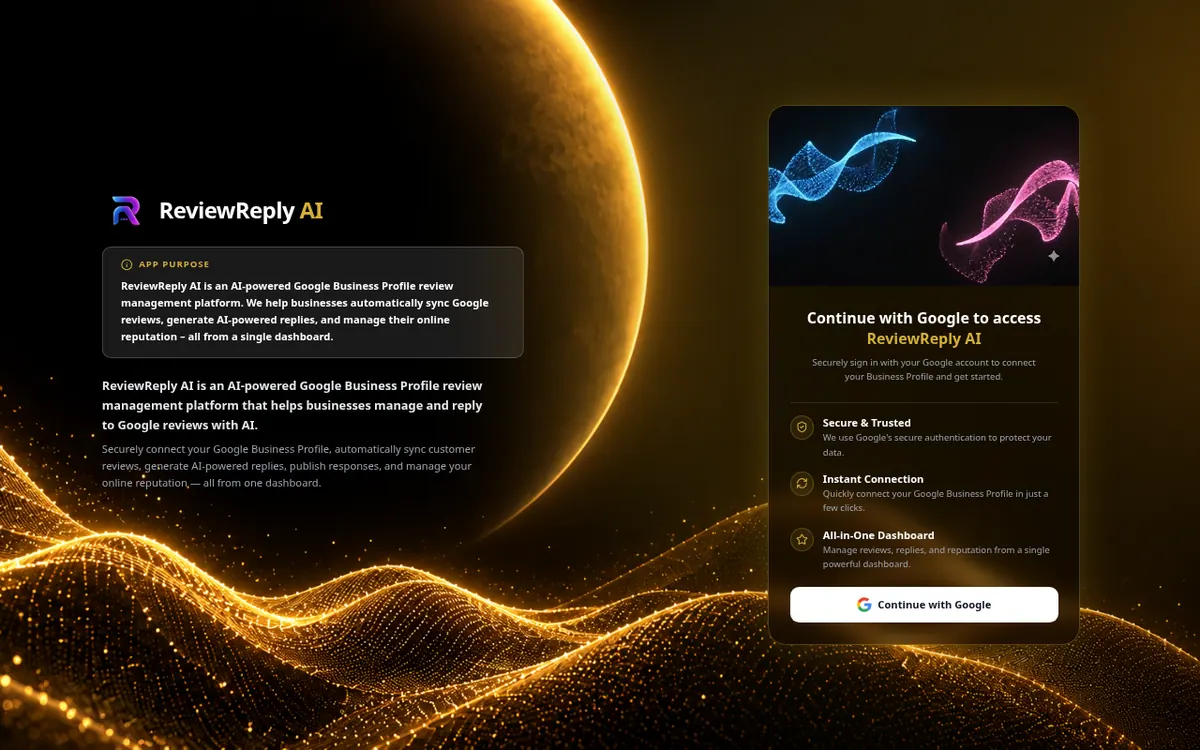
What ReviewReply AI does
ReviewReply AI is a review management product built around Google Business Profile. A business signs in with a Google account, authorizes access to the locations it picks, and the tool pulls in customer reviews automatically, with a manual sync option as well. For each review the AI drafts a reply that the owner can edit and approve before it goes back to Google. The vendor states that nothing is posted without that approval or the user's own automation settings.
Beyond replies, the dashboard covers ratings, sentiment analysis, unanswered-review tracking, email alerts, tags, filters and reports. Review requests can go out through QR codes, email and WhatsApp, and team management is included. The vendor positions the product for small and local businesses such as restaurants, clinics, salons, gyms, retail stores and agencies.
Two plans are published. Google access is limited to the Business Profile API, and the vendor says Gmail, Drive and other Google services are not accessed.
- Automatic and manual Google review sync
- AI reply drafts with edit and approve step
- Sentiment analysis with trends
- Review requests by QR code, email and WhatsApp
- Email alerts for new reviews
- Unified inbox
- Team management
- Exportable reports
Pros and cons
Pros
- AI reply drafts can be edited and approved before publishing
- Reads only Google Business Profile data; Gmail, Drive and similar services are not accessed
- Review requests via QR code, email and WhatsApp are included
- Automatic review sync plus a manual sync option
Cons
- No yearly billing price is shown
- Standard lists 2 Business Locations and 2 Team Members, which may be tight for larger teams
- Focused on Google reviews; the vendor says it may not suit those needing a large messaging or payments suite
- Supported platforms and API availability are not stated
Our take
ReviewReply AI fits owners and small agencies whose main job is answering Google reviews and who want a published, low monthly price rather than an enterprise suite. The approval step before publishing and the narrow Google permissions are clear points in its favor. The vendor itself says it may not suit buyers who need a large messaging or payments suite. Check these points before committing.
Comparisons and lists with ReviewReply AI
Coming soon
Coming soon — we are writing comparisons that include ReviewReply AI.
ReviewReply AI pricing
Prices not verified — the official pricing could not be confirmed; check the vendor's site: official pricing page.
Frequently asked questions
Will AI replies be posted without my approval?
According to the vendor, no. Replies are not posted without your review or your explicit automation settings.
Does it connect to Google Business Profile?
Yes, through Google sign-in. Only the Google Business Profile API is used, and the vendor says Gmail, Drive, Calendar, Contacts, Photos and YouTube are not accessed.
Can I ask customers for reviews?
Yes, review requests can be sent via QR code, email and WhatsApp.
Recently verified in AI Marketing
 AEO Engine Verified Nov 2, 2026
 Crush Partners Verified Nov 2, 2026
 Metabase Verified Nov 2, 2026
 Monte Carlo Verified Nov 2, 2026
 Rainbrand (Bloom) Verified Nov 2, 2026
 Rill Data Verified Nov 2, 2026
Add an AGIPicks badge to your site
The badge shows ReviewReply AI’s verification status on AGIPicks and links to this page. Light/dark and compact versions: badges.

Suggest an update
Wrong price, outdated fact or a tool that shut down? Are you the vendor and disagree with this page? Tell us, ideally with a link to the official page. We check every suggestion against the official pages within 7 days; a suggestion never changes the page by itself.