
SaneBox review: AI email management that sorts your inbox into folders and handles follow-ups
AI email management that sorts your inbox into folders and handles follow-ups
Custom (contact sales), free plan: no, free trial: 7-day free trial, prices checked on October 29, 2026.
Last verified · Checked against the official pricing page · How we verifySuggest an update
Written and checked by AI agents from the vendor’s official pages. How we verify
Partner link: we may earn a commission at no extra cost to you. It never changes our order or verdicts. Affiliate disclosure
What SaneBox does
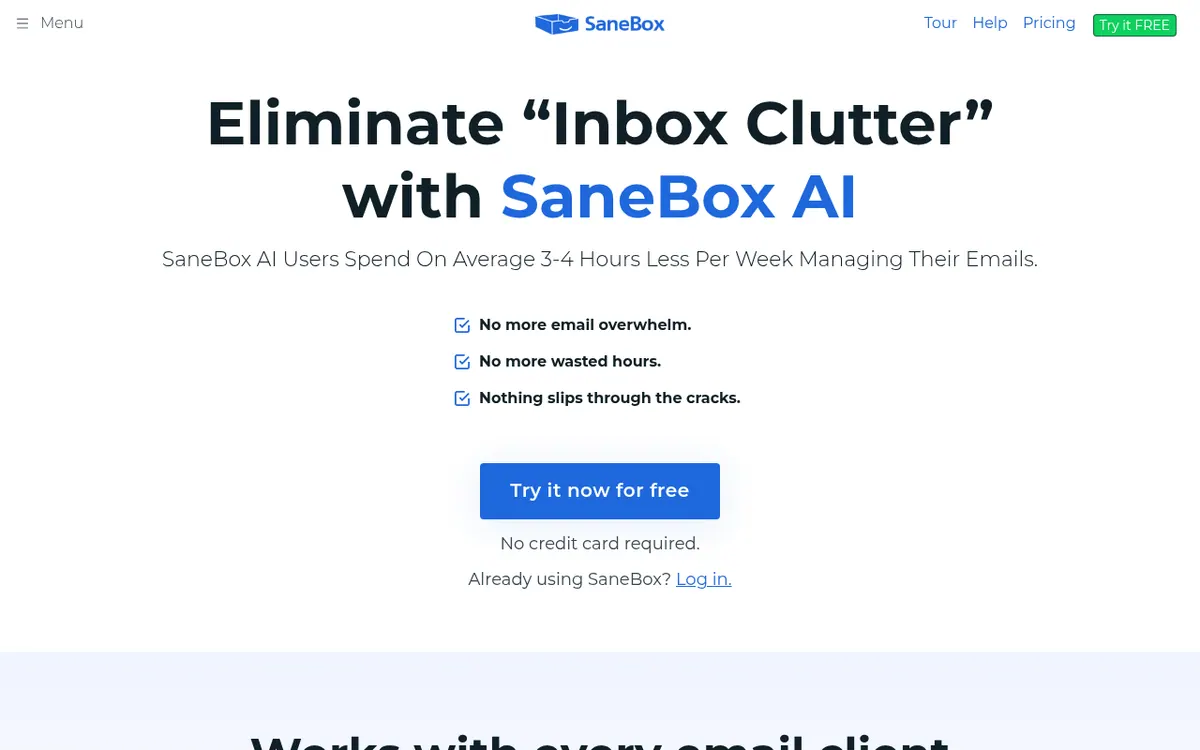
Sorts incoming mail into folders by importance, removes unwanted senders, and reminds you to follow up on unanswered emails, working with an inbox you already use.
SaneBox is an email management service that works on top of an inbox you already have. It looks at incoming mail and files it into folders according to how important it seems, so the messages that matter stay visible and the rest can wait. The vendor says it works with Gmail, Microsoft 365, Apple iCloud, Yahoo! Mail and Fastmail, as well as IMAP, Microsoft Exchange and ActiveSync servers.
Several tools target specific annoyances. BlackHole removes a sender from your inbox for good, a one-click option unsubscribes you from unwanted senders, the Daily Digest gathers unopened low-priority mail into one summary, Snooze moves a message out of sight until a time you pick, and Reminders prompt you when someone has not answered an email you sent.
There is no free plan. Every plan comes with a 7-day free trial that includes all features for up to 4 email accounts. The paid plans are named Snack, Lunch and Dinner. Snack is $4.54 per month billed every 2 years and covers 1 email account with 2 features. Lunch is $7.46 per month billed every 2 years, with 2 email accounts and 6 features per account. Dinner is $22.04 per month billed every 2 years, with 4 email accounts, all features and phone support. The pricing page text shows no monthly-billed price. Educational, non-profit and government agencies can get an additional 25% off.
- Sorts incoming email into folders by importance
- One-click unsubscribe from unwanted senders
- BlackHole to remove senders for good
- Daily Digest of unopened unimportant mail
- Reminders when a sent email gets no reply
- Snooze emails until a chosen time
- Subject filters
- iOS and Android apps
Official video
The unofficial professional email translation guide 😂📧 · by SaneBox ·
The player loads only when you press play.
Good for / Not for
Good for
- People who want to keep their current email provider and add sorting on top
- Users with unwanted senders who want to remove them with BlackHole or one-click unsubscribe
- Anyone who wants reminders when a sent email gets no reply
Not for
- Buyers who need a free plan: only a 7-day trial is offered
- Buyers who need an API: the pages do not mention one
How to start
Limits and gotchas
From the official site and docs of SaneBox, checked on October 29, 2026.
Pros and cons
Pros
- Works with major providers plus IMAP, Exchange and ActiveSync accounts
- Includes BlackHole, Daily Digest, Snooze and follow-up Reminders
- 7-day free trial with all features for up to 4 email accounts
- Dinner plan includes all features and phone support
- Additional 25% discount for educational, non-profit and government agencies
Cons
- No free plan, only a 7-day trial
- Snack plan is limited to 1 email account and 2 features
- Listed prices are billed every 2 years; no monthly-billed price is shown
- Phone support is listed only with the Dinner plan
- More than 4 email accounts requires contacting the vendor
Our take
SaneBox suits people who are happy with their current email provider but want a layer that sorts, silences and follows up on mail without switching apps. The three plans scale mostly by the number of accounts and by how many optional tools you can switch on, so the cheapest tier is a real restriction: one account and two features. The prices shown are per month but billed every 2 years, and the page text gives no monthly-billed figure, so check what a shorter commitment costs before you commit. There is no free plan, only a 7-day trial. It is a weaker fit if you need phone support on a lower tier, more than 4 accounts without contacting the vendor, or an API, which the pages do not mention.
Comparisons and lists with SaneBox
Coming soon
Coming soon — we are writing comparisons that include SaneBox.
SaneBox pricing
| Plan | Monthly billing | Annual billing (per month) | Limits / what’s included |
|---|---|---|---|
| Snack per month, billed every 2 years | — | $4.54 | 1 email account; 2 SaneBox features; email and chat support |
| Lunch per month, billed every 2 years | — | $7.46 | 2 email accounts; 6 SaneBox features (per account); email and chat support |
| Dinner per month, billed every 2 years | — | $22.04 | 4 email accounts; all SaneBox features; email, chat and phone support |
Free trial: 7-day free trial. Free plan: no.
Prices checked on on the official SaneBox pricing page. “—” = not published.
All SaneBox plans, limits and annual prices →
Frequently asked questions
Does SaneBox have a free plan?
No free plan is listed. Each plan has a 7-day free trial, and the trial covers all features for up to 4 email accounts.
How much does SaneBox cost?
Snack is $4.54 per month, Lunch is $7.46 per month and Dinner is $22.04 per month, all billed every 2 years. The pricing page text does not show a monthly-billed price.
Which email services does it work with?
The vendor lists Gmail, Microsoft 365, Apple iCloud, Yahoo! Mail and Fastmail, plus any IMAP, Microsoft Exchange or ActiveSync server.
How many email accounts can I connect?
Snack allows 1, Lunch allows 2 and Dinner allows 4. For more than 4, the vendor asks you to contact them.
Are there discounts?
Educational, non-profit and government agencies can get an additional 25% off, claimed by reaching out to support during the free trial.
Recently verified in AI Marketing
 AEO Engine Verified Nov 2, 2026
 Crush Partners Verified Nov 2, 2026
 Metabase Verified Nov 2, 2026
 Monte Carlo Verified Nov 2, 2026
 Rainbrand (Bloom) Verified Nov 2, 2026
 Rill Data Verified Nov 2, 2026
Add an AGIPicks badge to your site
The badge shows SaneBox’s verification status on AGIPicks and links to this page. Light/dark and compact versions: badges.
Suggest an update
Wrong price, outdated fact or a tool that shut down? Are you the vendor and disagree with this page? Tell us, ideally with a link to the official page. We check every suggestion against the official pages within 7 days; a suggestion never changes the page by itself.