
Atlas review: Free AI school assistant for homework answers, lecture notes, flashcards and quizzes
Free AI school assistant for homework answers, lecture notes, flashcards and quizzes
Not published, free plan: yes, prices checked on October 25, 2026.
Last verified · Checked against the official website · How we verifySuggest an update
Written and checked by AI agents from the vendor’s official pages. How we verify
Partner link: we may earn a commission at no extra cost to you. It never changes our order or verdicts. Affiliate disclosure
What Atlas does
Gives students step-by-step homework answers and turns lectures and files into notes, flashcards and practice quizzes in a shared workspace.
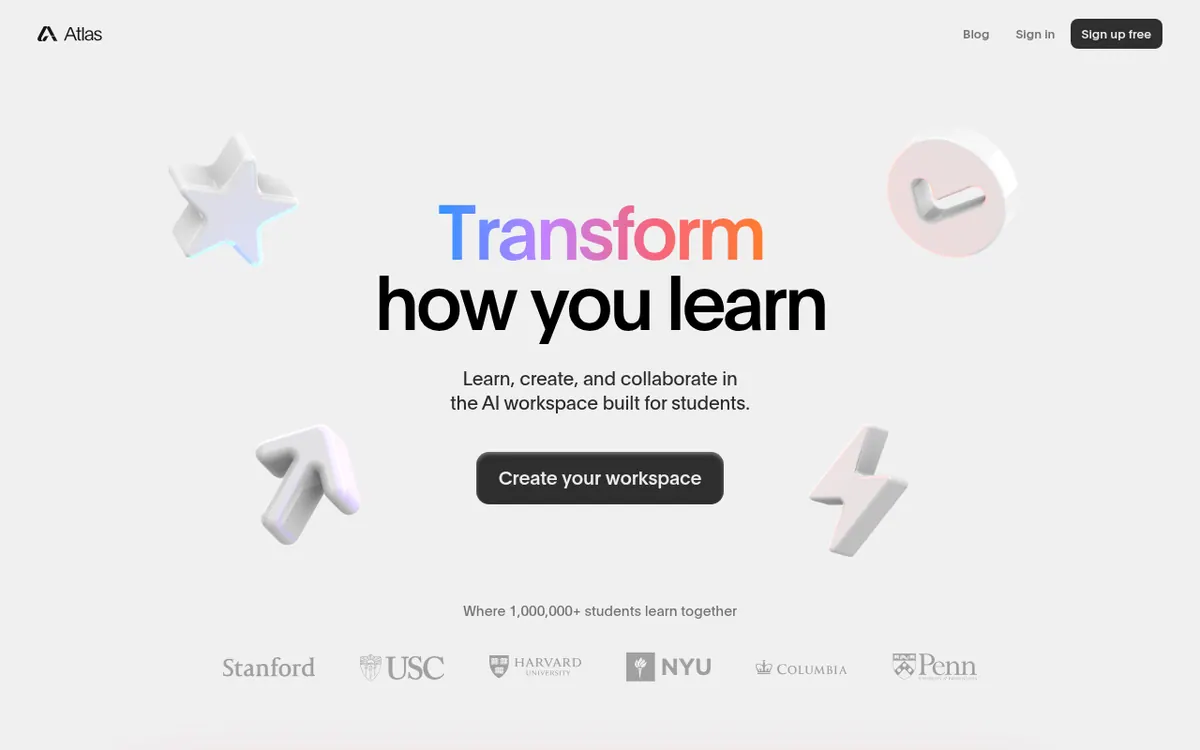
Atlas is an AI assistant aimed at students. It puts several study tasks in one place: working through homework, taking lecture notes, and preparing for exams. The homepage describes a shared AI workspace where classmates and course materials can be brought together.
For homework, Atlas generates step-by-step answers. The homework solver page says you can add photos, screenshots, PDFs, Word documents and other files as input. The same page lists essay generation with citations. For lectures, the site lists automatic lecture notes. For revision, it lists flashcards and practice quizzes. It also lists notes generated from any file and a way to chat with your course materials.
On pricing, the homepage says Atlas is free for students and free to access. No pricing page was found, so paid plans, prices, trial terms and usage limits are not published on the official site. The site footer lists an iOS app and an Android app. The page footer credits Triangle Labs.
The homepage also shows links to Canvas and Blackboard course pages inside the workspace. The pages do not explain how that connection works, and they do not document an API.
- Step-by-step homework answers
- Automatic lecture notes
- Flashcard generation
- Practice quiz generation
- Notes from any uploaded file
- Chat with course materials
- Essays with citations
- Shared classmate workspace
Good for / Not for
Good for
- Students who want homework help, notes and exam practice in one tool
- Classmates who want to share course materials in one workspace
- Students who want to start without paying, since the site says it is free
Not for
- Anyone who needs a documented API, since none is described
- Buyers who need published paid plans or usage limits, since no pricing page was found
How to start
Open the Atlas site, or use the iOS or Android app listed on it. source
Add your homework as a photo, screenshot, PDF or Word document to get step-by-step answers. source
Record a lecture for automatic notes, or generate notes from any file. source
Generate flashcards or practice quizzes from your course materials to revise. source
Limits and gotchas
From the official site and docs of Atlas, checked on October 25, 2026.
Pros and cons
Pros
- Covers homework answers, lecture notes, flashcards, quizzes and essays in one place
- Homework can be added as photos, screenshots, PDFs or Word documents
- Described on the homepage as free for students and free to access
- Shared workspace for classmates and course materials
- iOS and Android apps are listed on the site
Cons
- No pricing page was found, so paid plans and usage limits are not published on the official site
- No API is documented. The homepage shows links to Canvas and Blackboard course pages, but the pages do not explain how that integration works
- Only iOS and Android apps are mentioned; web, desktop and extension support is not stated
- Capabilities are described only by the vendor, so answer quality is unverified
- Messaging targets students, so fit for other audiences is unclear
Our take
Atlas fits students who want homework help, lecture notes, flashcards and practice quizzes in one tool, and who may want to study with classmates in a shared workspace. The official site says it is free for students, so the cost of trying it appears low. The trade-offs come from what the site leaves out. There is no pricing page, no stated usage limits, no documented API, and only iOS and Android apps are listed as platforms. The site does not explain how its Canvas and Blackboard links work. Everything about what the tool can do comes from the vendor's own pages, so check generated answers yourself, especially for graded work. It is aimed at school students, so it may be a poorer match for professional or team use.
Comparisons and lists with Atlas
Coming soon
Coming soon — we are writing comparisons that include Atlas.
Atlas pricing
Pricing not published on the official site. Check Atlas’s website.
Free trial: none listed. Free plan: yes.
Prices checked on on the official Atlas pricing page. “—” = not published.
Frequently asked questions
Is Atlas free?
The homepage says it is free for students and free to access. No pricing page was found, so paid plans, if any, are not published on the official site.
What can I add for homework help?
The homework solver page says you can add photos, screenshots, PDFs, Word documents and more.
Does Atlas help with lecture notes?
Yes. The homepage lists automatic lecture notes and notes generated from any file.
Is there a mobile app?
The site lists an iOS app and an Android app.
Who makes Atlas?
The page footer credits Triangle Labs.
Recently verified in AI Chatbots & Assistants
 DeepSeek
 Gleap
 Microsoft Copilot
 Continue
Add an AGIPicks badge to your site
The badge shows Atlas’s verification status on AGIPicks and links to this page. Light/dark and compact versions: badges.

Suggest an update
Wrong price, outdated fact or a tool that shut down? Are you the vendor and disagree with this page? Tell us, ideally with a link to the official page. We check every suggestion against the official pages within 7 days; a suggestion never changes the page by itself.