Clay review: Data enrichment, AI research and workflow building for go-to-market teams
Data enrichment, AI research and workflow building for go-to-market teams
Starts at $60/mo, free plan: yes, free trial: 14-day trial, prices checked on October 30, 2026.
Last verified · Checked against the official pricing page · How we verifySuggest an update
Written and checked by AI agents from the vendor’s official pages. How we verify
What Clay does
Enriches prospect and company data from many providers, researches accounts with an AI agent, and triggers emails, CRM updates and ad audiences from that data.
Clay is a platform for go-to-market teams that want to collect prospect and company data, enrich it and act on it in one place. It runs waterfall enrichment across more than 150 providers, so a gap left by one source can be filled by the next. It also includes Claygent, an AI agent that does web research to produce custom data points.
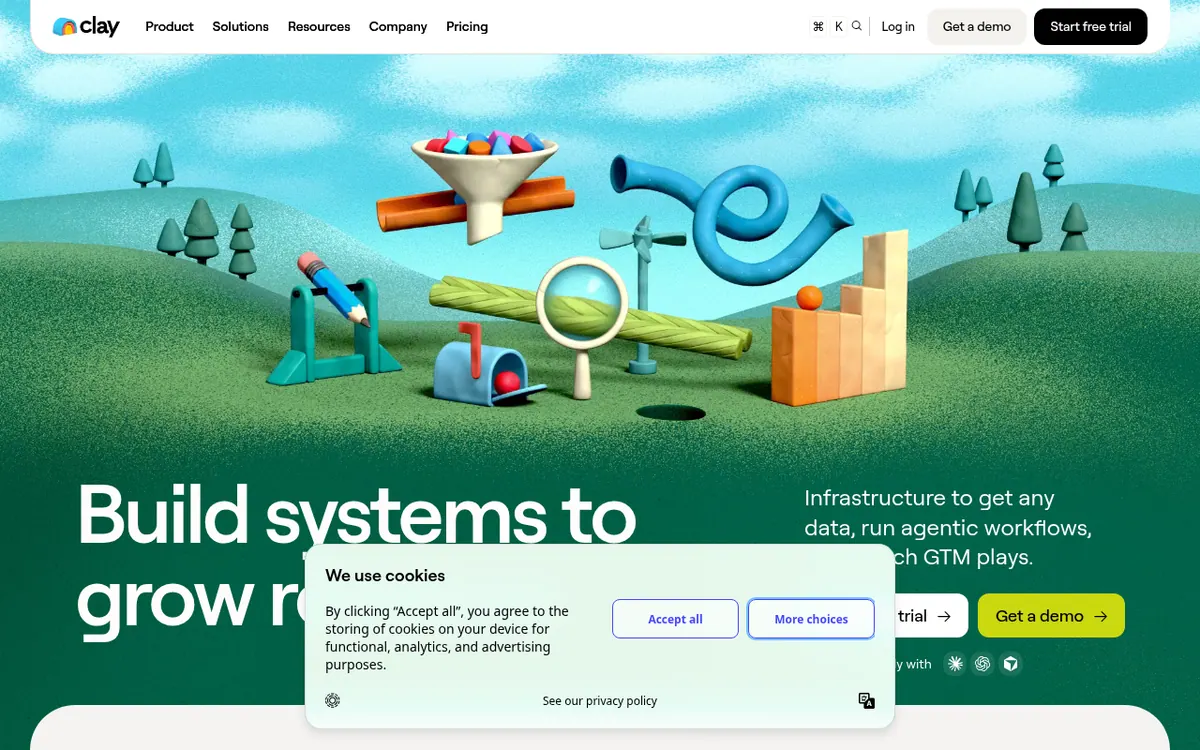
Beyond data, Clay tracks signals such as job changes and company news, sends emails through its own sequencer or through integrations, syncs with CRMs and data warehouses, and can push audiences to ad platforms. The homepage describes a visual canvas where plays are built with clicks, code or chat.
Pricing is usage based and split into two meters. Actions measure platform work such as enrichment, running a table or calling an AI model. Data credits pay for data bought from vendors in the marketplace. There is a Free plan with 500 actions per month and tables of up to 200 rows. Growth starts at $205 per month billed monthly, or $185 per month billed yearly, with 40,000 actions per month. Higher usage tiers cost more. Enterprise is custom priced.
- Multi-provider waterfall enrichment
- Claygent AI web research agent
- Job change and company news signals
- Built-in email sequencer or integrations
- CRM auto-sync and enrichment
- Data warehouse sync
- Ad audiences for LinkedIn and Meta
- SSO/SAML on Enterprise
Official video
What is Clay? · by Clay ·
The player loads only when you press play.
Good for / Not for
Good for
- Sales ops and RevOps teams enriching CRM records from several data providers
- Outbound teams that want signals like job changes to drive outreach
- GTM teams that want to build their own workflows rather than buy a fixed list
Not for
- Buyers who need a single flat price, since cost depends on actions and data credits
- Teams needing SSO or role-based access without an Enterprise quote
- Free-plan users who need phone number enrichment
How to start
Limits and gotchas
From the official site and docs of Clay, checked on October 30, 2026.
Pros and cons
Pros
- Free plan with unlimited seats and tables, plus a 14-day trial
- Waterfall enrichment across more than 150 data providers
- Claygent AI agent researches custom data points from the web
- CRM sync, data warehouse sync and HTTP API integrations on higher plans
- Using your own API keys avoids data credit use
Cons
- Two separate usage meters (actions and data credits) make cost harder to predict
- Free plan is capped at 500 actions per month and 200 rows per table, with no phone number enrichment
- Actions do not roll over between billing cycles
- Extra credits on Launch and Growth cost a 30% premium
- Enterprise has no published price, and SSO and access controls need it
Our take
Clay fits sales operations, RevOps and growth teams that want to build their own enrichment and outreach workflows from many data sources instead of relying on one database. The Free plan and the 14-day trial let you test the approach before paying. Actions do not roll over, and extra credits carry a premium. SSO and role-based access sit on Enterprise, which is priced by quote.
Comparisons and lists with Clay
Coming soon
Coming soon — we are writing comparisons that include Clay.
Clay pricing
| Plan | Monthly billing | Annual billing (per month) | Limits / what’s included |
|---|---|---|---|
| Free | — | — | 500 actions/mo; 100 data credits/mo; up to 200 rows per table; unlimited seats and tables |
| Launch from, per month; usage tiers expand | $60 | $54 | Starts at 15,000 actions/mo; higher usage tiers cost more |
| Growth from, per month; usage tiers expand | $205 | $185 | Starts at 40,000 actions/mo; higher usage tiers cost more |
| Enterprise | — | — | Custom actions and custom pricing |
Free trial: 14-day trial. Free plan: yes.
Prices checked on on the official Clay pricing page. “—” = not published.
All Clay plans, limits and annual prices →
Frequently asked questions
Does Clay have a free plan?
Yes. The Free plan includes 500 actions per month, tables of up to 200 rows, and unlimited seats and tables. It does not include phone number enrichment.
How much do the paid plans cost?
Launch starts at $60 per month billed monthly or $54 per month billed yearly. Growth starts at $205 per month billed monthly or $185 per month billed yearly. Higher usage tiers cost more, and Enterprise is custom priced.
Is there a trial?
The pricing page offers a 14-day trial, and the homepage says no credit card is required to start.
Do unused actions and credits roll over?
Actions reset each billing cycle and do not roll over. Data credits do roll over.
Can I use my own API keys?
Yes. Each run then counts as one action, but no data credit is used.
Recently verified in Sales & Lead Generation
 SalesTarget.ai
 Snov.io
 11x
 Foxreach
 Gong
 MyPicNow
Add an AGIPicks badge to your site
The badge shows Clay’s verification status on AGIPicks and links to this page. Light/dark and compact versions: badges.
Suggest an update
Wrong price, outdated fact or a tool that shut down? Are you the vendor and disagree with this page? Tell us, ideally with a link to the official page. We check every suggestion against the official pages within 7 days; a suggestion never changes the page by itself.