
Coda review: Workspace that blends docs, tables, apps and AI for team wikis and trackers
Workspace that blends docs, tables, apps and AI for team wikis and trackers
Prices not verified.
Not yet verified · How we verifySuggest an update
What Coda does
Coda is a workspace that combines documents, spreadsheet-style tables, small applications and AI features in one place. Teams use it to write decision docs, keep wikis and team hubs, track work in linked tables, and build their own tools with formulas, buttons and automations. The homepage says tables can refer to each other and that edits sync across views.
Coda AI covers three jobs described on the site: a chat for brainstorming and questions, an assistant that can draft content, summarize or generate tables, and an AI column that applies AI across rows of data. Beyond that, the vendor lists 600+ integrations, for example pushing updates into Slack, embedding Figma files in a brief, or creating Jira tickets from feedback tables. Packs let people adjust how a doc looks, works and connects to other tools. A gallery offers templates for product, sales, engineering, design, marketing and HR teams, and published docs can be shared as websites. An API is listed for working with docs programmatically.
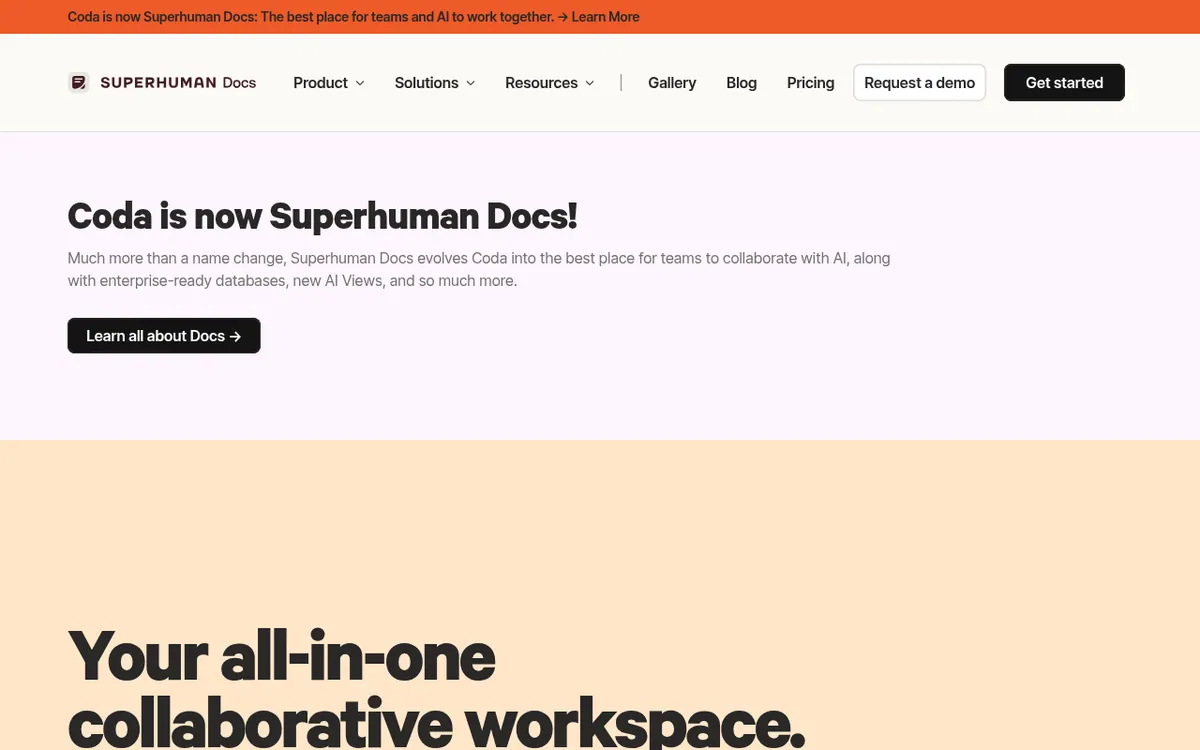
On pricing, the homepage offers a "Get started for free" button and a "Contact sales" button, and the vendor says per-seat charging is not its approach. The pricing page could not be found on the official site, so plan names, prices and billing periods are not published here. The site also announces that Coda is now Superhuman Docs.
- Docs, wikis and team hubs
- Linked tables with synced views
- Formulas, buttons and automations
- Coda AI chat and assistant
- AI column for data
- 600+ integrations
- Packs for customizing docs
- Publish docs as websites
- Template gallery
- API
Pros and cons
Pros
- Combines docs, tables, apps and AI in a single workspace
- Coda AI includes chat, an assistant and an AI column for data
- 600+ integrations, including Slack, Figma and Jira
- Template gallery for product, sales, engineering, design, marketing and HR teams
- Vendor says it does not charge per seat, and an API is listed
Cons
- No plan names, prices or billing periods can be confirmed
- Supported platforms are not listed on the pages we read
- Product is being renamed Superhuman Docs, which may cause naming confusion
Our take
Coda looks like a fit for teams that want documents, wikis and tracking tables in one workspace, and that like building their own lightweight tools with formulas and automations. The AI features and 600+ integrations add reach. The site also mentions a rename to Superhuman Docs, so check what the product is called when you sign up. Platform support is not stated on the pages we read.
Comparisons and lists with Coda
Coming soon
Coming soon — we are writing comparisons that include Coda.
Coda pricing
Prices not verified — the official pricing could not be confirmed; check the vendor's site: official website.
Frequently asked questions
Does Coda have AI features?
Yes. The site describes Coda AI chat, an AI assistant that can draft content, summarize or generate tables, and an AI column for working with data.
Which tools does Coda connect to?
The vendor mentions 600+ integrations, with examples including Slack, Figma and Jira. Packs are used to bring tools into a doc.
Does Coda have an API?
Yes. The site lists an API and describes it as a guide to programmatically interact with Coda docs.
Recently verified in Productivity
 Fyxer
 Craft
 ClickUp
 Eurekaa.io
 Jotform
 Logseq
Add an AGIPicks badge to your site
The badge shows Coda’s verification status on AGIPicks and links to this page. Light/dark and compact versions: badges.

Suggest an update
Wrong price, outdated fact or a tool that shut down? Are you the vendor and disagree with this page? Tell us, ideally with a link to the official page. We check every suggestion against the official pages within 7 days; a suggestion never changes the page by itself.