
Hubstaff review: Time tracking, activity monitoring and payments for distributed teams, billed per seat
Time tracking, activity monitoring and payments for distributed teams, billed per seat
Starts at $10/mo, free plan: no, free trial: 14-day free trial, no credit card required, prices checked on October 20, 2026.
Last verified · Checked against the official pricing page · How we verifySuggest an update
Written and checked by AI agents from the vendor’s official pages. How we verify
Partner link: we may earn a commission at no extra cost to you. It never changes our order or verdicts. Affiliate disclosure
What Hubstaff does
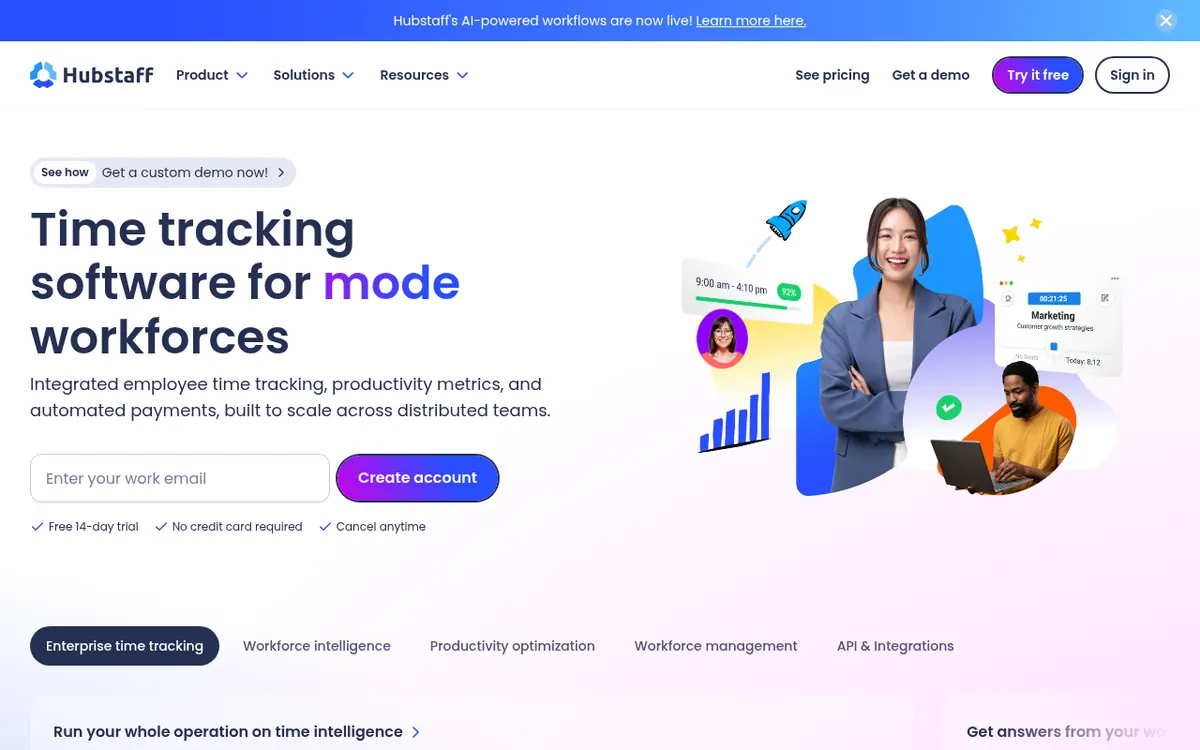
Hubstaff is a time tracking platform aimed at distributed and hybrid teams. Employees log hours with a start-and-stop timer on desktop, web or mobile, and field teams can use GPS-based tracking. Tracked time feeds timesheets, which managers approve before payments are sent to team members in several currencies through connected payment providers.
On top of time data, the product offers activity rates, app and URL tracking and optional screenshots, with settings that administrators can adjust. The vendor states that it never logs keystrokes. Machine learning is used to flag unusual activity patterns that might point to inaccurate time records. Project budgets, cost data and alerts help teams watch spend, and the site lists 20+ customizable reports.
Hubstaff connects to other tools, including Salesforce, Jira, Slack, Deel and PayPal. It also offers an API, a command-line tool and an MCP connection for asking questions about workforce data in ChatGPT or Claude. Apps and extensions are listed for Linux, Mac, Windows, Chrome, Android and iOS.
Pricing is per seat, and every member of the team counts toward the bill even if some do not track time. The only plan price visible in the pricing page text is an FAQ example describing the Team plan at $10 per seat per month; the page text does not show a full plan list, so check the pricing page for current prices. A 14-day free trial needs no credit card, and a 30-day money-back guarantee applies to paid plans.
- Start-and-stop timer and GPS tracking
- Activity rates, app and URL tracking
- Optional screenshots
- Project budgets and cost alerts
- Automated timesheets and approvals
- Global payments from approved time
- 20+ customizable reports
- Unusual activity detection
- API, CLI and MCP access
Pros and cons
Pros
- Timer, GPS-based tracking and desktop, web and mobile options cover office and field work
- Approved timesheets can trigger payments through providers such as Wise, PayPal and Payoneer
- Project budgets and alerts help watch spend against tracked time
- API, CLI and MCP connection allow custom workflows and AI queries
- 14-day free trial without a credit card and a 30-day money-back guarantee
Cons
- Billing is per seat, including members who do not track time
- The pricing page text shows only one plan price, an example for the Team plan at $10 per seat per month
- No permanent free plan is stated; only a 14-day free trial
- Activity monitoring and optional screenshots may not suit every team
- The money-back guarantee excludes the free trial and does not apply to canceled users
Our take
Hubstaff fits organizations that want time tracking, activity monitoring, budgets and payouts in a single product, especially teams spread across countries or working in the field. The API, CLI and MCP connection also suit companies that want to send workforce data into other systems. It is a weaker fit for people who only need a simple timer, or for teams that are uncomfortable with activity monitoring and optional screenshots. Billing is per seat, so cost grows with headcount. Only one plan price appeared in the official page text, so confirm the current plans on the pricing page before committing.
Comparisons and lists with Hubstaff
Coming soon
Coming soon — we are writing comparisons that include Hubstaff.
Hubstaff pricing
| Plan | Monthly billing | Annual billing (per month) | Limits / what’s included |
|---|---|---|---|
| Team per seat | $10 | — | Price taken from an FAQ example on the pricing page; the page text shows no other plan prices. Billed per seat. |
Free trial: 14-day free trial, no credit card required. Free plan: no.
Prices checked on on the official Hubstaff pricing page. “—” = not published.
Hubstaff affiliate program: commission, cookie and terms →
Frequently asked questions
Does Hubstaff offer a free trial?
Yes. The pricing page describes a free 14-day trial that does not require a credit card.
How is Hubstaff billed?
Per seat. Even members who do not track time count toward the bill, although a free Project Viewer role exists for users who only view activity reports.
What does the Team plan cost?
An FAQ example on the pricing page describes the Team plan as costing $10 per seat per month. The page text does not show other plan prices.
Is there a money-back guarantee?
Yes, a 30-day money-back guarantee applies, excluding the 14-day free trial.
Does Hubstaff log keystrokes?
According to its features page, it never logs keystrokes and only logs usage frequency.
Recently verified in Productivity
 Fyxer
 Craft
 ClickUp
 Eurekaa.io
 Jotform
 Logseq
Add an AGIPicks badge to your site
The badge shows Hubstaff’s verification status on AGIPicks and links to this page. Light/dark and compact versions: badges.

Suggest an update
Wrong price, outdated fact or a tool that shut down? Are you the vendor and disagree with this page? Tell us, ideally with a link to the official page. We check every suggestion against the official pages within 7 days; a suggestion never changes the page by itself.