
Lunacal review: Online booking and scheduling for professionals and teams, with payments
Online booking and scheduling for professionals and teams, with payments
Starts at $9/mo, free plan: no, free trial: 7-day free trial, prices checked on October 29, 2026.
Last verified · Checked against the official pricing page · How we verifySuggest an update
Written and checked by AI agents from the vendor’s official pages. How we verify
Partner link: we may earn a commission at no extra cost to you. It never changes our order or verdicts. Affiliate disclosure
What Lunacal does
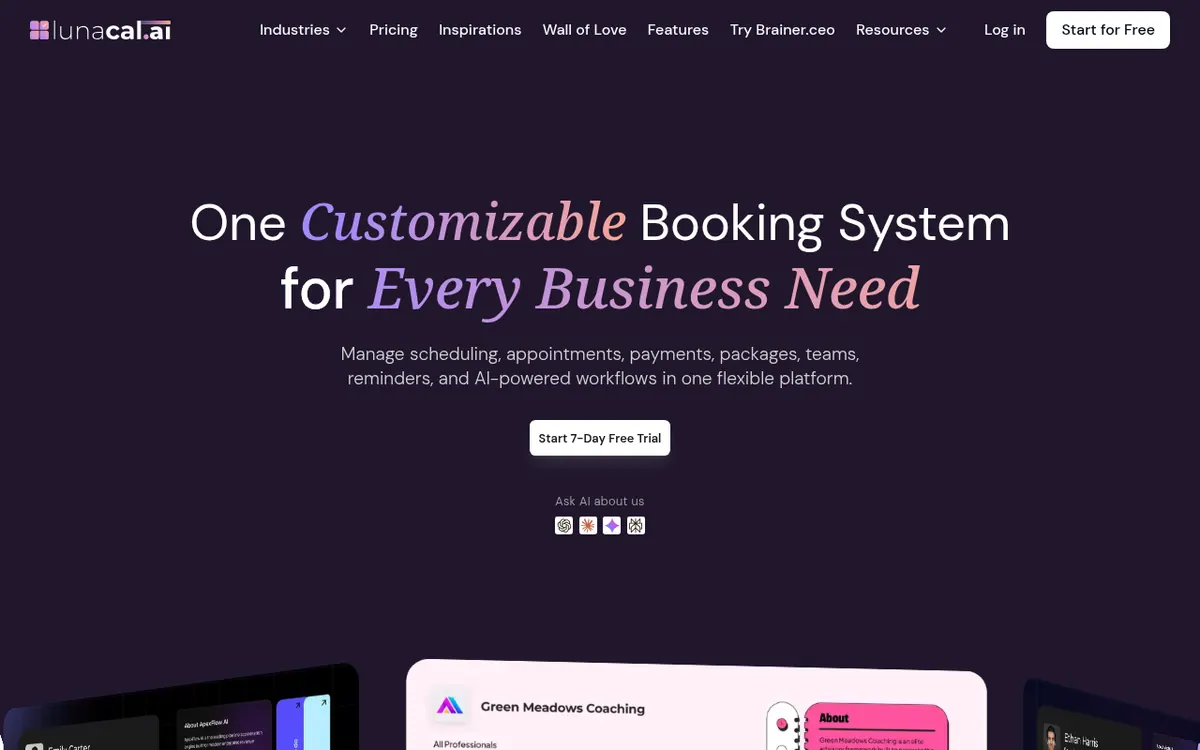
Lets clients book appointments online against your synced calendars, with reminders, paid sessions, packages and team scheduling.
Lunacal is an online appointment scheduling system. Clients book through a shareable link or a calendar embedded on your own website, and the tool checks your connected Google, Outlook and Apple calendars so that only free times are offered. You can set working hours, buffers, minimum notice and date-specific exceptions, and send automated email and SMS reminders and follow-ups.
Beyond one-to-one meetings it handles group sessions, round-robin and collective team scheduling, and service-first booking where a client picks a service and a provider. Paid bookings go through Stripe or PayPal, and the vendor states it takes no commission on them. You can also sell multi-session packages, create coupons, and give clients a branded portal. Integrations include Zapier, webhooks, HubSpot and Pipedrive, and the features page lists a booking API.
Pricing is per user. The pricing page lists Standard at $9, Teams at $15 and Enterprise at $25 per user per month, and shows a Monthly/Annually toggle that mentions a 10% saving; no separate yearly-billed figure is displayed. Teams also shows $20 with a 25% off label. Each plan starts with a 7-day free trial. Standard covers unlimited calendars and services, payments and reminders. Teams adds team scheduling, packages, round-robin and webhooks. Enterprise adds an AI Voice Agent, an account manager, complete branding, an MCP Server (both Beta) and SSO. A custom domain is sold as an add-on.
- Calendar sync with Google, Outlook and Apple
- Email and SMS reminders
- Round-robin and collective scheduling
- Paid bookings via Stripe or PayPal
- Multi-session packages and coupons
- Branded client portal
- Website embeds and booking links
- Zapier, webhooks, HubSpot and Pipedrive integrations
- Booking API
Good for / Not for
Good for
- Solo professionals who want booking links, reminders and payments in one place
- Teams that need round-robin or collective scheduling across members
- Businesses selling multi-session packages or coupons to clients
Not for
- Anyone looking for a free plan: only a 7-day trial is stated
- Buyers who need app platform details: the pages do not list them
How to start
Pick Standard, Teams or Enterprise and start the 7-day free trial. source
Connect your Google, Outlook or Apple calendar so availability stays in sync. source
Set working hours, buffers and event types, then share your booking link or embed the calendar on your website. source
Connect Stripe or PayPal if you want clients to pay when booking. source
Limits and gotchas
From the official site and docs of Lunacal, checked on October 29, 2026.
Pros and cons
Pros
- Connects Google, Outlook and Apple calendars with 2-way sync
- Supports paid bookings via Stripe or PayPal with no Lunacal commission
- Handles round-robin, collective and service-first team scheduling
- Sells multi-session packages and coupons, and offers a client portal
- Integrates with Zapier, webhooks, HubSpot and Pipedrive, plus a booking API
Cons
- No free plan is stated, only a 7-day free trial
- Pricing is per user, so costs grow with team size
- Packages, round-robin and webhooks need the Teams plan or higher
- Custom domain is an add-on, and the AI Voice Agent and MCP Server are Beta
- Supported app platforms are not listed on the official pages
Our take
Lunacal fits independent professionals, coaches, clinics and small teams that want booking, reminders and payment collection in one tool, and teams that need round-robin or collective scheduling. Per-user pricing starts at $9 per month, and the vendor says it takes no commission on paid bookings, though Stripe or PayPal terms apply separately. The trade-offs: no free plan is stated, only a 7-day trial; packages, round-robin and webhooks require Teams; SSO and the AI voice features sit in Enterprise, and the AI features are Beta. A custom domain costs extra. The pages do not list app platforms, so check that yourself before committing.
Comparisons and lists with Lunacal
Coming soon
Coming soon — we are writing comparisons that include Lunacal.
Lunacal pricing
| Plan | Monthly billing | Annual billing (per month) | Limits / what’s included |
|---|---|---|---|
| Standard per user | $9 | — | For professionals. Unlimited calendars and services, payments via Stripe and PayPal, text/email reminders, customizable booking page. The page shows a Monthly/Annually (Save 10%) toggle but only one price per plan, so no yearly-billed price is reported. |
| Teams per user | $15 | — | All Standard features plus teams scheduling, multi-session packages, round-robin scheduling and webhooks. The page also shows $20 with a 25% off label. No yearly-billed price is shown. |
| Enterprise per user | $25 | — | AI Voice Agent, account manager, complete branding, MCP Server (Beta), SSO. No yearly-billed price is shown. |
Free trial: 7-day free trial. Free plan: no.
Prices checked on on the official Lunacal pricing page. “—” = not published.
All Lunacal plans, limits and annual prices →
Frequently asked questions
Does Lunacal have a free plan?
The pricing page does not state a free plan. Each plan starts with a 7-day free trial.
How much does Lunacal cost?
The pricing page lists Standard at $9, Teams at $15 and Enterprise at $25 per user per month. A Monthly/Annually toggle mentions a 10% saving, but no separate yearly-billed price is shown.
Does Lunacal take a commission on paid bookings?
The vendor says it does not charge any commission on bookings. Payments go through Stripe or PayPal.
Can it do round-robin scheduling and packages?
Yes. The pricing page lists round-robin scheduling and multi-session packages under the Teams plan.
Does Lunacal have an API?
The features page lists a booking API for fetching available slots and listing, creating or canceling appointments.
Recently verified in Productivity
 Fyxer
 Craft
 ClickUp
 Eurekaa.io
 Jotform
 Logseq
Add an AGIPicks badge to your site
The badge shows Lunacal’s verification status on AGIPicks and links to this page. Light/dark and compact versions: badges.

Suggest an update
Wrong price, outdated fact or a tool that shut down? Are you the vendor and disagree with this page? Tell us, ideally with a link to the official page. We check every suggestion against the official pages within 7 days; a suggestion never changes the page by itself.