
Napkin AI review: Turns pasted text into diagrams, mind maps, charts and slides; free plan available
Turns pasted text into diagrams, mind maps, charts and slides; free plan available
Starts at $9/mo, free plan: yes, prices checked on October 30, 2026.
Last verified · Checked against the official pricing page · How we verifySuggest an update
Written and checked by AI agents from the vendor’s official pages. How we verify
What Napkin AI does
Turns text you paste or import into editable diagrams, flowcharts, mind maps, infographics, data charts and slide decks.
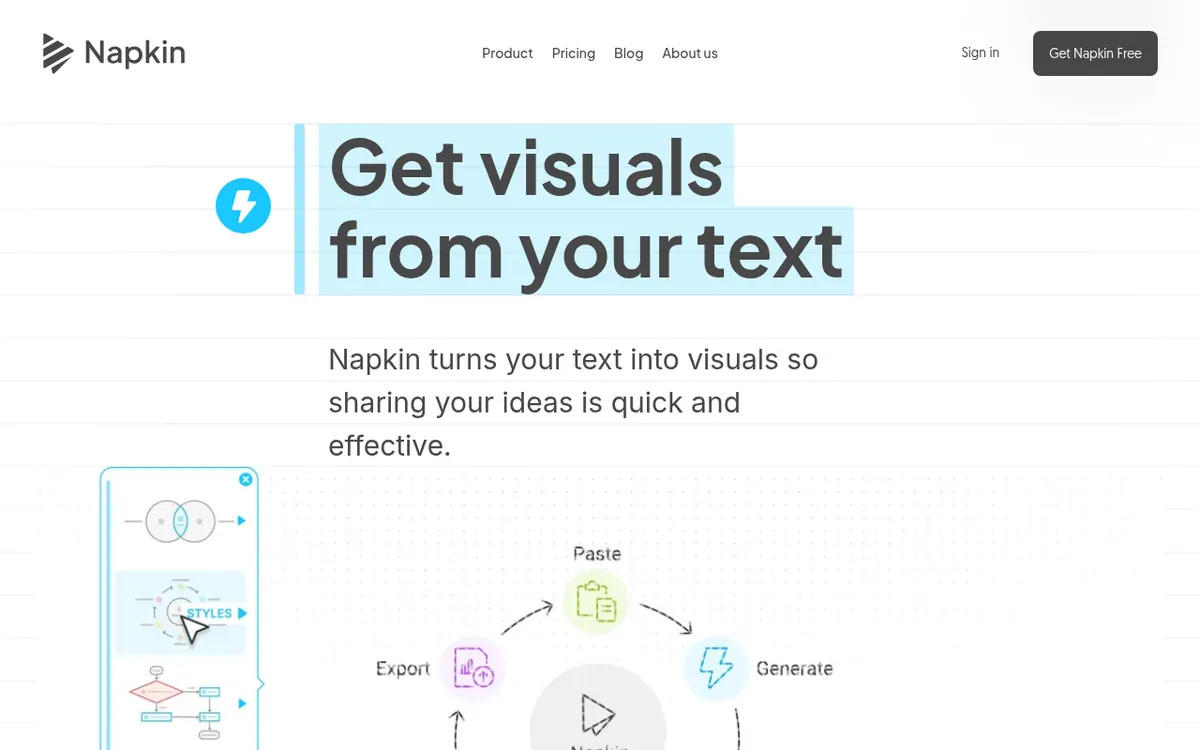
Napkin AI is a web-based tool that converts written text into visuals. You paste or import your content, click the Autospark icon, and the product proposes diagrams, flowcharts, mind maps, infographics and data charts; you then choose the one that suits your message. The vendor says no complex prompting is needed. A separate Slides feature, labelled Beta, builds presentation decks from your ideas.
Everything that gets generated stays editable: colors, fonts, layouts and icons can be changed, and individual elements can be reshaped. Results can be exported as PPT, PNG, PDF or SVG, and files in PPT, DOC, PDF, HTML and MD formats can be imported. Visuals can be created in 60+ languages, and teams can share a Teamspace, edit together in real time and leave comments. An API is listed for automating visual generation.
There is a Free plan at $0 with 500 AI credits per week, unlimited PNG and PDF export, and Napkin branding on visuals. Plus is listed at $9 per person / month and includes 10,000 AI credits per month, unlimited PPT and SVG export, 3 Brand Styles and removal of branding. Pro is listed at $22 per person / month with 30,000 AI credits per month, custom branding and the option to upload your own fonts. The pricing page has a monthly/yearly toggle and says yearly billing saves 25%, but it shows one price per paid plan. An Enterprise plan is handled through a contact link.
- Turns pasted text into diagrams and flowcharts
- Generates mind maps, infographics and data charts
- Slides feature (Beta) for presentation decks
- Full editing of colors, fonts, layouts and icons
- Imports PPT, DOC, PDF, HTML and MD files
- Exports to PPT, PNG, PDF and SVG
- Shared Teamspace with real-time editing and comments
- API for automated visual generation
Official video
Introducing Napkin Slides – Make Presentations You're Proud Of 🚀 · by Napkin AI ·
The player loads only when you press play.
Good for / Not for
Good for
- People with written notes or articles who want visuals without designing them manually
- Teams that want to edit visuals together in a shared Teamspace
- Users who need to export visuals as PPT, PNG, PDF or SVG
- Anyone creating visuals in languages beyond English (60+ supported)
Not for
- Creating visuals on a phone, since generation is not yet available on mobile
- Those who want unbranded output on a free plan, as Free visuals carry Napkin branding
How to start
Open the site and choose Get Napkin Free; no download is required. source
Paste or import your text (PPT, DOC, PDF, HTML or MD files can be imported). source
Click the Autospark icon to generate visuals and choose the one that fits your message. source
Edit colors, fonts, layouts and icons, then export as PPT, PNG, PDF or SVG. source
Limits and gotchas
From the official site and docs of Napkin AI, checked on October 30, 2026.
Pros and cons
Pros
- Free plan with 500 AI credits per week and unlimited PNG and PDF export
- Generated visuals are fully editable, including colors, fonts, layouts and icons
- Imports several file types and exports to PPT, PNG, PDF and SVG
- Supports creating visuals in 60+ languages
- Offers shared Teamspace, real-time editing and an API
Cons
- Free plan visuals carry Napkin branding
- Visual generation is not available on mobile yet
- Credits are charged by the amount of text selected, so heavy use needs a higher plan or purchased top ups
- Paid plans are priced per person, with an extra seat for each accepted team member
- Enterprise pricing is not published and no student or non-profit discounts exist
Our take
Napkin AI fits people who already have written material, such as notes, articles or process descriptions, and want diagrams or slides from it without designing from scratch. The free plan makes it possible to try the workflow before paying. It suits less well anyone who needs to generate visuals on a phone, since the vendor states that generation is not yet available on mobile. Credits are consumed according to the amount of text selected, so long documents will use an allowance quickly. Free output carries Napkin branding, and paid plans are charged per person, so team costs grow with each member who joins. Enterprise pricing is not published, and the page does not say which billing period the listed paid prices reflect.
Comparisons and lists with Napkin AI
Coming soon
Coming soon — we are writing comparisons that include Napkin AI.
Napkin AI pricing
| Plan | Monthly billing | Annual billing (per month) | Limits / what’s included |
|---|---|---|---|
| Free | Free | $0 | 500 AI credits per week; unlimited visuals editing; unlimited file import; unlimited PNG & PDF export; Napkin branding on visuals |
| Plus per person / month | $9 | — | 10,000 AI credits per month; unlimited PPT & SVG export; 3 Brand Styles; remove Napkin branding; team management and billing |
| Pro per person / month | $22 | — | 30,000 AI credits per month; exclusive designs; unlimited custom branding; upload your fonts; optional credit top ups |
Free trial: none listed. Free plan: yes.
Prices checked on on the official Napkin AI pricing page. “—” = not published.
All Napkin AI plans, limits and annual prices →
Frequently asked questions
Is Napkin AI free?
There is a Free plan at $0 with 500 AI credits per week, unlimited editing, unlimited file import and unlimited PNG and PDF export. Visuals on this plan carry Napkin branding.
How much do the paid plans cost?
Plus is listed at $9 per person / month and Pro at $22 per person / month. The page also says yearly billing saves 25%, but it shows only one price per plan. Enterprise pricing is not published.
Which formats can I export to?
The vendor lists PPT, PNG, PDF and SVG. On the pricing page, PNG and PDF export is unlimited on Free, while unlimited PPT and SVG export comes with Plus.
Can I generate visuals on my phone?
Not yet. Existing work can be viewed on mobile and presentations can be created and edited there, but visual generation is not available on mobile.
What happens when my AI credits run out?
You can upgrade to Plus or Pro for higher monthly credit limits, or purchase additional credits at any time.
Recently verified in AI Presentations
 Gixo
 Plus AI
 Beautiful.ai
 SlidesAI
Add an AGIPicks badge to your site
The badge shows Napkin AI’s verification status on AGIPicks and links to this page. Light/dark and compact versions: badges.

Suggest an update
Wrong price, outdated fact or a tool that shut down? Are you the vendor and disagree with this page? Tell us, ideally with a link to the official page. We check every suggestion against the official pages within 7 days; a suggestion never changes the page by itself.