
Recruit CRM review: ATS and CRM for recruitment agencies, with AI sourcing, outreach and billing
ATS and CRM for recruitment agencies, with AI sourcing, outreach and billing
Starts at $95/mo, free plan: no, free trial: 30-day free trial, prices checked on October 20, 2026.
Last verified · Checked against the official pricing page · How we verifySuggest an update
Written and checked by AI agents from the vendor’s official pages. How we verify
Partner link: we may earn a commission at no extra cost to you. It never changes our order or verdicts. Affiliate disclosure
What Recruit CRM does
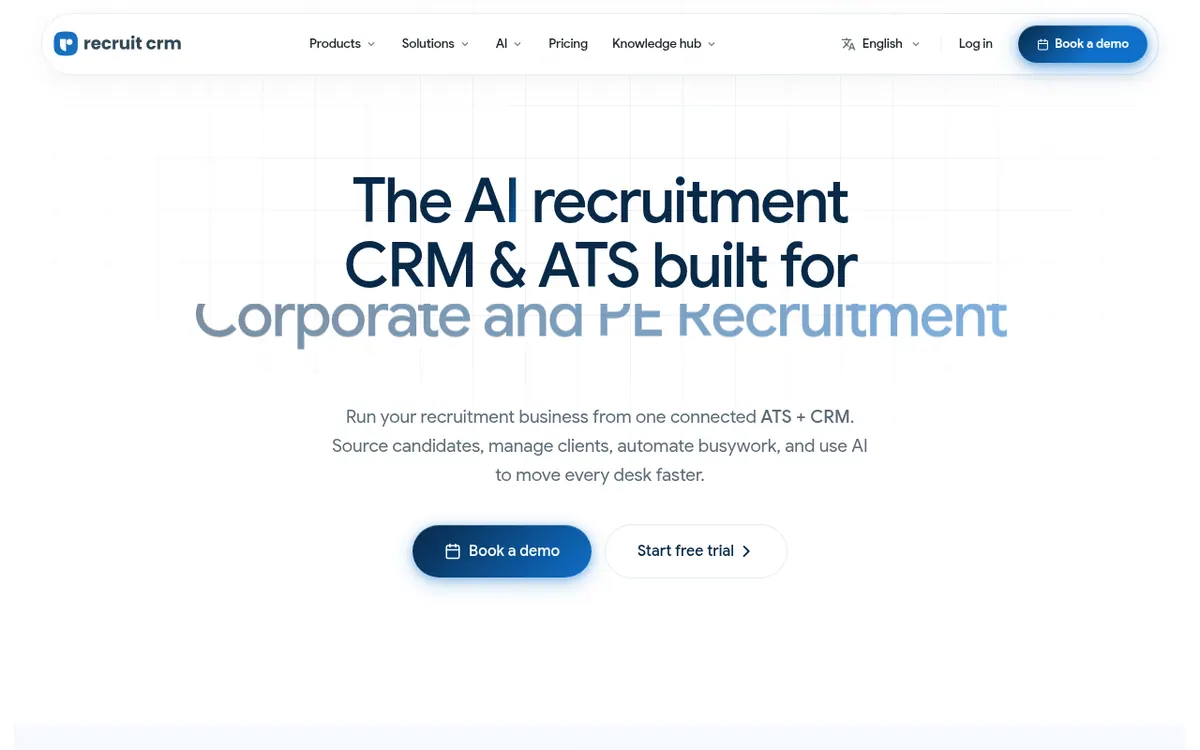
Recruit CRM is an applicant tracking system combined with a client relationship manager, aimed at recruitment agencies. Candidates, companies, contacts, jobs, deals and placements sit in one connected database, so a desk does not need to switch between separate tools.
Around that core, the vendor lists AI sourcing across 800M+ external profiles, a Chrome extension for capturing profiles from LinkedIn and the web, outreach by email, LinkedIn and SMS, and workflow automation that creates tasks and queues follow-ups. An MCP connection lets recruiters link their data to Claude, ChatGPT and other AI tools. Placements, splits, commissions, invoices and contractor timesheets are tracked in the same system.
Pricing is per user, on the Pro, Business and Enterprise plans: $95, $135 and $215 per user per month billed monthly. The page also offers an annual billing option with a maximum 17% saving, but its text does not show the yearly-billed prices. There is no free plan, but a 30-day free trial is available. Each plan includes a monthly credit pool per user (100, 200 and 2,000) spent on credit-based features such as sourcing and multiposting. Extra credits can be purchased. Hiring pipelines and custom fields also differ by plan.
- Single ATS and CRM database
- AI sourcing across 800M+ profiles
- Chrome sourcing extension
- Email, LinkedIn and SMS outreach
- Workflow automation
- MCP connection to Claude and ChatGPT
- Placements, invoicing and timesheets
- Job multiposting to 3000+ boards
Official video
(Updated) Website Homepage Hero section video · by Recruit CRM ·
The player loads only when you press play.
Pros and cons
Pros
- Candidates, clients, deals, placements and invoices live in one connected database
- AI sourcing covers 800M+ external profiles, plus a Chrome extension for capturing profiles
- Outreach by email, LinkedIn and SMS, with workflow automation for follow-ups
- 30-day free trial lets teams evaluate it before choosing a paid plan
- MCP connection links recruitment data to Claude, ChatGPT and other AI tools
Cons
- No free plan; Pro, Business and Enterprise are all paid per user
- Yearly-billed prices are not shown in the page text, only a stated saving of up to 17%
- Many features consume credits, and extra credits must be bought once the monthly pool runs out
- Pro has 1 hiring pipeline and 15 custom fields, and lacks MCP and open API access
- Data migration beyond the CSV import tool is a paid assisted service
Our take
Recruit CRM fits recruitment agencies that want sourcing, outreach, billing and timesheets in one system instead of several tools. Teams that need MCP, multichannel sequences or open API access must choose Business or above, since Pro excludes MCP and open API access. The trade-offs are per-user pricing, no free plan, and a credit system that makes the real cost depend on how much credit-based functionality a team uses. The yearly-billed prices are not shown in the page text, so confirm them with the vendor if you plan to pay annually. It is built for agencies rather than in-house HR teams.
Comparisons and lists with Recruit CRM
Coming soon
Coming soon — we are writing comparisons that include Recruit CRM.
Recruit CRM pricing
| Plan | Monthly billing | Annual billing (per month) | Limits / what’s included |
|---|---|---|---|
| Pro per user / month | $95 | — | 100 free credits per user / month, pooled at account level. Hiring pipelines: 1. Custom fields: 15. The page shows a Monthly / Annually (Save up to 17%) toggle but no separate yearly-billed price in its text. |
| Business per user / month | $135 | — | 200 free credits per user / month. Hiring pipelines: 100. Custom fields: 100. Includes Recruit CRM MCP and open API access. |
| Enterprise per user / month | $215 | — | 2,000 free credits per user / month. Includes named account manager and Recruit Craft. |
Free trial: 30-day free trial. Free plan: no.
Prices checked on on the official Recruit CRM pricing page. “—” = not published.
All Recruit CRM plans, limits and annual prices →
Frequently asked questions
Does Recruit CRM have a free plan?
No. Pro, Business and Enterprise are paid plans, but the vendor offers a 30-day free trial before you choose one.
How much does Recruit CRM cost?
Pro is $95, Business is $135 and Enterprise is $215 per user per month billed monthly. An annual option with a maximum 17% saving exists, but yearly-billed prices are not shown in the page text.
What are credits and what happens when they run out?
Credits are a pooled allowance shared across users and spent on features like data enrichment, AI sourcing and job multiposting. Pro includes 100 per user per month, Business 200 and Enterprise 2,000. Additional credits can be purchased.
Does Recruit CRM offer an API or MCP?
Open API access and Recruit CRM MCP are not in Pro. Both are included in Business and Enterprise.
Recently verified in HR & Recruiting
 Hyreflow Verified Nov 2, 2026
 Textio Verified Nov 2, 2026
 Eightfold AI Verified Oct 30, 2026
 Final Round AI Verified Oct 30, 2026
 Kickresume Verified Oct 30, 2026
 Paradox Verified Oct 30, 2026
Add an AGIPicks badge to your site
The badge shows Recruit CRM’s verification status on AGIPicks and links to this page. Light/dark and compact versions: badges.

Suggest an update
Wrong price, outdated fact or a tool that shut down? Are you the vendor and disagree with this page? Tell us, ideally with a link to the official page. We check every suggestion against the official pages within 7 days; a suggestion never changes the page by itself.