
Scribe review: Captures how work gets done and turns it into guides for teams and AI tools
Captures how work gets done and turns it into guides for teams and AI tools
Starts at $17/mo, free plan: yes, prices checked on October 30, 2026.
Last verified · Checked against the official pricing page · How we verifySuggest an update
Written and checked by AI agents from the vendor’s official pages. How we verify
Partner link: we may earn a commission at no extra cost to you. It never changes our order or verdicts. Affiliate disclosure
What Scribe does
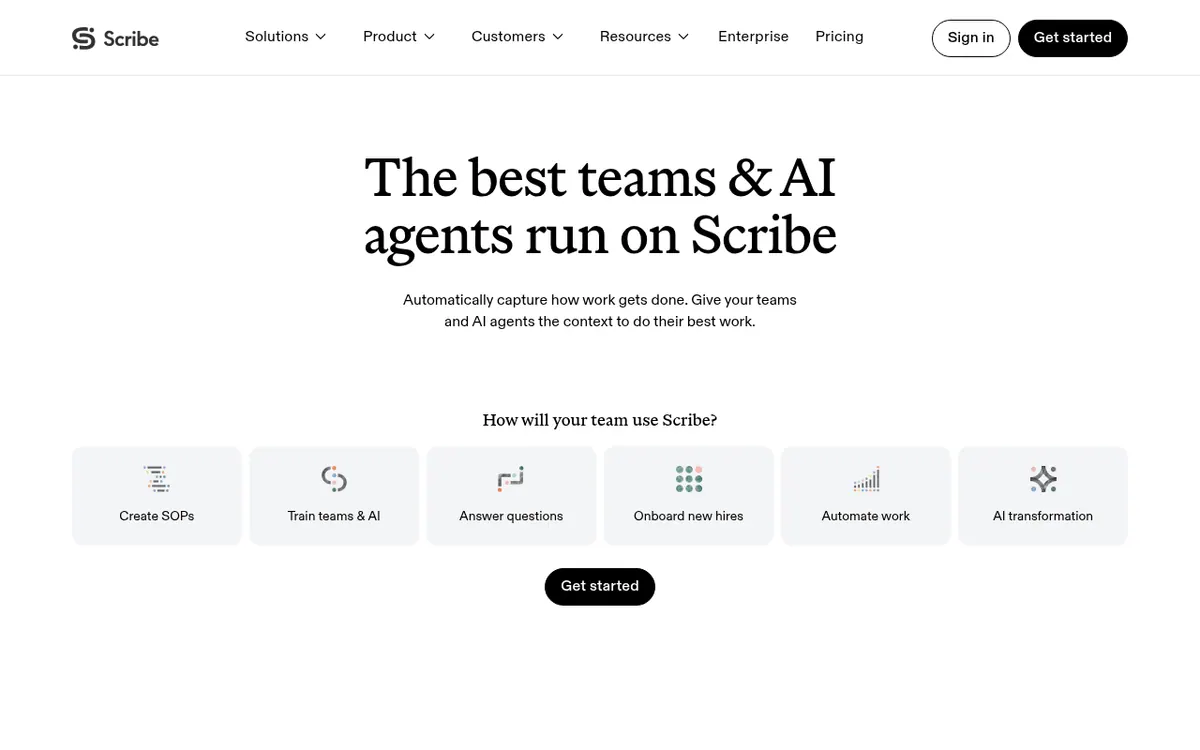
Scribe is a workflow documentation product from Colony Labs, Inc. It records work as people do it and turns that activity into step-by-step guides, which teams can customize, share and use for training or onboarding. Its Autocapture feature builds guides from work already done, and the vendor also describes AI analysis that points out bottlenecks and time drains across workflows.
Guides can be shared with a link or embedded, and paid plans add exports to PDF, HTML and Markdown, company branding, and screenshot editing and redaction. Workflow data can be passed to AI tools through MCP or an API, and the integrations page lists connectors such as Claude, ChatGPT, Confluence, Slack and Zendesk. Desktop apps are offered for Windows and Mac, along with browser extensions for Chrome and Edge.
Pricing is freemium and listed in USD. Basic is free and works in the browser. Pro Personal costs $35 per seat per month billed monthly, or $25 per seat per month billed yearly, starting at 1 seat. Pro Team costs $17 per seat per month billed monthly, or $13 per seat per month billed yearly, starting at 5 seats. Enterprise pricing is custom and adds items such as SSO and automatic redaction of PII and PHI. Every member of a team must be on the same tier, and the desktop application is not part of Basic.
- Automatic guide creation from existing work
- Share guides by link or embed
- Export to PDF, HTML and Markdown
- Screenshot editing and redaction
- Company branding
- Comments for collaboration
- Workflow analysis with AI
- MCP and API access for AI tools
- Slack bot integration
- SSO on Enterprise
Official video
Enterprise Academy: Getting Started With Autocapture · by Scribe ·
The player loads only when you press play.
Pros and cons
Pros
- Free Basic plan covers browser-based guide creation
- Autocapture builds guides from work already done
- Guides can be shared by link, embedded, or exported to PDF, HTML and Markdown on paid plans
- Workflow data can be connected to AI tools via MCP or API
- Enterprise tier adds SSO and automatic redaction of PII and PHI
Cons
- Desktop application is limited to Pro and Enterprise plans
- Pro Team requires at least 5 seats
- All team members must be on the same plan tier
- Enterprise pricing is not published on the official site
- No free trial length is stated for paid plans
Our take
Scribe suits teams that want process documentation produced from real work instead of written by hand, and those that want that material available to AI tools. The free Basic plan lets an individual try browser capture before paying. The trade-offs are plain: desktop capture, exports and branding need a paid plan, Pro Team requires at least 5 seats, and a whole team must share one tier. Enterprise pricing is not published, and the MCP and API route is presented through Talk to Sales. The pricing page states no free trial length for paid plans. Buyers who need only occasional guides may find the free tier enough, while larger organizations should plan on a sales conversation.
Comparisons and lists with Scribe
Coming soon
Coming soon — we are writing comparisons that include Scribe.
Scribe pricing
| Plan | Monthly billing | Annual billing (per month) | Limits / what’s included |
|---|---|---|---|
| Basic | — | — | Browser-based; the desktop application is not included |
| Pro Personal per seat | $35 | $25 | Starts at 1 seat |
| Pro Team per seat | $17 | $13 | Starts at 5 seats |
| Enterprise | — | — | Custom pricing; enterprise features vary by plan |
Free trial: none listed. Free plan: yes.
Prices checked on on the official Scribe pricing page. “—” = not published.
All Scribe plans, limits and annual prices →
Frequently asked questions
Does Scribe have a free plan?
Yes. The Basic plan is free and works in the browser, with shareable links and embeds. The desktop application is not included.
How much does Scribe Pro cost?
Pro Personal is $35 per seat per month billed monthly, or $25 per seat per month billed yearly. Pro Team is $17 per seat per month billed monthly, or $13 per seat per month billed yearly. All prices are in USD.
Is there a minimum number of seats?
Pro Personal starts at 1 seat and Pro Team starts at 5 seats.
Can a team mix Basic and Pro accounts?
No. Plans apply at the team level, so all members must be on the same tier. Upgrading a team to Pro also upgrades the teammates.
Can Scribe feed AI tools?
Yes. The vendor says workflow data can be connected to AI tools through MCP or an API, with access arranged through Talk to Sales.
Recently verified in Productivity
 Fyxer
 Craft
 ClickUp
 Eurekaa.io
 Jotform
 Logseq
Add an AGIPicks badge to your site
The badge shows Scribe’s verification status on AGIPicks and links to this page. Light/dark and compact versions: badges.

Suggest an update
Wrong price, outdated fact or a tool that shut down? Are you the vendor and disagree with this page? Tell us, ideally with a link to the official page. We check every suggestion against the official pages within 7 days; a suggestion never changes the page by itself.