
Topaz Labs review: AI photo and video enhancement: upscale, sharpen, denoise, in browser or on desktop
AI photo and video enhancement: upscale, sharpen, denoise, in browser or on desktop
Starts at $12/mo, free plan: no, prices checked on November 2, 2026.
Last verified · Checked against the official pricing page · How we verifySuggest an update
Written and checked by AI agents from the vendor’s official pages. How we verify
What Topaz Labs does
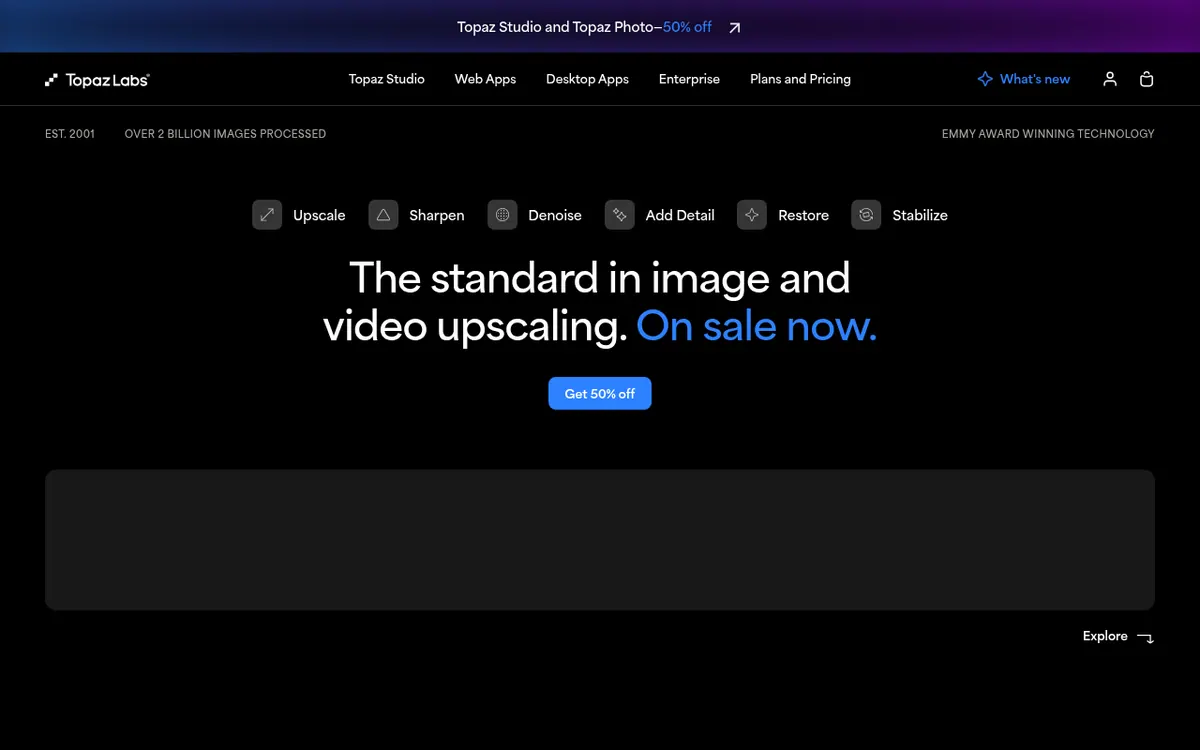
Topaz Labs sells AI software for improving photos and video. The line-up covers browser apps (Topaz for Web - Image and Topaz for Web - Video), desktop apps (Topaz Photo, Topaz Video and Topaz Gigapixel) and a mobile app for iPhone. Typical jobs are unblurring, sharpening, denoising, upscaling, relighting, restoring old photos, enhancing faces, removing backgrounds and colorizing. Video workflows include upscaling, frame interpolation, slow motion and SDR to HDR conversion.
Pricing is subscription based and split by product. Topaz for Web - Image is shown at $12/mo with $19 crossed out, Topaz for Web - Video at $19/mo, and Topaz for Web - Pro, which combines both, at $35/mo. On the desktop side, Topaz Gigapixel is $29/mo, Topaz Photo $39/mo and Topaz Video $59/mo. Topaz Studio bundles all the apps at $69/mo, and Topaz Studio Pro is $75/mo billed every month for 12 months. Yearly prices are also listed as totals.
Cloud image rendering is unlimited on image plans, while video cloud work runs on monthly credits that expire at month end. Entry plans carry export caps and limited commercial use for organizations under $1M USD annual revenue. The pages do not mention a free plan or trial.
- Unblur, sharpen and denoise images
- Image upscaling and photo restoration
- Face enhancer and background remover
- Video upscaling, frame interpolation, slow motion
- SDR to HDR conversion
- Unlimited local rendering in desktop apps
- Unlimited cloud image rendering
- Mobile app included with Web Image or Pro
Pros and cons
Pros
- Separate plans for browser, desktop and phone, so you can pay only for what you need
- Unlimited cloud image rendering on image plans
- Wide set of image tasks: unblur, denoise, upscale, restore, remove backgrounds, colorize
- Video workflows include frame interpolation, slow motion and SDR to HDR
- Topaz Studio bundles all apps in one subscription at $69/mo
Cons
- No free plan or trial is stated on the pages
- Cloud video credits expire monthly and do not roll over
- Lower tiers have export limits such as 32 MP and a 2 concurrency limit
- Commercial use is limited on entry plans to organizations under $1M USD annual revenue
- Many overlapping products and prices (monthly, yearly, bundles) make comparison harder
Our take
Topaz Labs looks like a fit for photographers, video editors and creators who want enhancement tools split by task and by where they work: browser, desktop or phone. The browser plans are cheaper entry points, while Topaz Studio suits people who need every app. The trade-offs are clear from the pages: no free plan or trial is stated, video cloud credits do not roll over, and lower tiers have export caps and limited commercial use for larger companies. Teams needing full commercial use should look at Topaz for Web - Pro or Topaz Studio Pro. Because several products overlap, comparing which plan covers your images, video and local rendering needs is worth doing before buying.
Comparisons and lists with Topaz Labs
Coming soon
Coming soon — we are writing comparisons that include Topaz Labs.
Topaz Labs pricing
| Plan | Monthly billing | Annual billing (per month) | Limits / what’s included |
|---|---|---|---|
| Topaz for Web - Image per month | $12 | — | Shown as $19 crossed out and $12/mo (limited time offer). Unlimited image rendering; 32 MP image export limit; 2 concurrency limit; limited commercial use. A yearly price of $199 $109/yr is also listed. |
| Topaz for Web - Video per month | $19 | — | Shown as $29 crossed out and $19/mo. 200 monthly cloud video credits that do not roll over; 2 concurrency limit; limited commercial use. A yearly price of $299 $199/yr is also listed. |
| Topaz for Web - Pro per month | $35 | — | Shown as $59 crossed out and $35/mo. Image and video workflows; 400 monthly cloud video credits; 256 MP image export limit; 8 concurrency limit; full commercial use. A yearly price of $599 $329/yr is also listed. |
| Topaz Studio per month | $69 | — | All apps; unlimited local rendering; unlimited cloud image rendering; 300 monthly cloud video credits; 2 image cloud concurrency; 32MP cloud export limit; limited commercial use. A yearly price of $399/yr is also listed. |
| Topaz Gigapixel per month | $29 | — | Unlimited local rendering; unlimited cloud image rendering; 2 image cloud concurrency; limited commercial use. |
| Topaz Photo per month | $39 | — | Unlimited local rendering; unlimited cloud image rendering; limited commercial use. A yearly price of $199 $99.50/yr is also listed. |
| Topaz Video per month | $59 | — | Unlimited local rendering; 25 monthly video cloud credits that do not roll over; limited commercial use. |
| Topaz Studio Pro per month, billed every month for 12 months | $75 | — | 600 monthly cloud video credits; 4 image cloud concurrency; 100MP cloud export limit; full commercial use; seat management. |
Free trial: none listed. Free plan: no.
Prices checked on on the official Topaz Labs pricing page. “—” = not published.
All Topaz Labs plans, limits and annual prices →
Frequently asked questions
How much does Topaz for Web - Image cost?
The pricing page shows $12/mo with $19 crossed out as a limited time offer. A yearly price of $109/yr (crossed-out $199) is also listed.
Is there a free plan?
The official pages do not state a free plan or trial. Pricing is shown only for paid plans.
Which platforms are supported?
The pages describe web apps in the browser, desktop apps for mac and windows, and a mobile app for iPhone.
Do cloud video credits roll over?
No. The pages say monthly credits expire at the end of each month and do not roll over.
Can I use it commercially?
Entry plans list limited commercial use, covering personal and commercial use for organizations under $1M USD annual revenue. Topaz for Web - Pro lists full commercial use.
Recently verified in AI Photo Editing
 Fotor Verified Oct 30, 2026
- HeadshotPro Verified Oct 30, 2026
- Let's Enhance Verified Oct 30, 2026
 Luminar Neo Verified Oct 30, 2026
 Picsart Verified Oct 30, 2026
 Pixelcut Verified Oct 30, 2026
Add an AGIPicks badge to your site
The badge shows Topaz Labs’s verification status on AGIPicks and links to this page. Light/dark and compact versions: badges.

Suggest an update
Wrong price, outdated fact or a tool that shut down? Are you the vendor and disagree with this page? Tell us, ideally with a link to the official page. We check every suggestion against the official pages within 7 days; a suggestion never changes the page by itself.