
Gling review: AI video editor for YouTube that removes bad takes, silences and filler words
AI video editor for YouTube that removes bad takes, silences and filler words
Starts at $20/mo, free plan: yes, prices checked on October 25, 2026.
Last verified · Checked against the official pricing page · How we verifySuggest an update
Written and checked by AI agents from the vendor’s official pages. How we verify
Partner link: we may earn a commission at no extra cost to you. It never changes our order or verdicts. Affiliate disclosure
What Gling does
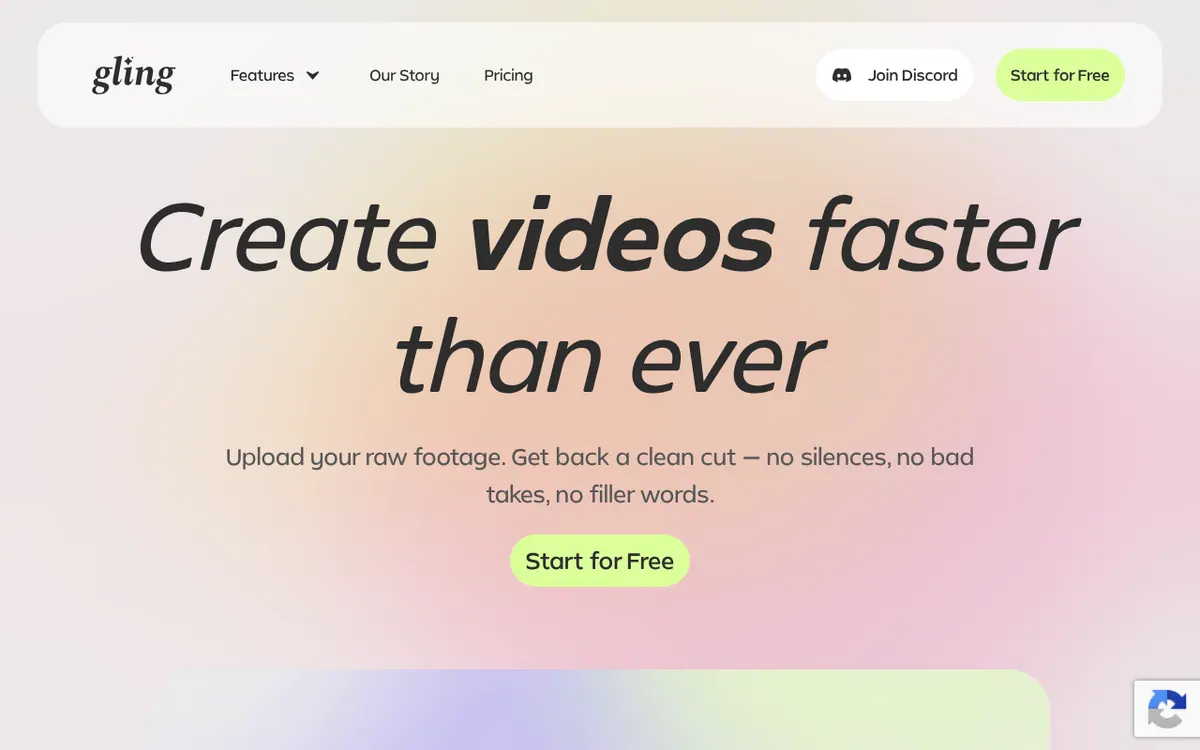
Edits YouTube recordings with AI: cuts bad takes, silences and filler words, trims by transcript, adds captions and zooms, then exports media files or XML for other editors.
Gling is a video editing tool for YouTube creators. According to its homepage, it is designed exclusively for desktop. It uses AI to cut bad takes, silences and filler words from a recording. It also has a text-based trimmer, so you can shorten a video by working with its transcript instead of the timeline.
Besides cutting, the feature list covers background noise removal, automatic captions and subtitles with SRT export, automatic zoom in and out framing, multicam editing, and a generator for YouTube chapters. Finished work can be exported straight to MP4 or MP3 files, or sent to Premiere, Final Cut Pro and Resolve through XML, so it can work alongside a full editor.
Pricing is freemium. Prices on the pricing page are shown with a dollar sign. The Free plan costs $0 and includes 1 hour of AI edited media per month, with unlimited exports that carry a watermark. Plus costs $20 per month billed monthly or $10 per month billed yearly. It includes 10 hours of AI edited media, or 300 words of generated video from a link, or a combination, per month. The plan called pro costs $40 per month billed monthly or $20 per month billed yearly, with 30 hours or 900 words. ELITE costs $100 per month billed monthly or $50 per month billed yearly, with 100 hours or 2700 words. Paid plans export without a watermark. pro and ELITE include premium support, while Free and Plus do not.
- Removes bad takes
- Removes silences and filler words
- Text-based transcript trimming
- Background noise removal
- Automatic captions and SRT subtitle export
- Auto framing with zoom in and out
- YouTube chapters generator
- Multicam editing
- XML export to Premiere, Final Cut Pro and Resolve
- MP4 and MP3 export
Good for / Not for
Good for
- YouTube creators who want bad takes, pauses and filler words removed automatically
- Editors who want to send a pre-cut project to Premiere, Final Cut Pro or Resolve through XML
- Creators who need captions, SRT subtitles and YouTube chapters generated
Not for
- Anyone who needs a mobile or browser-based editor, since the homepage says it is designed exclusively for desktop
- Users who need premium support on a low tier, since Free and Plus do not include it
Compare
How to start
Limits and gotchas
From the official site and docs of Gling, checked on October 25, 2026.
Pros and cons
Pros
- Free plan at $0 allows testing the AI editing before paying
- Removes bad takes, silences and filler words automatically
- Exports MP4, MP3, SRT subtitles and XML for Premiere, Final Cut Pro and Resolve
- Paid plans export without a watermark
- Yearly billing lowers the per-month price, for example Plus at $10 instead of $20
Cons
- Free plan is limited to 1 hour of AI edited media per month
- Free plan exports carry a watermark
- Designed exclusively for desktop, per the homepage; operating systems are not named
- Free and Plus plans have no premium support
- No free trial is stated on the pages
Our take
Gling fits YouTube creators who record talking-style footage and want the repetitive work of removing bad takes, pauses and filler words done automatically before any manual polish. Because it can export XML for Premiere, Final Cut Pro and Resolve, it can sit in front of an editor you already use. It is a weaker fit for anyone who needs a web or mobile app: the homepage says it is designed exclusively for desktop, and the pages do not name supported operating systems. The Free plan gives only 1 hour of AI edited media per month and adds a watermark to exports, so regular publishers will likely need a paid plan. Plus has no premium support, which only starts at the plan called pro. The pages do not state a free trial, so the Free plan is the way to try it.
Comparisons and lists with Gling
Coming soon
Coming soon — we are writing comparisons that include Gling.
Gling pricing
| Plan | Monthly billing | Annual billing (per month) | Limits / what’s included |
|---|---|---|---|
| Free | Free | $0 | 1 hour of AI edited media per month; unlimited video export with watermark; no premium support |
| Plus | $20 | $10 | 10 hours of AI edited media or 300 words of generated video from link or a combination per month; unlimited export without watermark; no premium support |
| pro | $40 | $20 | 30 hours of AI edited media or 900 words of generated video from link or a combination per month; unlimited export without watermark; premium support included |
| ELITE | $100 | $50 | 100 hours of AI edited media or 2700 words of generated video from link or a combination per month; unlimited export without watermark; premium support included |
Free trial: none listed. Free plan: yes.
Prices checked on on the official Gling pricing page. “—” = not published.
All Gling plans, limits and annual prices →
Frequently asked questions
Does Gling have a free plan?
Yes. The Free plan costs $0 and includes 1 hour of AI edited media per month. Video export is unlimited but carries a watermark.
How much do the paid plans cost?
Plus is $20 per month billed monthly or $10 per month billed yearly. The plan called pro is $40 per month billed monthly or $20 per month billed yearly. ELITE is $100 per month billed monthly or $50 per month billed yearly. Prices are shown with a dollar sign.
Does Gling run on mobile or in the browser?
The homepage says Gling is designed exclusively for desktop. The pages do not state a web app, mobile apps or specific operating systems.
What can I export?
MP4 or MP3 media files, subtitles as an SRT file, and XML for Premiere, Final Cut Pro and Resolve. Exports on the Free plan carry a watermark.
Which plans include premium support?
The plans called pro and ELITE include premium support. Free and Plus do not.
Recently verified in AI Video
 CapCut
 Lumen5
 NoteGo
 ReelsCut
 VEED
Add an AGIPicks badge to your site
The badge shows Gling’s verification status on AGIPicks and links to this page. Light/dark and compact versions: badges.

Suggest an update
Wrong price, outdated fact or a tool that shut down? Are you the vendor and disagree with this page? Tell us, ideally with a link to the official page. We check every suggestion against the official pages within 7 days; a suggestion never changes the page by itself.