
HelpCrunch review: Live chat, shared inbox, chatbot, knowledge base and email tools in one platform
Live chat, shared inbox, chatbot, knowledge base and email tools in one platform
Not published, free plan: no, free trial: 14-day free trial, no credit card required, prices checked on October 20, 2026.
Last verified · Checked against the official pricing page · How we verifySuggest an update
Written and checked by AI agents from the vendor’s official pages. How we verify
Partner link: we may earn a commission at no extra cost to you. It never changes our order or verdicts. Affiliate disclosure
What HelpCrunch does
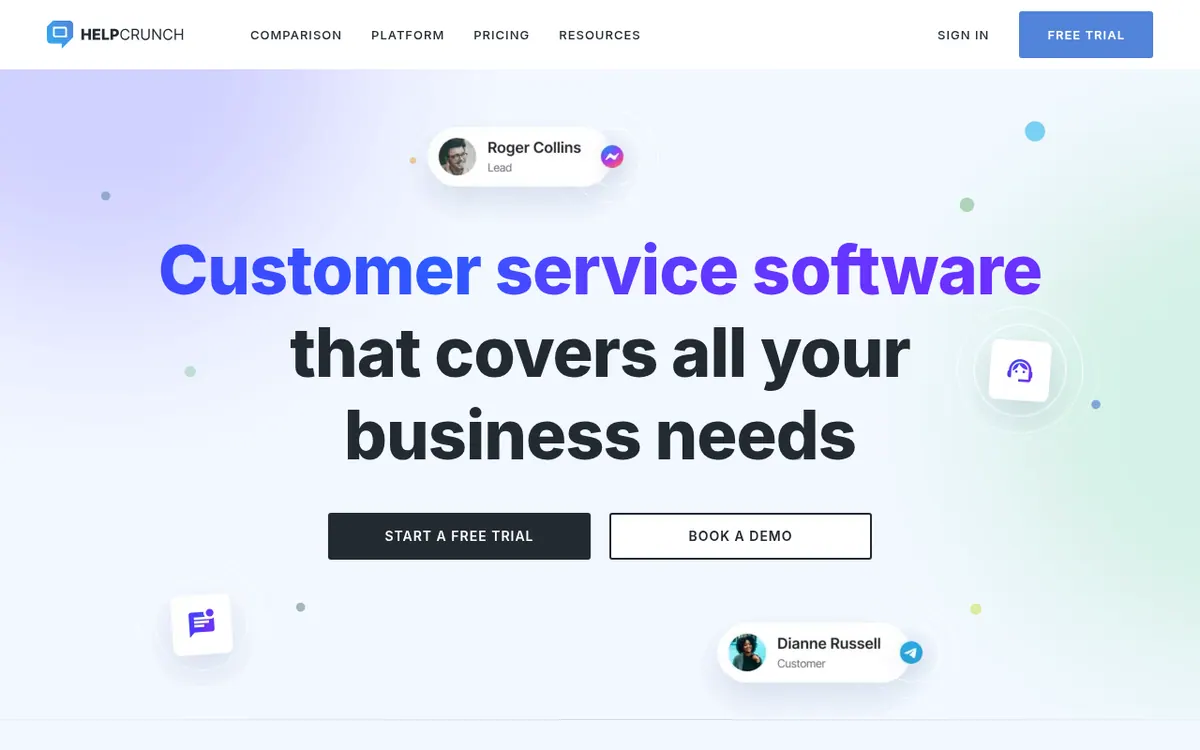
HelpCrunch is a customer communication platform that puts several support and marketing tools in one place. Teams can talk to customers through a chat widget on their website, by email, and through messengers such as WhatsApp and Instagram, with all conversations collected in a single dashboard.
Beyond the inbox, the platform includes a chatbot, a knowledge base with an editor and SEO options, popups, and email marketing for sequences and one-off newsletters. AI features cover an editor that helps write messages and help articles, plus AI Agents that take on customer conversations. Mobile apps and SDKs for iOS and Android are listed, together with a JavaScript API, REST API and webhooks. Integrations include Zapier, Slack, WordPress, Shopify, HubSpot, Salesforce and Jira.
On pricing, the vendor offers three plans named Basic, PRO and Unlimited, with a billed monthly or billed annually toggle. Pricing not published on the official site in the page text we could read, so no base plan price is quoted here. A free 14-day trial is offered without a credit card. The Unlimited plan lists unlimited team members and 50,000 emails. AI conversations and AI data sources come with a free limit from Pro and can be extended through paid add-ons, which carry a 20% discount when billed annually. The vendor also offers free migration from a previous tool.
- Multichannel live chat widget
- Shared inbox for email and messengers
- Chatbot and auto messages for lead qualification
- Knowledge base with WYSIWYG editor
- Popups and email marketing
- AI editor and AI Agents
- iOS and Android SDKs
- JavaScript API, REST API and webhooks
Pros and cons
Pros
- Chat, email, messengers, chatbot, knowledge base, popups and email marketing sit in one platform
- Contacts and chats are described as unlimited
- Free 14-day trial with no credit card required
- Free migration from a previous tool is offered
- API, webhooks, Zapier and many integrations are listed for connecting other apps
Cons
- Pricing not published on the official site for the Basic, PRO and Unlimited base plans
- No permanent free plan is stated, only a trial
- AI conversations and AI data sources need paid extensions once the included limit is used
- Email volume is tied to the plan, and more emails require contacting the vendor
Our take
HelpCrunch looks like a fit for small and mid-sized teams that want chat, inbox, knowledge base, popups and email marketing from one vendor rather than stitching separate tools together. The trade-off is that base plan prices are not visible in the page text we reviewed, so budgeting requires opening the pricing page or talking to the vendor. Only a free trial is stated, not a permanent free plan. AI usage beyond the included limit is paid separately, which matters for teams planning heavy AI Agent use. We have not tested the product; this is based on its official pages.
Comparisons and lists with HelpCrunch
Coming soon
Coming soon — we are writing comparisons that include HelpCrunch.
HelpCrunch pricing
Pricing not published on the official site. Check HelpCrunch’s website.
Free trial: 14-day free trial, no credit card required. Free plan: no.
Prices checked on on the official HelpCrunch pricing page. “—” = not published.
Frequently asked questions
Does HelpCrunch have a free trial?
Yes. The pricing page offers a free 14-day trial and says no credit card is required.
What are the HelpCrunch plans?
The pricing page lists Basic, PRO and Unlimited. The Unlimited plan lists unlimited team members and 50,000 emails. Pricing not published on the official site in the page text, so no base prices are given here.
Can HelpCrunch connect to other tools?
Yes. Listed integrations include Zapier, Slack, WordPress, Shopify, HubSpot, Salesforce and Jira, and the vendor also offers an API and webhooks.
Does HelpCrunch limit contacts or chats?
The homepage describes contacts and chats as unlimited. Email volume and AI usage are handled through plan limits and extensions.
Can I move data over from another support tool?
The vendor says it can help migrate data from a previous solution for free.
Recently verified in AI Customer Support
 Intercom Fin
 Upfirst
 Zendesk
 Botpress
Add an AGIPicks badge to your site
The badge shows HelpCrunch’s verification status on AGIPicks and links to this page. Light/dark and compact versions: badges.

Suggest an update
Wrong price, outdated fact or a tool that shut down? Are you the vendor and disagree with this page? Tell us, ideally with a link to the official page. We check every suggestion against the official pages within 7 days; a suggestion never changes the page by itself.