
Jibble review: Time tracking and attendance software for teams, with a free-forever offering
Time tracking and attendance software for teams, with a free-forever offering
Not published, free plan: yes, prices checked on October 20, 2026.
Last verified · Checked against the official website · How we verifySuggest an update
Written and checked by AI agents from the vendor’s official pages. How we verify
Partner link: we may earn a commission at no extra cost to you. It never changes our order or verdicts. Affiliate disclosure
What Jibble does
Jibble is time tracking software that lets people record their working hours from many kinds of devices. According to the features page, staff can track on web, mobile or desktop. They can use iOS and Android apps, a lightweight app on Windows and Mac, a browser clock-in, or a command in Slack or Teams. A shared tablet can act as a self-service clock-in station, and entries made without signal sync once the device reconnects.
For verification, the vendor describes facial recognition meant to stop buddy punching, and geofencing that restricts clock-ins to sites and zones the employer defines.
Recorded punches become payroll-ready timesheets automatically, with approvals. Admins can set overtime thresholds and multipliers, use break tracking, and manage PTO, sick days and holidays through approval flows. Project tracking is included, and billable hours can be turned into client invoices. Jibble integrates with payroll, accounting and productivity tools such as Xero and QuickBooks, and it supports API access and automation tools like Zapier.
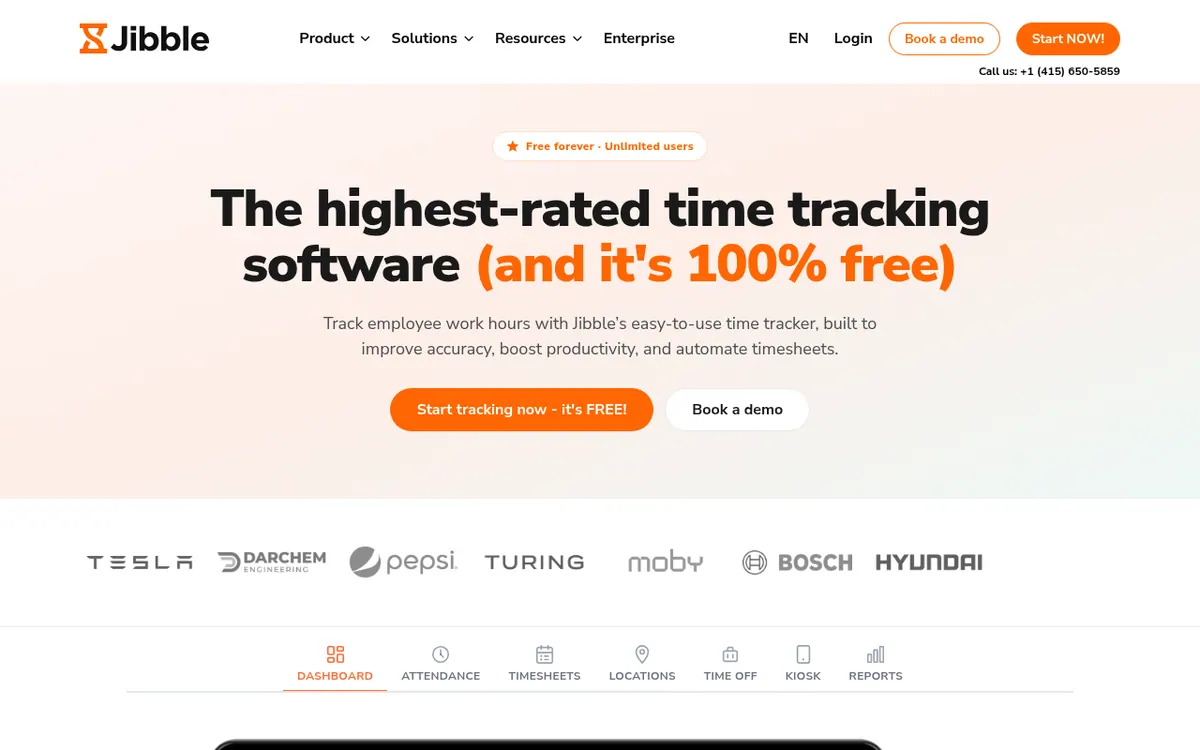
On pricing, the homepage calls Jibble 100% free and says it is free forever with unlimited users. Pricing not published on the official site beyond that statement: no pricing page was available, so plan names, paid tiers, trial length and currency are not stated.
- Clock in and out from web, mobile or desktop
- Shared-tablet kiosk for self-service clock-in
- Offline tracking that syncs on reconnect
- Facial recognition against buddy punching
- Geofencing for defined sites
- Automatic payroll-ready timesheets with approvals
- Overtime rules and break tracking
- Leave management with approval flows
- Project tracking and client invoicing
Pros and cons
Pros
- The homepage presents it as free forever with unlimited users
- Clock-in works on web, iOS, Android, Windows, Mac, a browser extension, a shared tablet, Slack or Teams
- Facial recognition and geofencing are offered to verify who clocks in and where
- Offline tracking syncs entries when the device reconnects
- Integrates with Xero and QuickBooks, and supports API access and Zapier
Cons
- Pricing not published on the official site, so paid tiers and prices are unknown
- Free-plan feature limits are not spelled out in the pages provided
- No Linux app is mentioned
- Trial length, currency and company details are not stated
Our take
Jibble suits teams that want to record attendance across many devices and turn the entries into timesheets ready for payroll, especially where people share a tablet or work without a signal. The vendor's free-forever, unlimited-users offer makes it easy to evaluate without a budget decision. The main trade-off is missing information: the official pages provided include no pricing page, so any paid tier, feature limit or add-on is unknown. Teams that need a Linux app, or details about plans and company background, should confirm them with the vendor before committing.
Comparisons and lists with Jibble
Coming soon
Coming soon — we are writing comparisons that include Jibble.
Jibble pricing
Pricing not published on the official site. Check Jibble’s website.
Free trial: none listed. Free plan: yes.
Prices checked on on the official Jibble pricing page. “—” = not published.
Frequently asked questions
Is Jibble free?
The homepage calls Jibble 100% free and says it is free forever with unlimited users. Pricing not published on the official site beyond that, so paid tiers are not confirmed.
Which devices can I track time on?
The features page lists web, iOS and Android apps, a lightweight app on Windows and Mac, browser clock-in, and clock-in by command in Slack or Teams.
Does Jibble integrate with payroll and accounting tools?
Yes. The features page names Xero and QuickBooks as examples and says API access and automation tools like Zapier are supported.
Can Jibble work without an internet connection?
The features page says tracking continues with no signal and entries sync when you reconnect.
How does Jibble address buddy punching?
The features page describes facial recognition that confirms the right person is clocking in, plus geofencing that restricts clock-ins to defined sites and zones.
Recently verified in Productivity
 Fyxer
 Craft
 ClickUp
 Eurekaa.io
 Jotform
 Logseq
Add an AGIPicks badge to your site
The badge shows Jibble’s verification status on AGIPicks and links to this page. Light/dark and compact versions: badges.

Suggest an update
Wrong price, outdated fact or a tool that shut down? Are you the vendor and disagree with this page? Tell us, ideally with a link to the official page. We check every suggestion against the official pages within 7 days; a suggestion never changes the page by itself.