
Lavender review: AI sales agent and Chrome email coach that help sales teams write outbound emails
AI sales agent and Chrome email coach that help sales teams write outbound emails
Starts at $500/mo, free plan: yes, prices checked on October 25, 2026.
Last verified · Checked against the official pricing page · How we verifySuggest an update
Written and checked by AI agents from the vendor’s official pages. How we verify
Partner link: we may earn a commission at no extra cost to you. It never changes our order or verdicts. Affiliate disclosure
What Lavender does
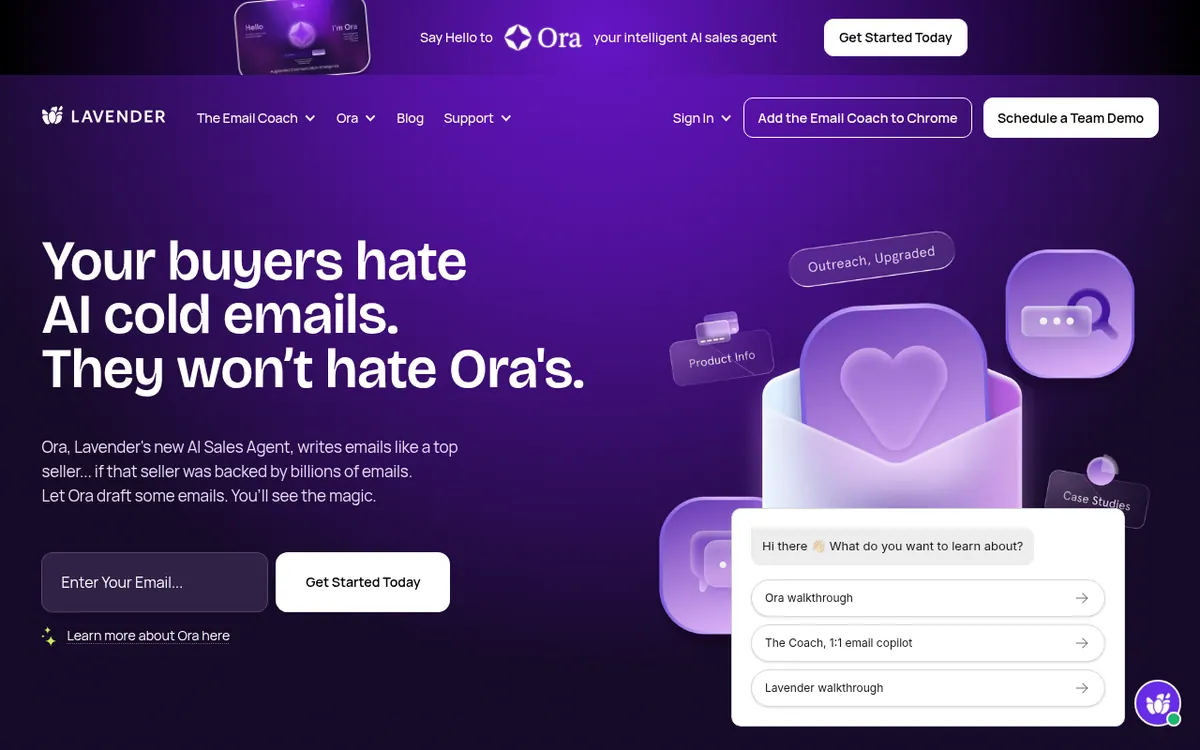
Ora researches prospects, then writes and sends personalized sales emails; the Chrome Email Coach helps with your own emails.
Lavender is an email-focused sales product with two parts: an Email Coach that is added to Chrome, and Ora, an AI sales agent. The vendor says it has analyzed billions of emails, and that it studies your own past messages to learn what works for you and your team.
Ora is built to behave like a sales rep. You hand it a lead list, either as a CSV upload or through a Salesforce connection. You train it by letting it read your inbox and pointing it to the right resources, then you check its understanding. After that you instruct it in plain language, the way you would brief a rep. Ora researches the prospect, the company and the market, pairs that with your own data, and then writes and sends personalized emails automatically.
The pages also describe a reasoning layer the vendor calls ACI, or Augmented Communication Intelligence, meant to narrow gathered research down to what matters. Lavender also offers training: certification courses called Lavender 101 and 201, a weekly newsletter and videos.
On pricing, building agents in Ora is free. Once an agent launches, the listed price is $500 per agent per month. A launched agent sends 1k emails each month and covers +4k contacts per year. Billing is monthly with no annual commitment, and volume and price scale with each agent you launch. For the Email Coach, the home page offers "Install the Coach for Free" and has "Try for free" buttons, but there is no separate Email Coach pricing page or plan details.
- Autonomous research, writing and sending of sales emails
- Chrome Email Coach
- CSV or Salesforce lead import
- Learns from your inbox
- Prospect, company and market research
- Plain-language instructions to the agent
- Email certification courses
- Analysis of your historic emails
Good for / Not for
Good for
- Sales teams wanting an agent to draft and send outbound emails
- Teams that keep leads in CSV files or Salesforce
- Sellers who want email training through Lavender 101 and 201
Not for
- Buyers who need published pricing for the Email Coach
- Teams needing a stated API or platforms beyond a Chrome extension
How to start
Limits and gotchas
From the official site and docs of Lavender, checked on October 25, 2026.
Pros and cons
Pros
- Building an Ora agent is free before launch
- Monthly payment with no annual commitment
- Accepts lead lists by CSV upload or Salesforce connection
- Researches prospect, company and market before writing
- Home page offers a free install of the Email Coach
Cons
- Launched agents cost $500 per agent per month
- Sending is stated as 1k emails per month and +4k contacts per year per agent
- No separate Email Coach pricing page or plan details; the home page only says "Install the Coach for Free"
- IT review may be required to authenticate with the email provider
- No API or platform list beyond a Chrome extension is stated
Our take
Lavender fits sales teams that want an agent to handle prospect research, drafting and sending of outbound emails, and that are comfortable letting it learn from their existing inbox. Building an Ora agent costs nothing, so a team can set one up before paying. The trade-off is the launch price of $500 per agent per month and the stated sending volume of 1k emails per month. For the Email Coach, the home page says "Install the Coach for Free", but there is no separate Email Coach pricing page or plan details, so ongoing cost beyond that is unclear. Security-minded companies should plan for a possible IT review. API and platform details beyond Chrome were not stated.
Comparisons and lists with Lavender
Coming soon
Coming soon — we are writing comparisons that include Lavender.
Lavender pricing
| Plan | Monthly billing | Annual billing (per month) | Limits / what’s included |
|---|---|---|---|
| Ora per agent, per month at launch | $500 | — | Building agents is free. After launch, Ora sends 1k emails per month to +4k contacts per year. No annual commitments. |
Free trial: none listed. Free plan: yes.
Prices checked on on the official Lavender pricing page. “—” = not published.
Frequently asked questions
How much does Ora cost?
Building agents is free. After launch the page lists $500 per agent per month, paid monthly with no annual commitments.
How many emails can an Ora agent send?
The pricing page says Ora sends 1k emails per month and covers +4k contacts per year, and that volume and pricing scale with each agent you launch.
How do I give Ora my leads?
Upload a CSV or connect Salesforce, according to the Ora page.
Is the Email Coach free?
The home page offers "Install the Coach for Free" and has "Try for free" buttons, but it has no separate Email Coach pricing page or plan details.
Recently verified in Sales & Lead Generation
 SalesTarget.ai
 Snov.io
 11x
 Clay
 Foxreach
 Gong
Add an AGIPicks badge to your site
The badge shows Lavender’s verification status on AGIPicks and links to this page. Light/dark and compact versions: badges.

Suggest an update
Wrong price, outdated fact or a tool that shut down? Are you the vendor and disagree with this page? Tell us, ideally with a link to the official page. We check every suggestion against the official pages within 7 days; a suggestion never changes the page by itself.