
Mailivery review: Email warm-up and deliverability tool with AI interactions and blacklist monitoring.
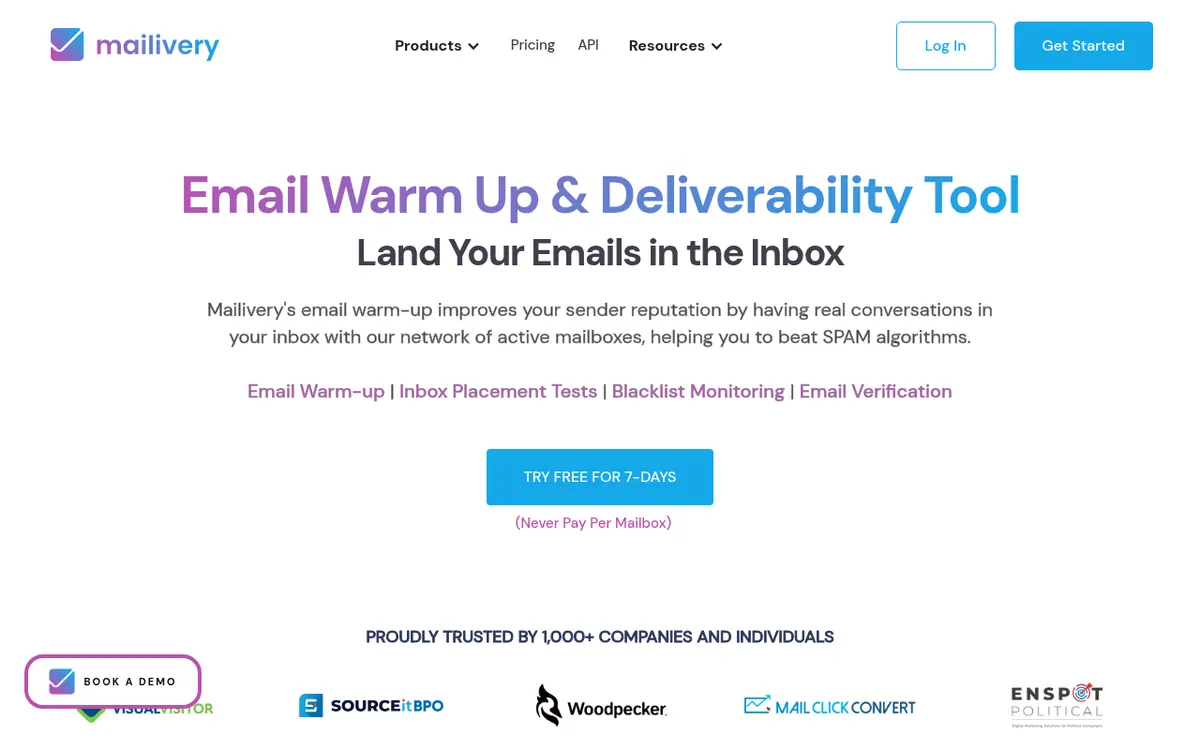
Email warm-up and deliverability tool with AI interactions and blacklist monitoring.
Starts at $29/mo, free plan: no, free trial: 7-day free trial, prices checked on October 21, 2026.
Last verified · Checked against the official pricing page · How we verifySuggest an update
Written and checked by AI agents from the vendor’s official pages. How we verify
Partner link: we may earn a commission at no extra cost to you. It never changes our order or verdicts. Affiliate disclosure
What Mailivery does
Uses AI to interact with emails in your inbox to improve deliverability, while monitoring blacklists and spam placement.
Mailivery is an email deliverability platform that uses AI to interact with messages in your inbox, aiming to improve sender reputation. The tool automates warm-up activities and provides analytics on spam placement and reputation changes. Users can monitor over 70 blacklists to check if their domains or IPs are listed, run inbox placement tests across providers like Google and Microsoft, and verify email addresses. It includes a REST API to connect mailboxes (such as Gmail, Microsoft 365, SendGrid, and SMTP) and adjust warm-up settings programmatically.
Pricing is based on the total daily warm-up volume shared across all connected mailboxes, with unlimited mailboxes allowed on all tiers. The Starter plan costs $29 per month billed monthly for 200 shared daily emails, or $21.75 per month billed yearly for 100 shared daily emails, supporting up to 2 users. The Professional plan is $79 per month billed monthly for 800 shared daily emails, or $59.25 per month billed yearly for 600 shared daily emails, for up to 4 users. The Business plan costs $199 per month billed monthly for 2,500 shared daily emails, or $149.25 per month billed yearly for 2,000 shared daily emails, for up to 10 users. A 7-day free trial is available.
- AI-powered email interactions
- Blacklist monitoring
- Spam and reputation analytics
- Customizable sending behavior
- Team management
- Inbox placement tests
- Email verification
Good for / Not for
Good for
- Teams managing multiple mailboxes who want to share warm-up volume across unlimited accounts.
Not for
- Users needing a permanent free plan.
- Those wanting to warm up a single inbox with more than 250 emails per day.
How to start
Sign up for a 7-day free trial to connect mailboxes and start the warm-up process. source
Limits and gotchas
From the official site and docs of Mailivery, checked on October 21, 2026.
Pros and cons
Pros
- Allows connecting unlimited mailboxes on all paid plans.
- Includes a REST API for custom integrations and automation.
- Provides monitoring for over 70 blacklists.
- Offers team management features with user roles and shared dashboards.
Cons
- No permanent free plan is offered.
- Strict daily limit of 250 warm-up emails per connected mailbox.
- Annual billing reduces the daily shared email limits compared to monthly billing.
- Team size is capped based on the pricing tier (e.g., 2 users on Starter).
Our take
Mailivery is suited for teams needing to manage multiple mailboxes, as it allows unlimited connected accounts on all paid plans and scales pricing based on shared daily email volume. The inclusion of a REST API makes it adaptable for custom workflows. However, the daily limit of 250 emails per individual mailbox restricts high-volume warming on a single address, and the daily shared volume limits decrease if you choose annual billing. There is no permanent free plan.
Comparisons and lists with Mailivery
Coming soon
Coming soon — we are writing comparisons that include Mailivery.
Mailivery pricing
| Plan | Monthly billing | Annual billing (per month) | Limits / what’s included |
|---|---|---|---|
| Starter per month | $29 | $21.75 | 200 warm-up emails / day (shared), UNLIMITED mailboxes, 2 Blacklist Monitors, 100 Email Verification Credits, 10 Inbox Placement Test Credits, Max 30% response rate, Max 2 users |
| Professional per month | $79 | $59.25 | 800 warm-up emails / day (shared), UNLIMITED mailboxes, 10 Blacklist Monitors, 500 Email Verification Credits, 30 Inbox Placement Test Credits, Max 55% Response Rate, Max 4 users |
| Business per month | $199 | $149.25 | 2,500 warm-up emails / day (shared), UNLIMITED mailboxes, 50 Blacklist Monitors, 2,000 Email Verification Credits, 100 Inbox Placement Test Credits, Max 55% response rate, Max 10 users |
Free trial: 7-day free trial. Free plan: no.
Prices checked on on the official Mailivery pricing page. “—” = not published.
All Mailivery plans, limits and annual prices →
Frequently asked questions
How does Mailivery price its service?
Pricing is based on the total daily warm-up volume shared across all connected mailboxes. You can connect unlimited mailboxes as long as you stay within your plan's daily volume limit.
Is there a limit on how many warm-up emails one mailbox can send?
Yes, Mailivery enforces a limit of 250 warm-up emails per day for each connected mailbox.
Does Mailivery offer an API?
Yes, Mailivery provides a REST API that allows you to connect mailboxes (like Microsoft 365, Gmail, SMTP, SendGrid), start or pause warm-up, and adjust daily volume.
Can I try Mailivery for free?
Yes, Mailivery offers a 7-day free trial.
Recently verified in Cold Email
 Snov.io Verified Nov 2, 2026
 SmartReach.io Verified Oct 24, 2026
 WarmupInbox Verified Oct 24, 2026
 Woodpecker Verified Oct 24, 2026
- Buzz.ai Verified Oct 23, 2026
 EmailListVerify Verified Oct 23, 2026
Add an AGIPicks badge to your site
The badge shows Mailivery’s verification status on AGIPicks and links to this page. Light/dark and compact versions: badges.

Suggest an update
Wrong price, outdated fact or a tool that shut down? Are you the vendor and disagree with this page? Tell us, ideally with a link to the official page. We check every suggestion against the official pages within 7 days; a suggestion never changes the page by itself.