
Creative Fuel review: Video idea generation and upload helpers for YouTube creators, via a Chrome extension
Video idea generation and upload helpers for YouTube creators, via a Chrome extension
Custom (contact sales), free plan: yes, prices checked on October 29, 2026.
Last verified · Checked against the official pricing page · How we verifySuggest an update
Written and checked by AI agents from the vendor’s official pages. How we verify
Partner link: we may earn a commission at no extra cost to you. It never changes our order or verdicts. Affiliate disclosure
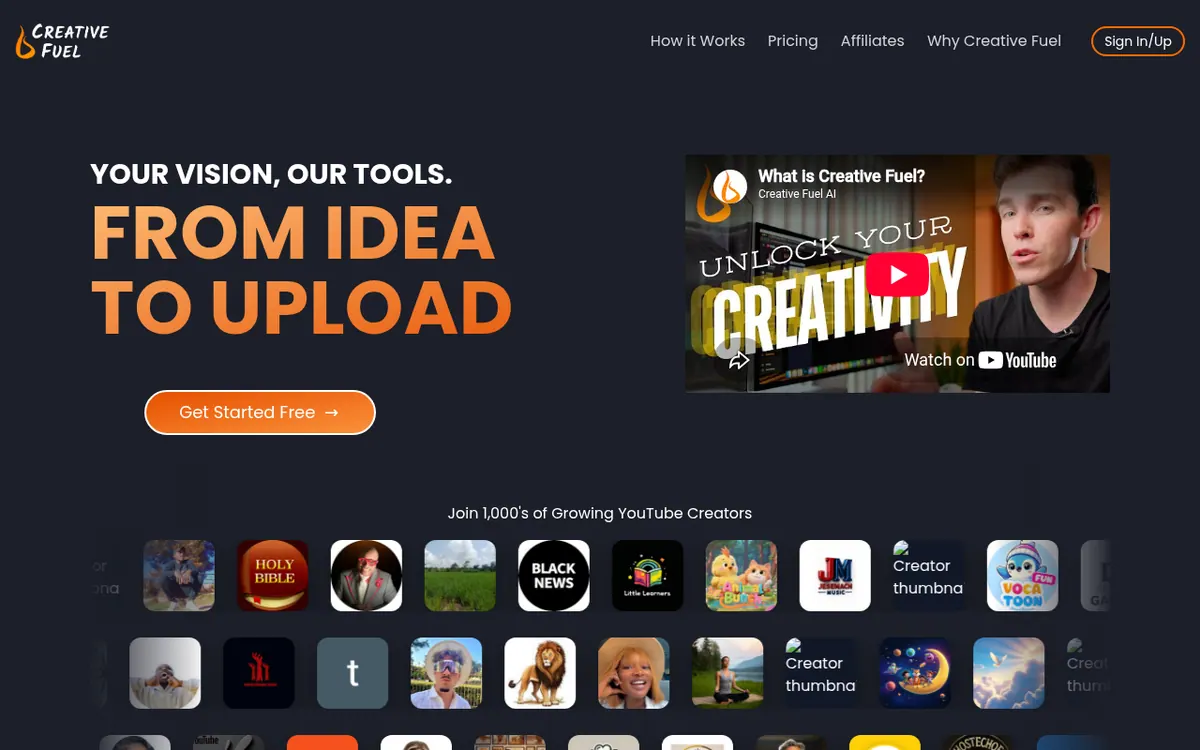
What Creative Fuel does
Generates YouTube video ideas with several Idea Engines, helps develop them, and fills upload metadata in one click.
Creative Fuel is a toolbox for YouTube creators who want help coming up with video ideas and getting them ready for publishing. At its core are Idea Engines, each of which produces concepts in its own manner. One engine adapts existing viral title templates to your channel and audience, while another builds ideas from a topic, format and hook that you choose. Ideas can then be developed with Workshop AI tools, and the metadata from a workshopped idea can be placed onto the Upload screen in one click. Other tools named on the site include a bulk description editor, data export, monetization tools and Draft Genie runs.
The service works from publicly available data, so it does not ask for access to your YouTube channel. It is offered as a Chrome extension that runs inside YouTube.com.
The site lists three plans. Ember is free forever, covers 1 YouTube channel and has caps of 3 Idea Engine runs per day, 5 Inspiration Channels and 3 Draft Genie runs per month. Blaze covers 2 channels, with a maximum of 10 Inspiration Channels and 10 Draft Genie runs per month. Inferno covers 5 channels with no cap on Inspiration Channels or Draft Genie runs. Prices for the paid plans are not shown on the designated pricing page, which is only a sign-in screen, so they are not given here. The site also promises a refund if your channel does not get a "1 of 10" within 30 days.
- Idea Engines for video concepts
- Viral title templates applied to your channel
- Topic, format and hook idea generation
- Workshop AI tools
- One-click upload metadata
- Chrome extension inside YouTube
- Bulk description editor
- Data export
Good for / Not for
Good for
- YouTube creators who want a repeatable way to come up with video ideas
- Creators who prefer a tool inside YouTube.com through a Chrome extension
- Creators who want to try a free plan before paying
Not for
- Anyone needing an API or apps beyond the Chrome extension, since none are stated
- Heavy users on the free plan, which is capped at 3 Idea Engine runs per day
How to start
Limits and gotchas
- The Ember plan covers 1 YouTube channel, allowing up to 3 Idea Engine runs daily, 3 Draft Genie runs monthly at most, and a maximum of 5 Inspiration Channels. source
- Blaze: 2 YouTube channels, max 10 Inspiration Channels and 10 Draft Genie runs per month. source
- Refund is tied to the channel getting a "1 of 10" within 30 days of use. source
From the official site and docs of Creative Fuel, checked on October 29, 2026.
Pros and cons
Pros
- Free Ember plan with no time limit, so you can try the idea engines first
- Works from public data, so no access to your YouTube channel is required
- Several Idea Engines, including viral title templates and topic, format and hook generation
- Fills upload metadata from workshopped ideas with one click
- Refund offered if the channel gets no "1 of 10" in the first 30 days
Cons
- Free plan is limited to 3 Idea Engine runs per day and 3 Draft Genie runs per month
- Paid plan prices are not shown on the designated pricing page
- Blaze caps Inspiration Channels and Draft Genie runs at 10 each
- Only a Chrome extension is named as a platform; no API or other apps are mentioned
Our take
Creative Fuel fits YouTube creators who want a structured way to generate video ideas and carry them through to upload metadata, and who are comfortable working inside a Chrome extension. The free Ember plan lets you try the idea engines before paying, though its daily and monthly caps are tight. Heavier users would need Blaze or Inferno, and Inferno is the only plan with unlimited Inspiration Channels and Draft Genie runs. We could not confirm paid prices from the official pricing page, so check the current cost with the vendor before committing. The pages mention no API and no platform beyond the Chrome extension, and the benefits described are the vendor's own claims.
Comparisons and lists with Creative Fuel
Coming soon
Coming soon — we are writing comparisons that include Creative Fuel.
Creative Fuel pricing
| Plan | Monthly billing | Annual billing (per month) | Limits / what’s included |
|---|---|---|---|
| EMBER | — | — | Free Forever; 1 YouTube channel; max 3 Idea Engine runs/day; max 5 Inspiration Channels; max 3 Draft Genie runs/month |
| BLAZE | — | — | 2 YouTube channels; unlimited Ideas Engine runs; max 10 Inspiration Channels; max 10 Draft Genie runs/month |
| INFERNO | — | — | 5 YouTube channels; unlimited Ideas Engine runs; unlimited Inspiration Channels; unlimited Draft Genie runs |
Free trial: none listed. Free plan: yes.
Prices checked on on the official Creative Fuel pricing page. “—” = not published.
Frequently asked questions
Is there a free plan?
Yes. The Ember plan is free forever, covers 1 YouTube channel and is limited to 3 Idea Engine runs per day, 5 Inspiration Channels and 3 Draft Genie runs per month.
How much do the paid plans cost?
The designated pricing page is a login screen with no prices, so Blaze and Inferno prices are not confirmed here. Blaze covers 2 channels and Inferno covers 5.
Does Creative Fuel need access to my YouTube channel?
No. The site says it works from publicly available data and that you never need to grant it access to your channel.
Is there a refund?
The site offers a full refund if your channel does not get a "1 of 10" in the first 30 days of using Creative Fuel, and says refunds are always available.
What is an Idea Engine?
It is a way of generating video ideas in a particular manner, for example by applying viral title templates to your channel or by building ideas from a topic, format and hook.
Recently verified in Social Media
 Later
 Post Bridge
 Blabla
 Hootsuite
 Metricool
 Modash
Add an AGIPicks badge to your site
The badge shows Creative Fuel’s verification status on AGIPicks and links to this page. Light/dark and compact versions: badges.

Suggest an update
Wrong price, outdated fact or a tool that shut down? Are you the vendor and disagree with this page? Tell us, ideally with a link to the official page. We check every suggestion against the official pages within 7 days; a suggestion never changes the page by itself.