
Kapwing review: Browser-based video editor with AI tools for generating, subtitling and dubbing video
Browser-based video editor with AI tools for generating, subtitling and dubbing video
Prices not verified, free plan: yes.
Not yet verified · How we verifySuggest an update
What Kapwing does
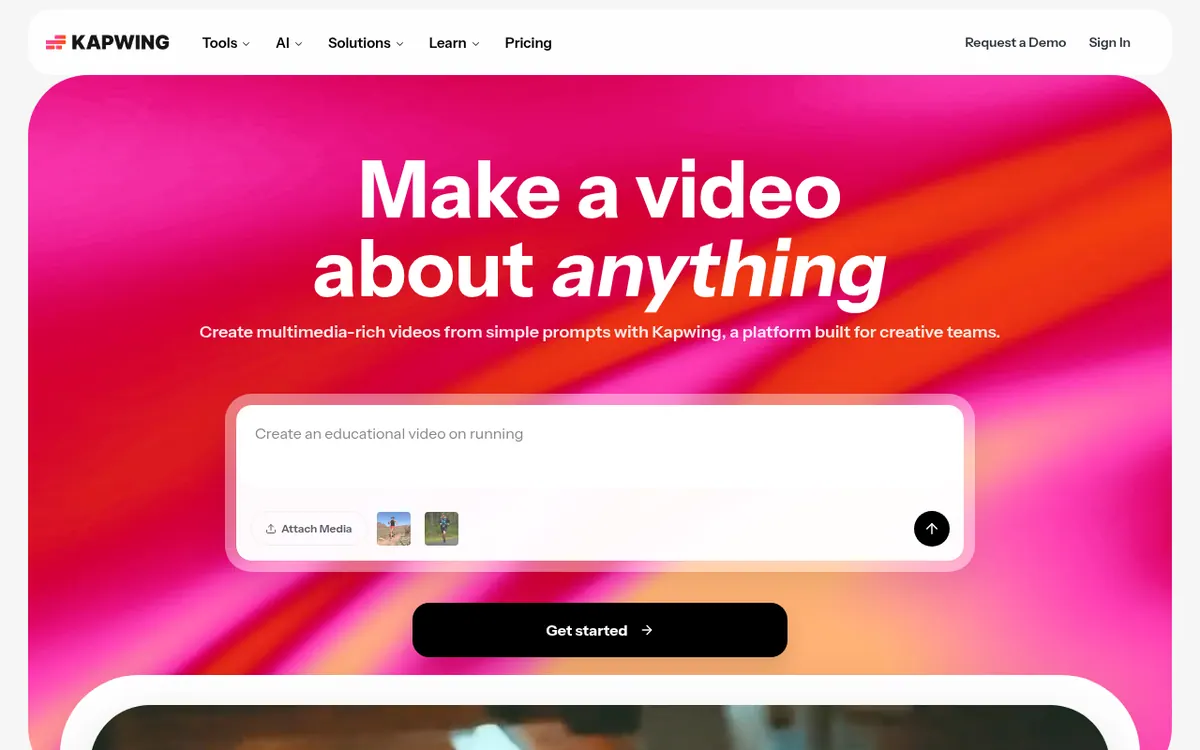
Kapwing is a video editor that runs in a web browser, so there is nothing to install. It pairs a drag-and-drop timeline, used for trimming, joining clips and placing overlays, with a set of AI tools. Those tools can build a video project from a prompt, script, article or PDF, create subtitles automatically, turn text into speech with stock or cloned voices, translate audio and video into 100+ languages, and remove silences with Smart Cut.
The official pages describe it as made for marketers, internal communications teams, content creators and educators. Teams can work in a shared workspace, leave comments directly on a video and store logos, fonts and colors in a Brand Kit. Kapwing can also be linked to Claude or ChatGPT through the Model Context Protocol.
Pricing is freemium. Enterprise is sold through Contact Sales.
- Prompt, script, article or PDF to video project
- Drag-and-drop timeline editor
- Automatic subtitles
- Dubbing into 100+ languages
- Text to speech with stock and cloned voices
- Smart Cut silence removal
- Comments for team review
- Brand Kit with logos, fonts and colors
- MCP connection to Claude and ChatGPT
Official video
Kapwing's NEW AI Assistant — Explained · by Kapwing
The player loads only when you press play.
Pros and cons
Pros
- Runs in the browser with no download required
- Broad AI toolset: video generation, subtitles, dubbing, text to speech, Smart Cut
- Shared workspace with comments and a Brand Kit for team review
- Can be connected to Claude or ChatGPT through MCP
Cons
- Free exports carry a watermark and are limited to 4 minutes and 720p
- AI usage is capped by monthly credits, and extra credits are listed only for Business
- The page text does not state which billing period the Pro and Business prices reflect
Our take
Kapwing fits people who want to create, subtitle and localize video in a browser without installing software, and teams that need shared review with comments and brand assets. The Free plan is useful for trying the tools, but its exports carry a watermark and are capped at 4 minutes and 720p, so regular publishing means moving to Pro or higher. AI usage is limited by monthly credits, and buying extra credits is listed only for Business.
Comparisons and lists with Kapwing
Coming soon
Coming soon — we are writing comparisons that include Kapwing.
Kapwing pricing
Prices not verified — the official pricing could not be confirmed; check the vendor's site: official pricing page.
Frequently asked questions
Do I need to install anything?
No. The official AI page says Kapwing runs fully in the browser and needs no download.
Can I use Kapwing from an AI chatbot?
The homepage says Kapwing can connect to AI agents through the Model Context Protocol, with buttons for Claude and ChatGPT.
Recently verified in AI Video
 Astorie (MartiniArt AI)
 CapCut
 Kling AI
 Lumen5
 NoteGo
 ReelsCut
Add an AGIPicks badge to your site
The badge shows Kapwing’s verification status on AGIPicks and links to this page. Light/dark and compact versions: badges.

Suggest an update
Wrong price, outdated fact or a tool that shut down? Are you the vendor and disagree with this page? Tell us, ideally with a link to the official page. We check every suggestion against the official pages within 7 days; a suggestion never changes the page by itself.