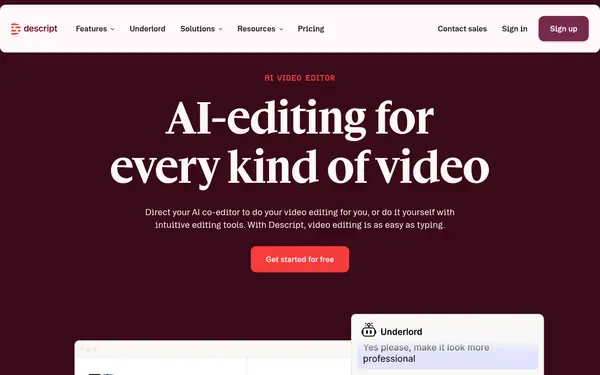

Descript
AI VideoFree planVerified
Transcribes audio and video and lets you edit the media by editing the text; free plan; from $24/mo.
When to pick it: Pick it if you want to edit or repurpose the video from the transcript.
You turn a YouTube video into an accurate, editable text transcript. Four verified paid tools compared for cases where free transcript generators are not enough.
Free YouTube transcript generators exist and cover simple cases. Paid tools matter when you need an editable, more accurate transcript, speaker labels, many languages or an archive you can search. This page compares four tools from our verified catalogue: Happy Scribe, Rev, Speak AI and Descript. They are not identical. Descript edits audio and video through the transcript, Speak AI adds analysis across 100+ languages, Rev is built for legal and investigative case files, and Happy Scribe handles meetings and uploaded files. Accuracy is not tested by us, and pricing differs by unit (seats, hours or files), so check the table first. Respect copyright and the video owner's terms before you transcribe content that is not yours.
Last verified Suggest an update
Transcribes audio and video and lets you edit the media by editing the text; free plan; from $24/mo.
When to pick it: Pick it if you want to edit or repurpose the video from the transcript.
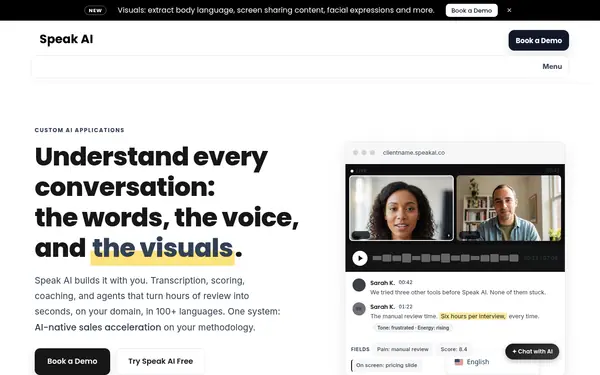

Records, transcribes and analyses spoken content in 100+ languages with speaker labels and a searchable archive; from $25/mo; 7-day trial with no card.
When to pick it: Pick it if you need many languages and a searchable archive.
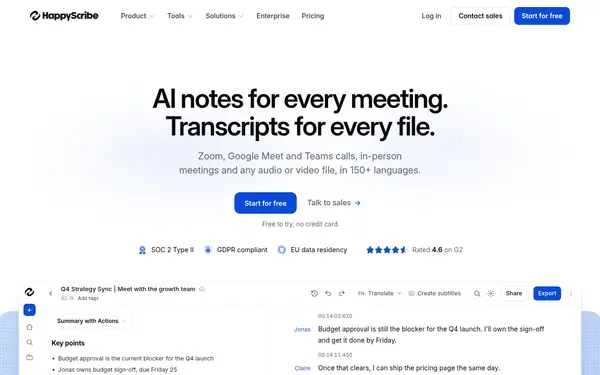
Transcribes uploaded audio and video and meetings in Zoom, Meet and Teams; free to try with no card.
When to pick it: Pick it if you want to try before paying; free offer details are not described.
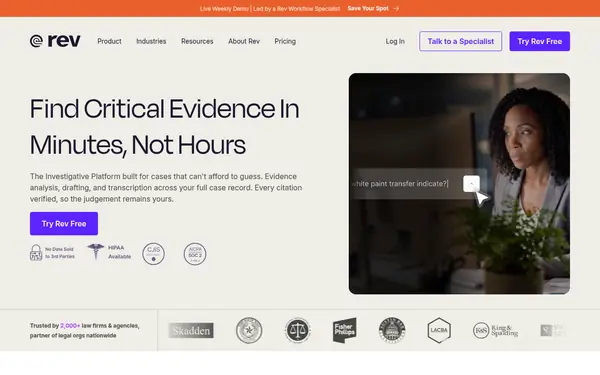

Case-based transcription workspace for legal and investigative work with cited answers across files; free plan; Essentials from $29.99/mo.
When to pick it: Pick it only if you work on cases with many files; it is not a simple YouTube transcriber.
None of these tools has a free plan.
| Criterion | Descript | Speak AI | Happy Scribe | Rev | Checked |
|---|---|---|---|---|---|
| From (price/mo) | $24/mo source | $25/mo source | not published source | $29.99/mo source | |
| Free plan / trial | yes source | no; trial: 7-day free trial, no credit card required source | yes; trial: Free to try, no credit card required (no trial length stated) source | yes source | |
| Key capability | Edit video by editing text, AI enhancements source | 100+ languages, speaker labels, archive source | Transcripts of uploaded files and meetings source | Cited Q&A across files in a case source | |
| Main limit | Limits on lower tiers for media processing; not a timeline VFX editor source | No permanent free plan; Pro max 5 team members source | Pricing not published; free offer not described source | Per-seat pricing; file analysis capped at 5 on Free source |
Facts from the vendors' official pages, checked on the date in the last column. Prices are what the vendor published on that date.
Use your own video or content you have the right to transcribe; check how each tool accepts YouTube links or file upload.
Set the language and speaker labels where supported (Speak AI lists 100+ languages).
Try a 2-minute section on the free plan or trial.
Fix names and terms; Descript lets you edit media by editing text.
Export in the format you need.
Free options exist on the Descript free plan and the Happy Scribe free trial; limits are not detailed on the cards (Happy Scribe's pricing page mentions a 10-minute free trial of AI transcription).
Happy Scribe offers a free try with no card; the scope is not described.
Use a free tier such as Descript Free or a trial such as Speak AI (7 days).
A service that converts podcast audio to text; Speak AI and Happy Scribe handle uploaded audio. Podcast-specific features are not described on the cards.
Something wrong or missing on this page — a wrong fact, an outdated price, a tool that should be here? Tell us, ideally with a link to the official page. We check every suggestion within 7 days; a suggestion never changes the page by itself.