Podcasting6 tools

6 AI Podcast Editing and Recording Tools (2026), Verified

You clean audio, cut filler words and publish episodes with less manual editing. Six verified tools compared on price, free plan, output limits and hosting.

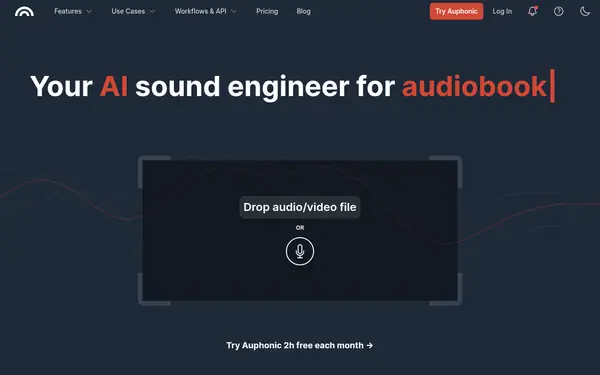
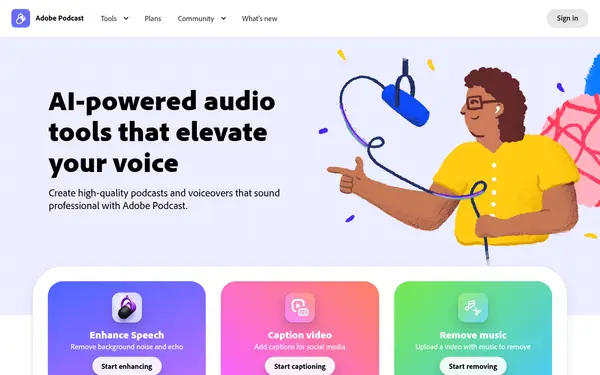
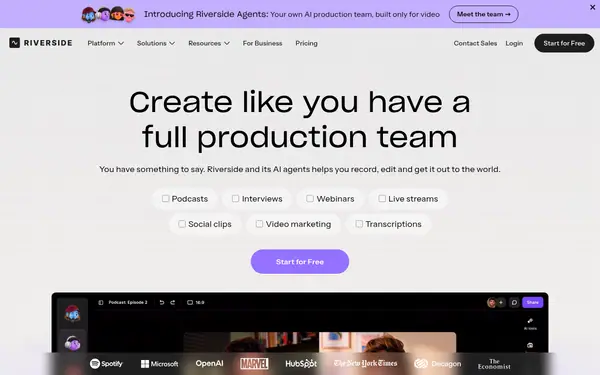
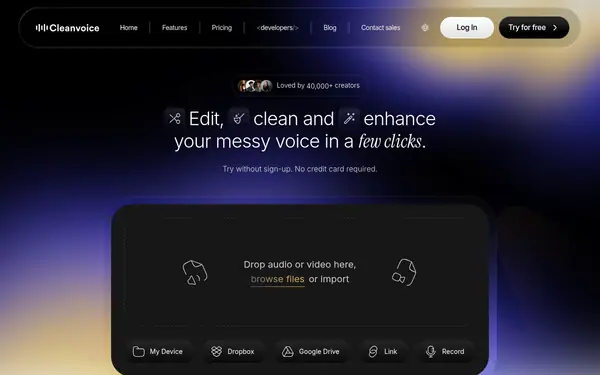
Podcast editing tools fall into three groups. Cleanup tools such as Cleanvoice, Auphonic and Adobe Podcast remove filler words and noise and balance levels. Recording and editing studios such as Riverside and Alitu record, edit by transcript or waveform and publish. Captivate is podcast hosting, so it does not edit. The six tools below come from our verified catalogue, and five of them have a free plan or free credits. Free output often carries limits such as a jingle, a watermark or a 720p cap. Pick based on whether you need cleanup only, a full recording studio or a host, then compare the limit column.

Last verified Suggest an update

The shortlist

6 tools
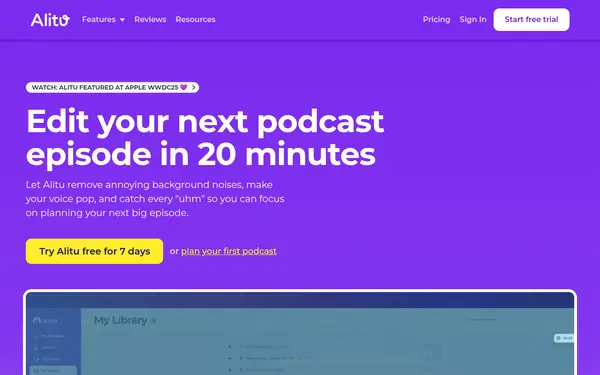
  1. Alitu screenshot

    Alitu

    Voice & Text-to-Speech
    Free trialVerified

    Records calls, cleans audio, edits by text or waveform and publishes to Apple Podcasts and Spotify with hosting; from $38/mo; 7-day trial.

    When to pick it: Pick it if you want one tool from recording to hosting.

    $38/moTrial: 7-day free trial

Compared on this task

CriterionCleanvoiceAuphonicAdobe PodcastRiversideAlituCaptivateChecked
From (price/mo)not published sourcenot published source$19.99/mo source$29/mo source$38/mo source$19/mo source
Free plan / trialyes; trial: 30 minutes of free credits on sign-up sourceyes sourceyes; trial: 7-day free trial of the Adobe Firefly Pro plan sourceyes; trial: 14-day free trial (Pro, Grow, Webinar) sourceno; trial: 7-day free trial sourceno; trial: 30-day free trial source
Key capabilityFiller and noise removal, export cuts sourceLeveling, loudness, filler cutting, publishing sourceEnhance Speech, Studio editor source4K separate-track recording, transcript editing, AI clips sourceRecord, edit, host, website sourceMulti-show hosting source
Main limitWeb and API only; files kept 7 days; paid price is custom sourceFree productions include a jingle; no watch folders or batch on Free sourceFree: Enhance Speech 1 hour/day, files up to 30 min, 2 Studio downloads/day sourceFree has a watermark and 720p cap; API and SSO need sales sourceNo free plan; one podcast per account sourceNo free plan; the pricing page lists a 30-day free trial on all plans source

Facts from the vendors' official pages, checked on the date in the last column. Prices are what the vendor published on that date.

How to do it

  1. Choose the job

    Cleanup (Cleanvoice, Auphonic, Adobe Podcast), studio (Riverside, Alitu) or hosting (Captivate).

  2. Test one episode

    Run a raw file through two free plans.

  3. Check output limits

    Look for watermarks, jingles and resolution caps.

  4. Edit by text

    Use transcript editing in Riverside or Alitu to remove mistakes.

  5. Publish

    Pick a host and connect it.

Limits and risks

  • Audio quality is subjective and not tested here.
  • Free plans add jingles, watermarks or time limits.
  • Several prices are custom or hidden.
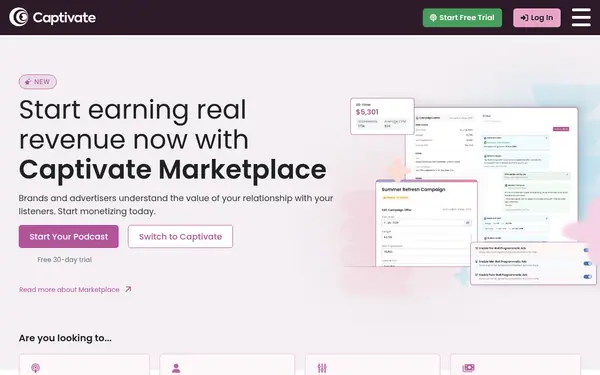
  • Captivate does not edit audio.

Frequently asked questions

What is the best AI podcast editing software?

Depends on need: cleanup, studio or hosting; see table.

Which podcast transcription tool is there?

Riverside edits via transcript; Alitu edits by text; dedicated transcription tools are in our other lists.

Which podcast transcription software?

See Riverside and Alitu for transcript-based editing; check each vendor's site for transcript export options.

What is the best software to record a podcast remotely?

Riverside records remote guests on separate tracks; Alitu records calls.

Suggest an update

Something wrong or missing on this page — a wrong fact, an outdated price, a tool that should be here? Tell us, ideally with a link to the official page. We check every suggestion within 7 days; a suggestion never changes the page by itself.

What is wrong?

For example the new price, the feature that changed, or the tool we should add.

The official page that shows the change.

Only we see it, to reply. It is never published.