A shortlist of reporting tools that turn client marketing data into branded dashboards or scheduled reports, compared by data sources, white-label terms, delivery options, client access and price.
Agencies send the same kind of report to every client each week or month: traffic, rankings, ad results and what changed. A client reporting tool pulls that data from the source platforms, keeps it in one dashboard per client, and delivers it on a schedule without manual copy-paste. When you compare tools, look first at data sources. A general dashboard tool connects to many platforms, while an SEO suite or an ad analytics tool reports mainly on its own data. Then check white-labeling, because several vendors sell it as an add-on or only on higher plans. Finally, check delivery (scheduled email, PDF, live link), how clients log in, and how the price grows with the number of clients. This page compares six catalog tools on those points. Every fact comes from the vendor's pricing or product pages, checked on 2026-10-20. The steps show how to build a scheduled client report in Search Atlas.
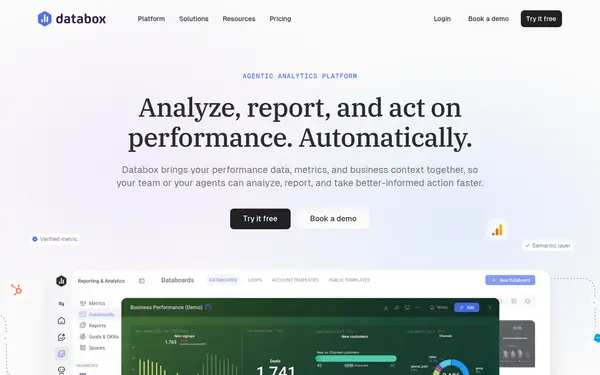
Databox lists 130+ integrations, an Agency plan and a free plan; DashClicks includes unlimited users and sub-accounts for one $199/month price. White-label branding is an add-on or higher-plan feature on Databox, Search Atlas, SE Ranking and BrandMentions.
Agency plan with a separate account per client and 130+ integrations. It delivers reports by schedule, shareable link or dashboards embedded on your domain, and white-labeling is available as an add-on.
When to pick it: If your client reports combine many sources (ads, analytics, CRM, spreadsheets) and you need unlimited users.
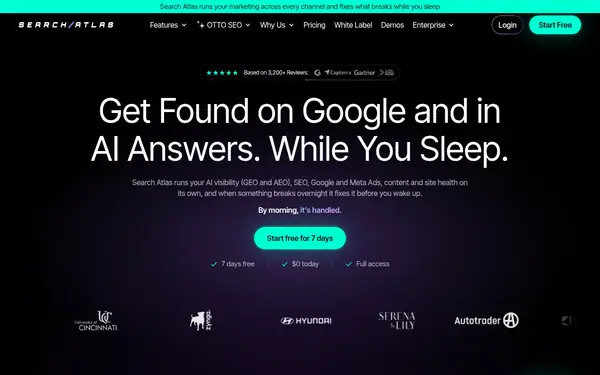
Report Builder combines GA4, GSC, GBP, rank tracking and backlinks into client dashboards. Reports go out on a schedule as a dashboard, PDF, CSV or live link, and white-label starts on Pro.
When to pick it: If you mainly report SEO and local results and want the reporting inside the SEO suite you already use.
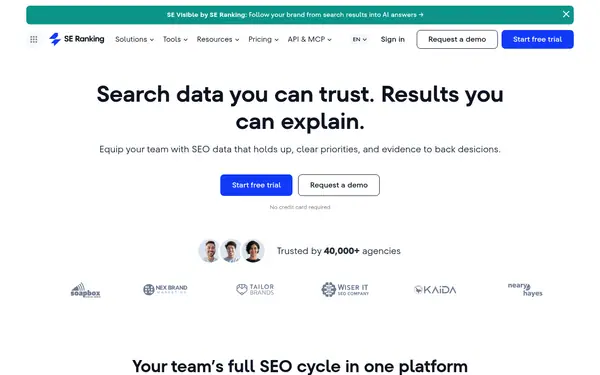
Its Agency Pack adds white-label branding for the platform and reports, client seats, and unlimited scheduled reports with AI summaries, on top of rank tracking and audits.
When to pick it: If you already use SE Ranking for SEO and can commit to annual billing for the Agency Pack.
€109/moTrial: 14-day free trial, no credit card required
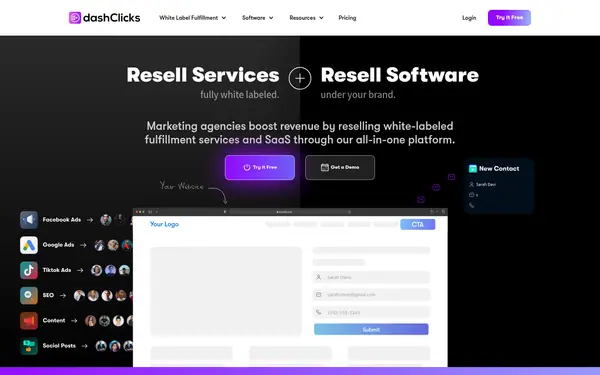
A white-label analytics app that pulls Facebook Ads, Google Ads, Google Analytics, TikTok Ads, rank tracking and call tracking into one dashboard, with unlimited users and sub-accounts.
When to pick it: If you want clients to log in to a branded portal and prefer one flat price over per-client fees.
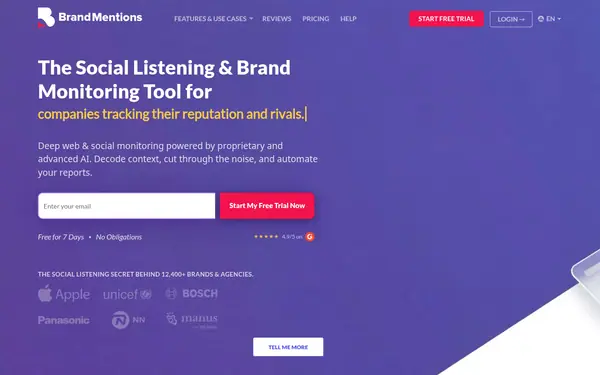
Monitors web and social mentions in a separate project per client. On the Expert plan, reports carry your logo and name instead of BrandMentions branding.
When to pick it: If clients pay you for brand monitoring or PR and the report is about mentions and sentiment.
Starter $99/mo billed quarterly or $79/mo billed annually; white-label from Expert $499/mo billed monthly source
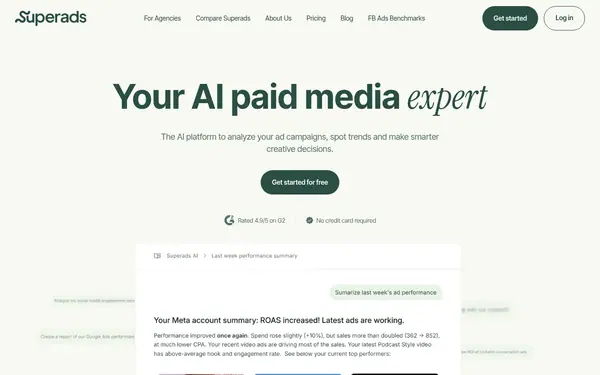
Professional from $125/mo, billed $1500 yearly (up to $100k monthly ad spend) source
Facts from the vendors' official pages, checked on the date in the last column. Prices are what the vendor published on that date.
How to do it
Pick a plan that includes the branding you need
Reporting is part of every Search Atlas plan from Starter ($99/mo billed monthly). White-label dashboards and reporting start on Pro ($399/mo), and client portals come with Agency. Growth and Starter offer a 7-day trial.
Add recipients, choose the layout and set a weekly, monthly or quarterly cadence. Reports refresh automatically and can go out as a dashboard, PDF, CSV export or live link.
Optionally turn on AI summaries. They draft an account update from Site Explorer, GSC, GA4, Facebook Ads and rank tracker data, and you can refresh the draft before a meeting.
Databox white-labeling is a paid add-on outside the base plan. If a trial ends without payment details, data stops syncing and scheduled reports pause. source
SE Ranking's Agency Pack, which holds the white-label and scheduled-report features, is only available with annual billing. Only one session can be active per login. source
Search Atlas Starter and Growth do not include white-label dashboards and reporting. Those start on Pro at $399/mo. source
BrandMentions white-label reports require the Expert plan or higher. Standard reports on Pro keep the BrandMentions logo and name. source
Superads Professional covers up to $100k in monthly ad spend and adds $100/mo per extra 100k, so the cost grows with your clients' combined ad spend. source
DashClicks' analytics FAQ describes report customization as picking a custom date range and hiding table columns. Separate report documents or PDF export are not described there. source
Frequently asked questions
What does Databox offer agencies?
The Agency plan gives each client its own account, with unlimited users and access controlled per person. It adds cross-account reporting, custom templates and bulk actions. Extra capacity comes in account packs, and white-label branding is the only add-on outside the base plan.
What can I use instead of Databox for SEO client reports?
If the reports are mostly about SEO and local search, Search Atlas Report Builder is one option. It combines GA4, GSC, GBP, rank tracking and backlink data into a client dashboard and sends it on a schedule as a dashboard, PDF, CSV or live link.
How much does white-label SEO reporting cost?
SE Ranking's pricing page lists the Agency Pack as an add-on to a plan, with annual billing only. It includes white label for the platform and reports, client seats, and unlimited scheduled reporting with AI summaries.
Is there white-label agency software with unlimited client accounts?
DashClicks includes unlimited users and unlimited sub-accounts in both its monthly ($199/month) and annual ($1,788/year) subscriptions, with no extra fee per user or sub-account.
Can I send SEO reports under my own agency brand?
Yes, with tools that offer white-label reports. In Search Atlas, white-label dashboards and reporting are included from the Pro plan ($399/mo), and the Agency plan adds client portals and branded dashboards.
Something wrong or missing on this page — a wrong fact, an outdated price, a tool that should be here? Tell us, ideally with a link to the official page. We check every suggestion within 7 days; a suggestion never changes the page by itself.