Linked Helper review: Desktop LinkedIn automation for outreach, lead data export and AI-written messages
Desktop LinkedIn automation for outreach, lead data export and AI-written messages
Starts at $15, free plan: no, free trial: 14-day free trial with full Pro access, no credit card, prices checked on October 20, 2026.
Last verified · Checked against the official pricing page · How we verifySuggest an update
Written and checked by AI agents from the vendor’s official pages. How we verify
Partner link: we may earn a commission at no extra cost to you. It never changes our order or verdicts. Affiliate disclosure
What Linked Helper does
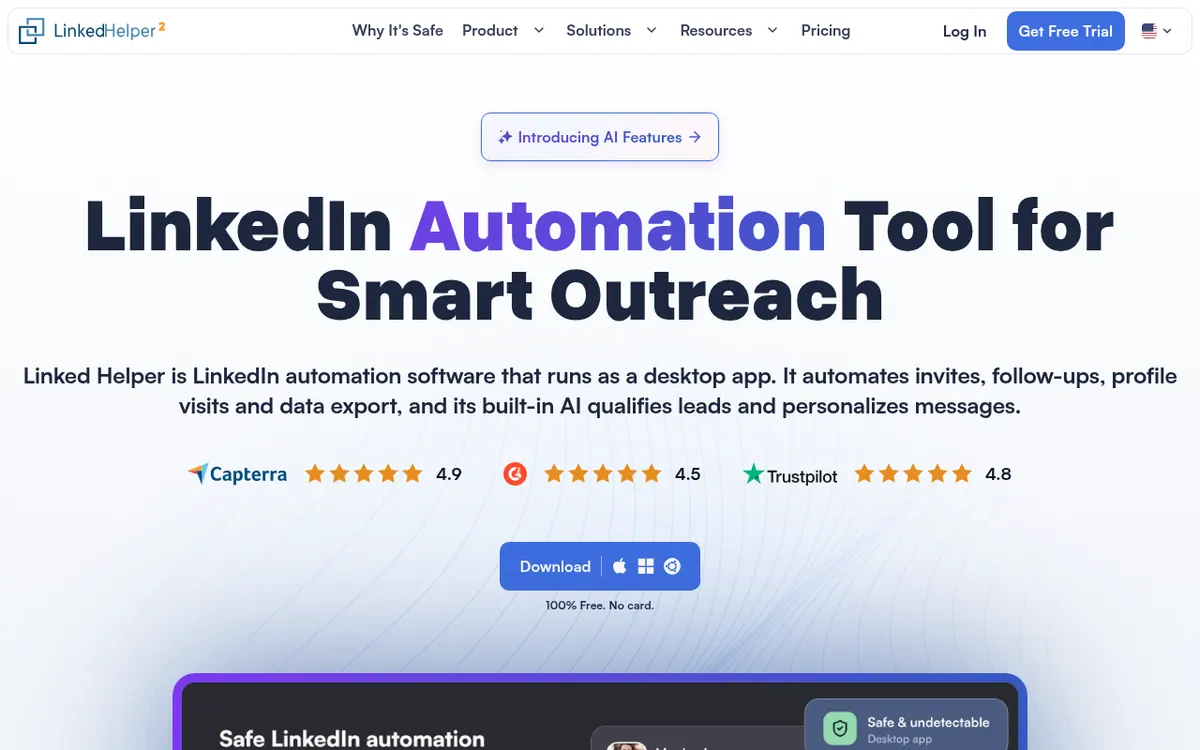
Linked Helper is desktop software for automating outreach on LinkedIn. It runs on your own computer or on a VPS you control, not as a browser extension, and the vendor says your LinkedIn session stays on that machine. It is aimed at sales, recruiting and agency teams that want to run connection requests, follow-up message sequences and lead collection from one place.
The product includes a campaign builder, a built-in CRM with tags and an inbox, and export of profile data to CSV or other services through webhooks and native integrations. AI features cover personalised invites and follow-ups, ICP detection that screens out poor-fit leads, comments written from a prospect's post, and reply suggestions in the inbox. Drafts can be reviewed before sending, or auto-approved.
Pricing is per license. The pricing page shows a Standard base list price of $15 per month on Local storage, with discounts for longer terms and for buying several licenses together. It also lists Local from $8.25 / month and Cloud from $16.50 / month. Cloud storage keeps workspace data on the vendor's servers, which allows device switching and sharing with teammates. Standard caps several actions at 20 per day, while Pro is described as unlimited on the vendor's side. A 14-day trial with full Pro access is offered without a credit card. The Pro price is not stated in the page text.
- Campaign builder with 30+ action types
- AI-written personal invites and follow-ups
- AI ICP detection to filter poor-fit leads
- AI comments based on post and profile
- Message sequences that stop when a lead replies
- Built-in CRM with tags and inbox
- CSV export and webhooks to third-party services
- Native CRM integrations
Official video
LinkedIn Messages Done Better With AI · by Linked Helper
The player loads only when you press play.
Tasks it handles
Pros and cons
Pros
- Runs as desktop software, not a browser extension, with the LinkedIn session kept on your own machine
- AI tools for message drafts, ICP screening, comments and inbox replies, with drafts you can review before sending
- Works with free, Premium, Sales Navigator and Recruiter accounts
- Native integrations with CRMs such as HubSpot, Salesforce and Pipedrive, plus CSV export and webhooks
- 14-day trial with full Pro access and no credit card required
Cons
- Automation cannot run while the computer is off, even on Cloud storage
- Standard caps several actions, such as group messages, at 20 per day
- Local storage means moving campaigns between devices through manual backup files
- No permanent free plan is confirmed; after the trial it is paid per license
- The Pro plan price is not shown as a number in the page text
Our take
Linked Helper suits people who want to keep LinkedIn automation on a machine they control and are willing to leave a computer or VPS running. Based on the official pages, it covers outreach, enrichment, CRM and AI writing in a single tool, so it fits solo sellers, recruiters and agencies. It is less suited to anyone wanting a hosted service that works while their computer is off. Standard has daily caps on several actions, so heavier users will need to look at Pro, whose price we could not confirm from the page text. The 14-day trial is a sensible way to check fit before paying.
Comparisons and lists with Linked Helper
Coming soon
Coming soon — we are writing comparisons that include Linked Helper.
Linked Helper pricing
| Plan | Monthly billing | Annual billing (per month) | Limits / what’s included |
|---|---|---|---|
| Standard per license | $15 | — | Base list price per license per month on Local storage. Term and volume discounts apply. Several actions are capped at 20 per day on Standard. Cloud storage costs more (from $16.50 / month). |
Free trial: 14-day free trial with full Pro access, no credit card. Free plan: no.
Prices checked on on the official Linked Helper pricing page. “—” = not published.
Frequently asked questions
How much does Linked Helper cost?
The pricing page shows a Standard base price of $15 per month per license on Local storage. It also lists Local from $8.25 / month and Cloud from $16.50 / month. Longer terms are discounted, for example 12 months - 45 %. The Pro price is not given in the page text.
Is there a free trial?
Yes. The vendor offers 14 days of full Pro access, with every feature and no daily caps. No credit card is required, and the trial simply ends with campaigns pausing.
What is the difference between Local and Cloud storage?
Local keeps workspace data on your own device and costs less. Cloud keeps it on Linked Helper servers, giving automatic backups, access from another device, sharing with teammates and incoming webhooks. The app and automation features are the same.
Does it run while my computer is off?
No. The vendor says it runs from a computer or a VPS you control, so that machine has to be on, on both Local and Cloud versions.
Is it a browser extension?
No. The vendor describes it as a desktop app, not a Chrome extension.
Recently verified in LinkedIn Automation
 Closely Verified Oct 26, 2026
 AuthoredUp Verified Oct 23, 2026
- Salesflow Verified Oct 21, 2026
 Kanbox Verified Oct 20, 2026
 Meet Alfred Verified Oct 20, 2026
 PhantomBuster Verified Oct 20, 2026
Add an AGIPicks badge to your site
The badge shows Linked Helper’s verification status on AGIPicks and links to this page. Light/dark and compact versions: badges.

Suggest an update
Wrong price, outdated fact or a tool that shut down? Are you the vendor and disagree with this page? Tell us, ideally with a link to the official page. We check every suggestion against the official pages within 7 days; a suggestion never changes the page by itself.