
Reflect review: Open-source Markdown note-taking app with backlinks, daily notes and optional AI
Open-source Markdown note-taking app with backlinks, daily notes and optional AI
Custom (contact sales), free plan: yes, prices checked on October 29, 2026.
Last verified · Checked against the official website · How we verifySuggest an update
Written and checked by AI agents from the vendor’s official pages. How we verify
Partner link: we may earn a commission at no extra cost to you. It never changes our order or verdicts. Affiliate disclosure
What Reflect does
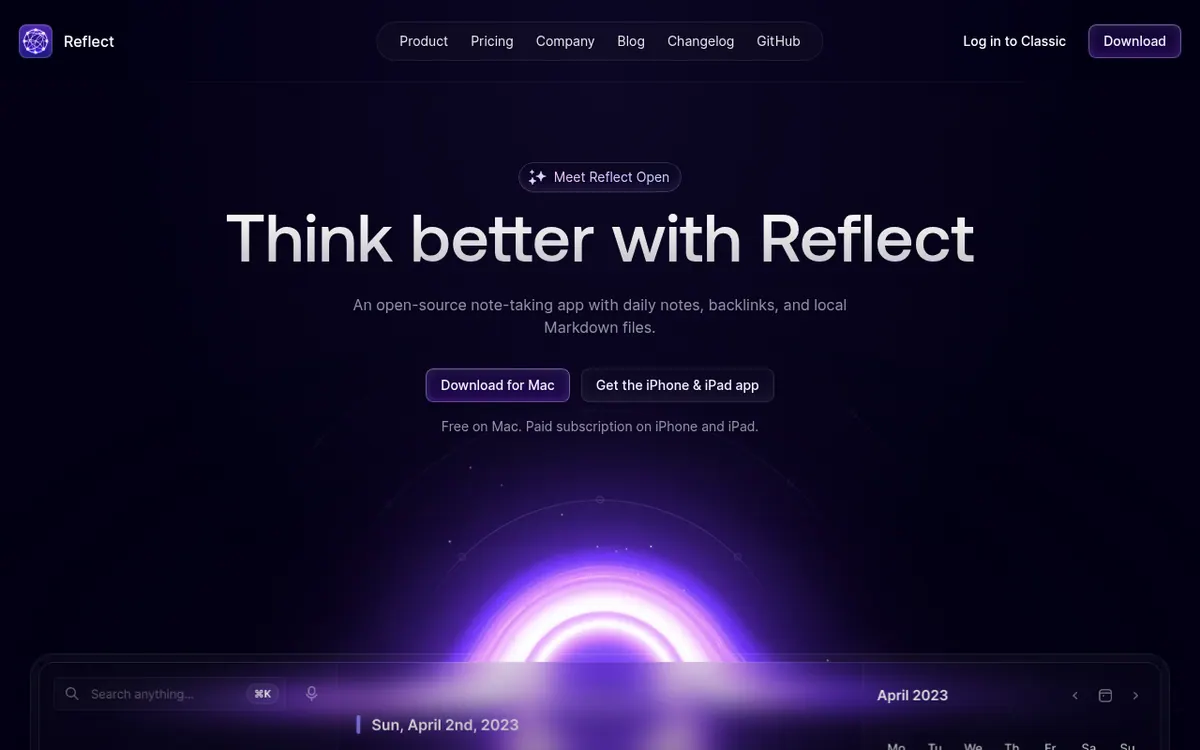
Stores your notes as local Markdown files, links them with backlinks and daily notes, and optionally adds an AI assistant using your own API key.
Reflect Open is a note-taking app that stores notes as Markdown files in a folder you pick. It is open source, and the code is published on GitHub. Notes are organised around daily notes, so each day begins with a fresh page, and backlinks tie related notes together into a graph of ideas. Search is meant to help you recall earlier notes.
Sync is handled through iCloud Drive or Git. Apps are offered for Mac, iPhone and iPad, and a Chrome extension on Mac saves links, text and screenshots, keeping the source link with each clip. The iPhone and iPad app supports capture online or offline, and the product also lists audio memos.
An optional AI assistant can answer questions using links back to your notes, summarize text, list takeaways and action items, fix grammar, and run saved custom prompts. It needs your own API key, requests go straight to your provider, and the provider bills AI usage separately. Notes marked private are left out of AI note access.
On pricing, the Mac app is free with no subscription. The iPhone and iPad app is a paid subscription, with local pricing shown on the App Store. Pricing not published on the official site. Reflect Classic users are told it is still maintained and can import a copy of their notes.
- Local Markdown files in a folder you choose
- Daily notes
- Backlinks and a graph of notes
- iCloud Drive or Git sync
- Web clips and audio memos
- Chrome extension on Mac
- Optional AI assistant with your own API key
- Private notes excluded from AI access
Good for / Not for
Good for
- Mac users who want a free, open-source note app with local files
- People who link ideas through daily notes and backlinks
- Users who want to clip web pages and save audio memos into notes
Not for
- Anyone needing apps beyond Mac, iPhone and iPad, as no others are described
- Buyers who want AI included without bringing their own API key
How to start
Limits and gotchas
From the official site and docs of Reflect, checked on October 29, 2026.
Pros and cons
Pros
- Mac app is free, with no subscription required
- Open source, with code available on GitHub
- Notes live as local Markdown files in a folder you choose
- Sync through iCloud Drive or Git
- Optional AI where requests go directly to your own provider
Cons
- iPhone and iPad app is a paid subscription, and no price is shown on the official site
- AI needs your own API key and provider usage is billed separately
- Only Mac, iPhone and iPad apps are described; no web, Windows or Android
- No free trial is stated on the pages
Our take
Reflect Open suits people who want a personal note-taking app built on plain Markdown files, backlinks and daily notes, and who work on Apple devices. The free Mac app and the open-source code lower the barrier to trying it. The trade-offs: the official pages describe apps only for Mac, iPhone and iPad, the mobile app needs a paid subscription whose price is not published on the site, and the AI features require your own API key with separate provider charges. If you need web, Windows or Android access, the pages do not show it.
Comparisons and lists with Reflect
Coming soon
Coming soon — we are writing comparisons that include Reflect.
Reflect pricing
| Plan | Monthly billing | Annual billing (per month) | Limits / what’s included |
|---|---|---|---|
| Mac | — | — | No subscription required. Optional AI needs your own API key; provider charges are separate. |
| iPhone & iPad | — | — | Paid subscription; local pricing is shown on the App Store, no amount on the official site. |
Free trial: none listed. Free plan: yes.
Prices checked on on the official Reflect pricing page. “—” = not published.
Frequently asked questions
Is Reflect free?
The Mac app is free and needs no subscription. The iPhone and iPad app is a paid subscription. Pricing not published on the official site; local pricing is shown on the App Store.
How does Reflect sync notes?
It offers a choice of iCloud Drive or Git for syncing.
Does the AI feature cost extra?
AI is optional and needs your own API key. Requests go to your provider, which bills AI usage separately.
Is Reflect open source?
Yes. The homepage describes Reflect Open as open source, with the code on GitHub.
What happens to Reflect Classic users?
The site says Classic is still maintained and users can import a copy of their notes without changing the originals. Paid Classic subscribers get one year of the iPhone and iPad app free.
Recently verified in Meeting Notes & Transcription
 Fathom Verified Nov 2, 2026
 Rev Verified Oct 30, 2026
 tl;dv Verified Oct 30, 2026
 Capacities Verified Oct 29, 2026
 Fireflies.ai Verified Oct 29, 2026
 Plansom Verified Oct 29, 2026
Add an AGIPicks badge to your site
The badge shows Reflect’s verification status on AGIPicks and links to this page. Light/dark and compact versions: badges.

Suggest an update
Wrong price, outdated fact or a tool that shut down? Are you the vendor and disagree with this page? Tell us, ideally with a link to the official page. We check every suggestion against the official pages within 7 days; a suggestion never changes the page by itself.