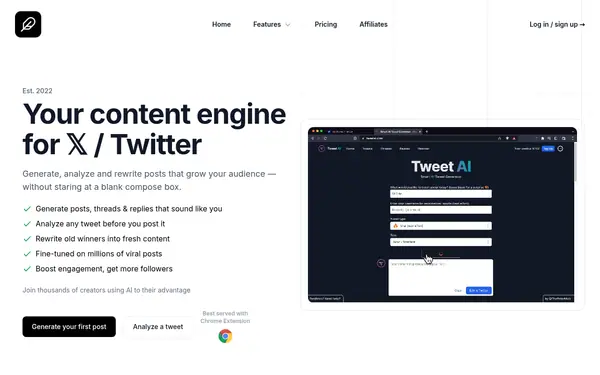

TweetAI
Social MediaFree planVerified
Drafts X posts from a rough idea in a chosen tone and builds threads and listicles; free plan with limited daily access.
When to pick it: Pick it if you only write for X and want to test free.
You generate captions, threads and posts in your own voice and schedule them from one tool. Five verified tools compared on price, free plan, networks and monthly caps.
AI post generators draft captions and threads from an idea, then queue them for publishing. The five tools here come from our verified catalogue: Ocoya, Supergrow, Tweet Hunter, TweetAI and OpenTweet. Ocoya covers several networks with a brand kit. Supergrow is built for LinkedIn. The other three focus on X. Only TweetAI has a free plan, and its free access is limited per day. The rest offer 7-day trials, some of which require a card. Credits, auto-DM caps and per-network limits differ, so read the limit column. Always review AI-written posts before publishing and follow each network's rules on automation.
Last verified Suggest an update
Drafts X posts from a rough idea in a chosen tone and builds threads and listicles; free plan with limited daily access.
When to pick it: Pick it if you only write for X and want to test free.
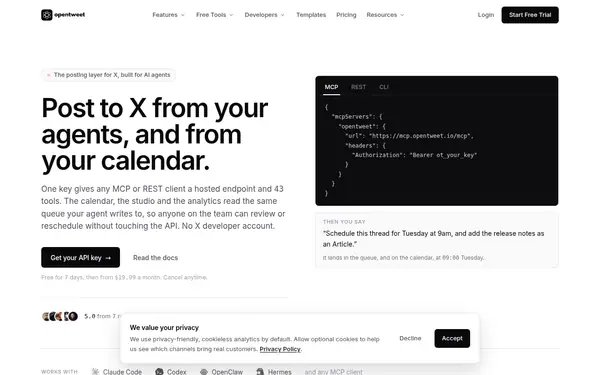
Hosted posting for X driven by AI agents, API or a web calendar; from $19.99/mo; 7-day trial with card.
When to pick it: Pick it if you want to drive posting from an AI agent or API.
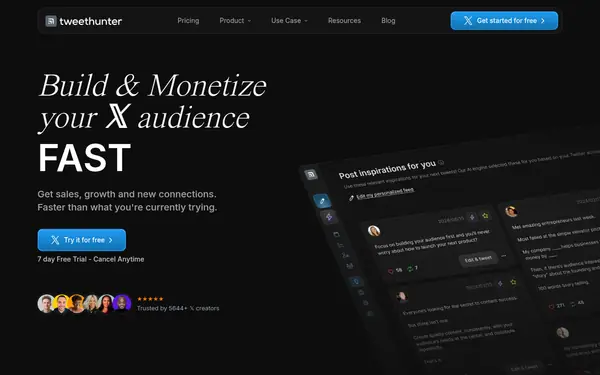

Writing, scheduling, automation, analytics and a light CRM for growing an audience on X; from $29/mo; 7-day trial.
When to pick it: Pick it if X audience growth is your goal.
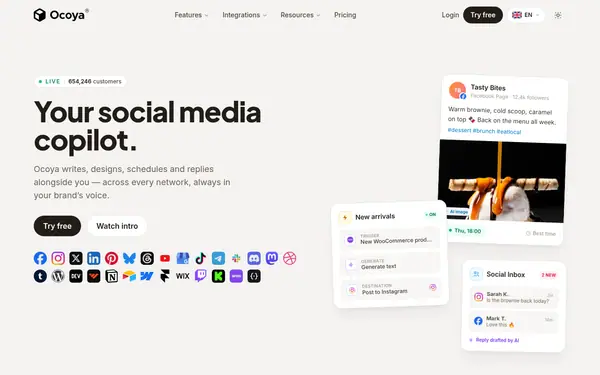

Builds a brand kit and uses it to write, design and schedule posts across networks; from $29/mo; 7-day trial with card.
When to pick it: Pick it if you need several networks and designs.
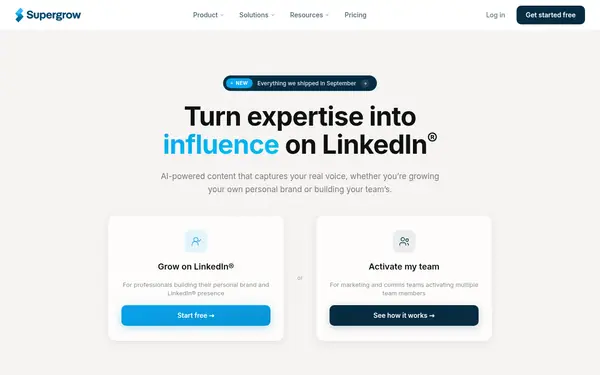

AI LinkedIn content writing and scheduling; from $39/mo; 7-day trial.
When to pick it: Pick it if you post on LinkedIn.
None of these tools has a free plan.
| Criterion | TweetAI | OpenTweet | Tweet Hunter | Ocoya | Supergrow | Checked |
|---|---|---|---|---|---|---|
| From (price/mo) | not published source | $19.99/mo source | $29/mo source | $29/mo source | $39/mo source | |
| Free plan / trial | yes source | no; trial: 7-day free trial (card required) source | no; trial: 7-day free trial source | no; trial: 7-day free trial, payment card required source | no; trial: 7 days source | |
| Key capability | Idea to post and thread, tone matching source | MCP/REST/CLI posting to X source | Writing + scheduling + CRM for X source | Brand-kit captions, visuals, scheduling source | LinkedIn writing and scheduling source | |
| Main limit | Starter: 1 seat, 1,000 replies/posts a month; yearly-billed prices only source | Trial leaves out Evergreen, X Articles and DM sending; analytics X-only source | Auto-DMs capped monthly on every plan; pricing page inconsistent with homepage source | No free plan; one credit per post; monthly-billed prices only source | Jump from Pro $39 to Teams $199 source |
Facts from the vendors' official pages, checked on the date in the last column. Prices are what the vendor published on that date.
X: TweetAI, OpenTweet, Tweet Hunter. LinkedIn: Supergrow. Several: Ocoya.
Give the tool examples so tone matches (TweetAI and Ocoya both support voice or brand input).
Create seven posts and edit every one by hand.
Queue posts and check the first results before scaling.
Check credits and auto-DM caps in the plan.
TweetAI has a free plan with limited daily access; the others offer 7-day trials.
Yes: Ocoya, Supergrow, Tweet Hunter and OpenTweet schedule as well as write.
Ocoya covers multiple networks with a brand kit; Supergrow suits LinkedIn.
Not described on these cards; check each vendor's site.
Something wrong or missing on this page — a wrong fact, an outdated price, a tool that should be here? Tell us, ideally with a link to the official page. We check every suggestion within 7 days; a suggestion never changes the page by itself.