
Website chat and support4 tools

Help desk for a small business

One place where customer emails and website chats become tickets that your team can assign, answer with saved replies, and back up with a public help center.

A small business usually starts support in a shared inbox, and a help desk becomes useful once questions get lost or two people answer the same email. The tools here turn email and chat into tickets, let you assign them, and add a knowledge base. They differ mostly in price model and how much AI is included. EngageBay offers a free plan for up to 15 users with a help desk and live chat. HubSpot has free service tools, with ticketing and bots on its Starter plan. BoldDesk sells one plan built around AI credits with 5 human agents included. MyLiveChat is chat-first with ticket follow-up and a free single-agent plan. When choosing, check the free-plan limits, whether pricing is per user or per plan, which channels become tickets, and how AI usage is billed. The steps set up EngageBay's free help desk. All facts come from official vendor pages, checked on 2026-10-20.

Last verified Suggest an update

At a glance

EngageBay's free plan covers up to 15 users with helpdesk and live chat; MyLiveChat is free for 1 agent; BoldDesk's base tier includes 5 human agents and AI credits.

The shortlist

4 tools
  1. EngageBay

    Sales & Lead Generation
    Free planVerifiedOur pick

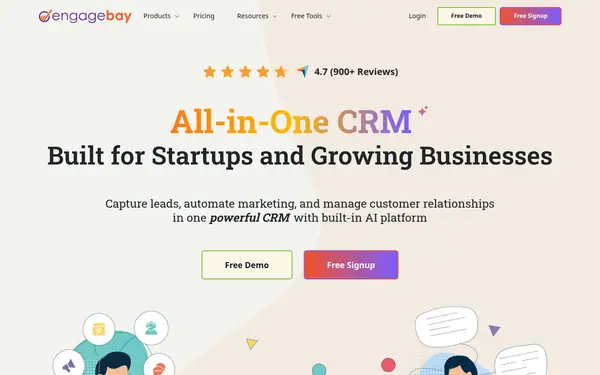
    Its free plan includes a helpdesk and live chat for teams of up to 15 users, without a credit card. Emails forwarded to the Service module become tickets, and a help center can be published.

    When to pick it: If you want to start with no software cost and may later use its CRM or email marketing in the same account.
    $14.99/moFree plan
  2. HubSpot

    AI Marketing
    Free planVerified

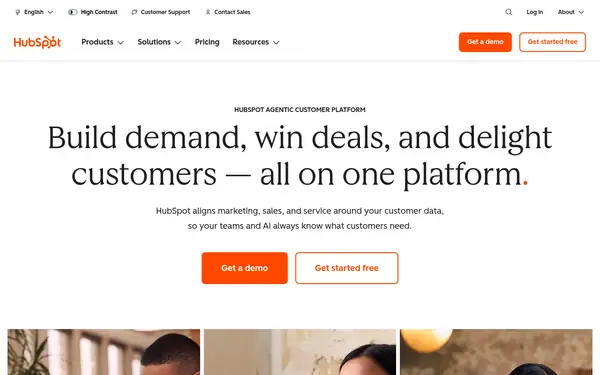
    Help desk tools are part of Service Hub, with some functions free. Starter adds ticketing, conversational bots and higher limits, and everything links to HubSpot's CRM records.

    When to pick it: If you already use HubSpot's CRM, or want support tickets tied to contacts and deals.

    $20/moFree plan
  3. BoldDesk

    AI Customer Support
    Free trialVerified

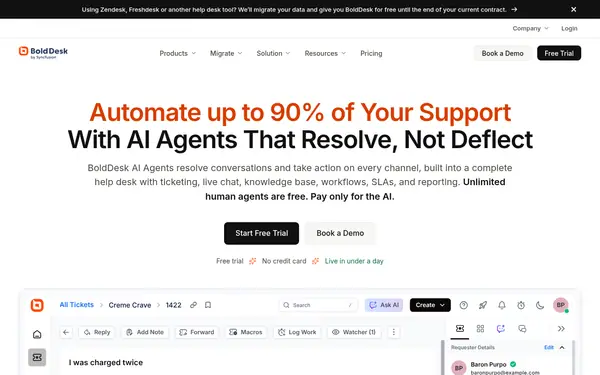
    One plan includes unlimited tickets, email, live chat, a knowledge base, SLAs and an AI agent, with 5 human agents on the 1,000-credit tier.

    When to pick it: If you want AI to answer and act on routine requests and have a team of around five agents.

    $116/moTrial: 15-day free trial
  4. MyLiveChat

    AI Customer Support
    Free planVerified

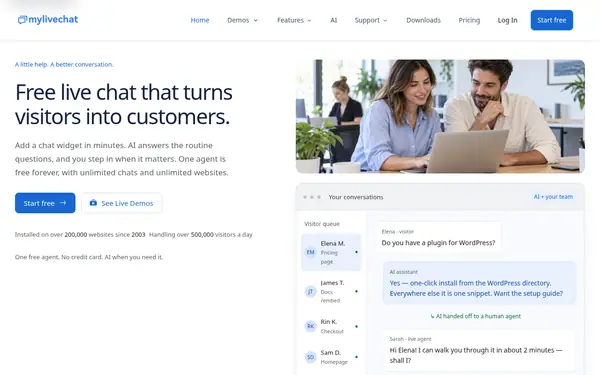
    Website live chat is the core, with offline capture, email-to-ticket follow-up, macros, a knowledge base and an optional AI chatbot in the same workspace. One agent is free.

    When to pick it: If most support happens in website chat and you want tickets only for follow-up.

    $15/moFree plan

Compared on this task

CriterionEngageBayHubSpotBoldDeskMyLiveChatChecked
Emails become ticketsYes — forward your support inbox to the Service module sourceYes — team email channel; the help desk workspace article applies to Service Hub Professional and Enterprise sourceYes — email ticketing sourceYes — email-to-ticket follow-up in a shared inbox source
Live chat on your websiteYes — included in the Free plan sourceYes — Free plan shows HubSpot branding on live chat; Starter removes it sourceYes — included sourceYes — core product source
Knowledge base / help centerYes — Help Center with collections and a drag-and-drop design editor sourceYes — built-in knowledge base sourceYes — public and private, multilingual sourceYes — public help center that also trains the AI source
AI answersAI chatbot trained on links, PDFs or the knowledge base; 20 AI conversations/month on Free sourceAI customer agent; AI features use HubSpot Credits (500 per month on Starter) sourceAI Agent on all channels; 1,000 AI credits per month on the base tier sourceAI chatbot; Managed AI from $29 per site/month or Own-Key AI $15 per AI agent/month source
Users on the free planUp to 15 users source2 users sourceNo free plan (free trial) source1 agent source
From (official pricing)Basic $14.99 per user/month (monthly tab); $13.79 on yearly and $12.74 on biennial billing sourceStarter $20/month per seat list price; new-customer offer $7/mo per seat billed annually or $10/mo billed monthly source$99/month billed yearly ($1,188/year) or $116 on monthly billing, 5 human agents included sourceStarter $15/month (1 agent); Basic $29/month (2 to 4 seats) source

Facts from the vendors' official pages, checked on the date in the last column. Prices are what the vendor published on that date.

How to do it

  1. Create a free EngageBay account

    Sign up for the Free plan. The pricing page says it is free for up to 15 users and needs no credit card; helpdesk and live chat are part of it.

    EngageBaysource

  2. Open the Service dashboard

    Log in and go to the Service dashboard. This is where you create and view tickets and set up service automation.

    EngageBaysource

  3. Turn support emails into tickets

    In Service Dashboard > Settings, copy the forwarding address. In your mailbox settings, add it as a forwarding address. From then on, emails that reach that inbox arrive in EngageBay as tickets.

    EngageBaysource

  4. Add the chat widget to your website

    In Account Settings > API & Tracking Code, copy the tracking code and paste it into your site. Then open the Live Chat module, click Chat Widget, switch on Enable Live Chat and click Save Changes. Incoming chats appear under Live Chat > Conversations.

    EngageBaysource

  5. Assign tickets and reuse answers

    When you create a ticket from the Service dashboard, pick an assignee from the user list; that person is notified. Save common replies as canned responses (the Free plan allows 10) so agents do not retype them.

    EngageBaysource

  6. Publish a help center

    In the Service dashboard, open the three-dot menu and choose Help Center. Create collections, add articles, adjust the design under Preferences > Design, then switch the help center live under Preferences > Settings and save.

    EngageBaysource

Limits and risks

  • EngageBay's Free plan allows 2 ticket views, 1 support group, 10 canned responses and 20 AI conversations per month. source
  • EngageBay lists service automation from the Growth plan ($64.99 per user/month on the monthly tab), and paid plans are priced per user. source
  • HubSpot's help desk article on connecting channels applies to Service Hub Professional and Enterprise. WhatsApp and calling channels also need Professional or Enterprise. source
  • HubSpot's $7 and $10 Starter prices are a limited-time offer for new customers; the list price is $20/month per seat. AI features use HubSpot Credits, and overage charges apply only if you enable overages. source
  • BoldDesk has no free plan. Its monthly AI credits reset each month, extra credits cost $40 per 1,000, and each added human agent costs $20 per month. source
  • MyLiveChat's own pricing page advises teams that need WhatsApp, Instagram, Messenger or SMS in the same queue from day one to check those requirements early. source

Frequently asked questions

Which help desk software suits a small business?

It depends on budget and team size. EngageBay's Free plan covers up to 15 users with helpdesk and live chat. HubSpot's free tools allow 2 users, with ticketing on Starter. BoldDesk starts at $99/month billed yearly for 5 agents with AI included. MyLiveChat is free for 1 agent.

What does help desk software include?

HubSpot describes a help desk as a central tool for managing incoming customer issues: it records tickets, routes them to the right person, tracks response and resolution times, and offers a knowledge base customers can search. All four tools on this page include tickets, live chat and a knowledge base.

Which help desks include AI for customer support?

All four. BoldDesk includes an AI agent with monthly AI credits. HubSpot offers an AI customer agent that uses HubSpot Credits. EngageBay's AI chatbot is trained on your links, PDFs or knowledge base, with 20 AI conversations a month on Free. MyLiveChat sells AI as managed reply packs or with your own AI key.

What does AI actually do in customer support?

BoldDesk's pricing page gives examples by effort: answering from the knowledge base, summarizing a ticket, drafting or translating a reply (1–2 credits); checking an order or creating an issue in another system (3–5 credits); and multi-step work such as deciding and processing a refund (8–12 credits).

How do I add a HubSpot chatbot to my website?

HubSpot's help desk documentation says you connect a chat channel to add chatflows to your website pages, where you also set team availability and branding. That article applies to Service Hub Professional and Enterprise; conversational bots are also listed in HubSpot Starter.

Suggest an update

Something wrong or missing on this page — a wrong fact, an outdated price, a tool that should be here? Tell us, ideally with a link to the official page. We check every suggestion within 7 days; a suggestion never changes the page by itself.

What is wrong?

For example the new price, the feature that changed, or the tool we should add.

The official page that shows the change.

Only we see it, to reply. It is never published.