
Buffer review: Social media scheduling, comment replies and analytics, priced per connected channel
Social media scheduling, comment replies and analytics, priced per connected channel
Custom (contact sales), free plan: yes, free trial: 14-day free trial, prices checked on October 20, 2026.
Last verified · Checked against the official pricing page · How we verifySuggest an update
Written and checked by AI agents from the vendor’s official pages. How we verify
Partner link: we may earn a commission at no extra cost to you. It never changes our order or verdicts. Affiliate disclosure
What Buffer does
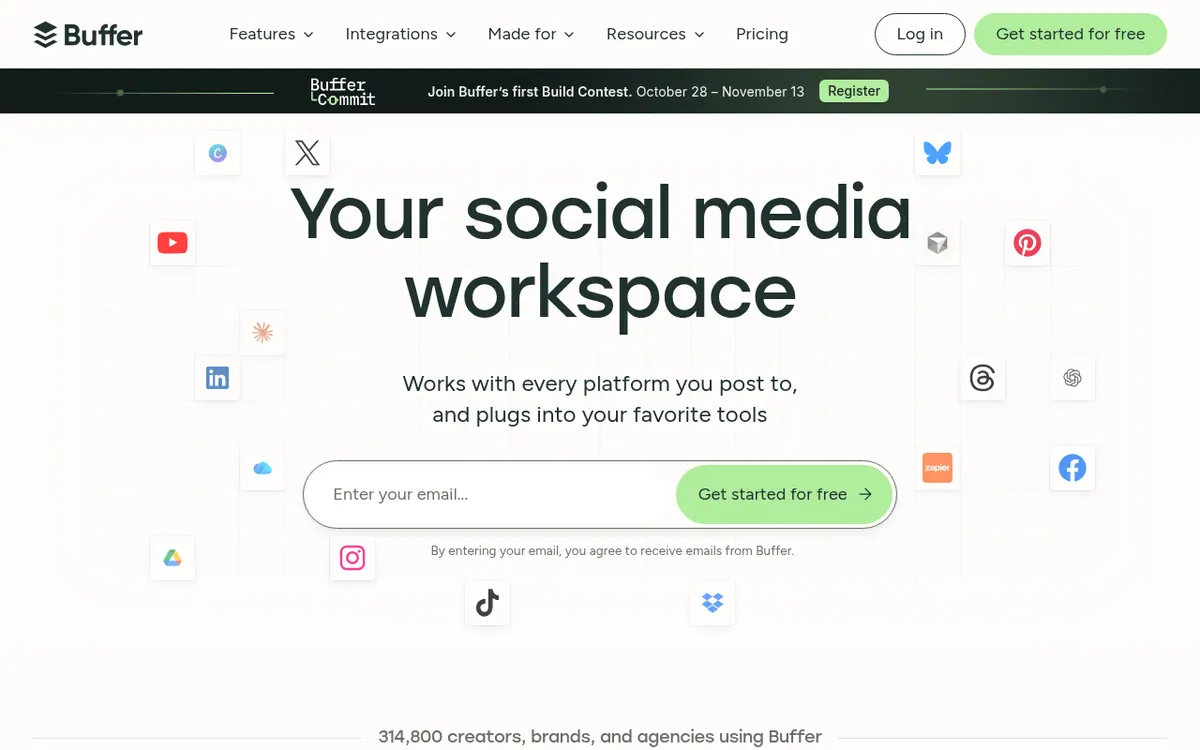
Buffer is a social media management tool aimed at solo creators, brands and agencies. Its main job is scheduling content to networks such as Facebook, Instagram, TikTok, LinkedIn, Threads, Bluesky, YouTube Shorts, Pinterest, Google Business, Mastodon, X and Substack. Around publishing it offers an idea store, a queue, a visual content calendar, an AI Assistant for brainstorming and rewriting posts, a community inbox for answering comments, and analytics with reports. It also includes a Start Page, which is a landing page of links to your content, plus API access. The Canva integration works inside the post composer on desktop, and Buffer can be connected to Claude or ChatGPT.
Pricing depends on how many channels you connect. The Free plan is described as free forever and allows 3 channels, with 10 scheduled posts per channel, 100 ideas, 1 user account and 1 API key. Essentials is shown at $5 per month billed yearly for 1 channel, which the page gives as $ 60 billed yearly, and Team at $10 per month billed yearly for 1 channel, or $ 120 billed yearly. The page describes both yearly totals as saving 2 months. Both paid plans start with a 14-day free trial and have unlimited scheduled posts per channel. Essentials adds first comment scheduling, a hashtag manager and 3 API keys. Team adds unlimited team members, access levels, content approval workflows and 5 API keys. A Start Page counts as a channel in your plan.
- Schedule posts to many social networks
- Queue and visual content calendar
- AI Assistant for brainstorming and rewriting
- Community inbox for comment replies
- Analytics and exportable reports
- Start Page landing page
- Team collaboration and approval workflows
- API access and Claude/ChatGPT connection
Pros and cons
Pros
- Free plan with 3 channels, 10 scheduled posts per channel and 100 ideas
- Per-channel pricing lets you add or remove channels as needs change
- 14-day free trial on the Essentials and Team plans
- Publishes to many networks, including Facebook, Instagram, TikTok, LinkedIn, Bluesky and Mastodon
- API access listed on every plan, with iOS and Android apps in the product menu
Cons
- Free plan limits scheduled posts to 10 per channel and analytics history to 30 days
- Approval workflows and custom access are only on the Team plan
- Free and Essentials include only 1 user
- The listed $5 and $10 are yearly-billed rates; no separate monthly-billing price is shown
- The Canva integration is desktop only, and a Start Page counts as a channel
Our take
Buffer fits individuals and small teams who want scheduling, a comment inbox and analytics in one product, and who prefer paying only for the channels they connect. The Free plan, with 3 channels, is a low-risk way to start. It fits less well if you need approval workflows or branded reports, since those are only on Team, or if several people must work in one account on a cheaper plan, because Free and Essentials include 1 user. The $5 and $10 prices are the yearly-billed per-month rates for 1 channel, and the pricing page does not show a separate monthly-billing price. Costs rise with each channel you add.
Comparisons and lists with Buffer
Coming soon
Coming soon — we are writing comparisons that include Buffer.
Buffer pricing
| Plan | Monthly billing | Annual billing (per month) | Limits / what’s included |
|---|---|---|---|
| Free | — | — | Connect up to 3 channels; 10 scheduled posts per channel; 100 ideas; 1 user account; 1 API key; 3,000 requests/month |
| Essentials per month, for 1 channel, billed yearly | — | $5 | 1 channel; $ 60 billed yearly (save 2 months); unlimited scheduled posts per channel; unlimited ideas; 1 user account; 3 API keys; 7,500 requests/month; 14-day free trial |
| Team per month, for 1 channel, billed yearly | — | $10 | 1 channel; $ 120 billed yearly (save 2 months); unlimited scheduled posts per channel; unlimited team members; 5 API keys; 15,000 requests/month; 14-day free trial |
Free trial: 14-day free trial. Free plan: yes.
Prices checked on on the official Buffer pricing page. “—” = not published.
All Buffer plans, limits and annual prices →
Frequently asked questions
Does Buffer have a free plan?
Yes. The Free plan is described as free forever and covers 3 channels, with 10 scheduled posts per channel, 100 ideas and 1 user account.
How much do the paid plans cost?
Essentials is $5 per month billed yearly for 1 channel ($ 60 billed yearly), and Team is $10 per month billed yearly for 1 channel ($ 120 billed yearly). The page notes both save 2 months.
Is there a trial for the paid plans?
Yes. Essentials and Team both offer a 14-day free trial.
Is there an API?
Yes. API access is listed on every plan: 1 API key and 3,000 requests/month on Free, 3 keys and 7,500 on Essentials, and 5 keys and 15,000 on Team.
Can I use the Canva integration on mobile?
No. According to the Canva integration page, it is available in Buffer on desktop only and is not supported in the iOS or Android apps.
Recently verified in Social Media
 Later
 Post Bridge
 Blabla
 Hootsuite
 Metricool
 Modash
Add an AGIPicks badge to your site
The badge shows Buffer’s verification status on AGIPicks and links to this page. Light/dark and compact versions: badges.

Suggest an update
Wrong price, outdated fact or a tool that shut down? Are you the vendor and disagree with this page? Tell us, ideally with a link to the official page. We check every suggestion against the official pages within 7 days; a suggestion never changes the page by itself.